
nashi Team
5 min read

For many Singapore small businesses, the payment question used to be simple: cash, PayNow, or a card terminal if you were large enough to justify one. In 2026, that answer is changing.
Customers still use PayNow heavily, especially local customers paying from a Singapore bank account. But card payments are increasingly important for higher-value purchases, tourist-facing businesses, mobile services, pop-ups, and professional services where customers want rewards, security, or a familiar checkout experience.
The challenge is not whether card payments matter. It is deciding which card payment options a small business should actually offer without paying for hardware, subscriptions, or a full POS system that does far more than you need.
This guide focuses specifically on card payments for small business in Singapore, and what is worth offering in 2026.
The short answer: what card payments should you offer?
If you run a micro or small business in Singapore, the practical card payment setup for 2026 is usually:
Contactless Visa and Mastercard as your baseline card acceptance.
Mobile wallet card payments, where customers tap a phone or watch linked to their card.
International card acceptance if you serve tourists, expats, corporate clients, or visiting customers.
Amex if your customers expect it, especially for premium retail, wellness, travel, corporate, or higher-ticket services.
PayNow alongside cards, not instead of cards.
That last point matters. PayNow is still useful because it is familiar and cost-efficient for local bank transfers. But it does not work for everyone. A tourist, a newly arrived expat, or a customer who wants to pay with a company card cannot always use PayNow. If card acceptance is missing, the sale may become slower, more awkward, or lost entirely.
If you are deciding across all payment types, not just cards, nashi has a broader guide on payment methods for small businesses in 2026. This article stays focused on cards and how to offer them sensibly.
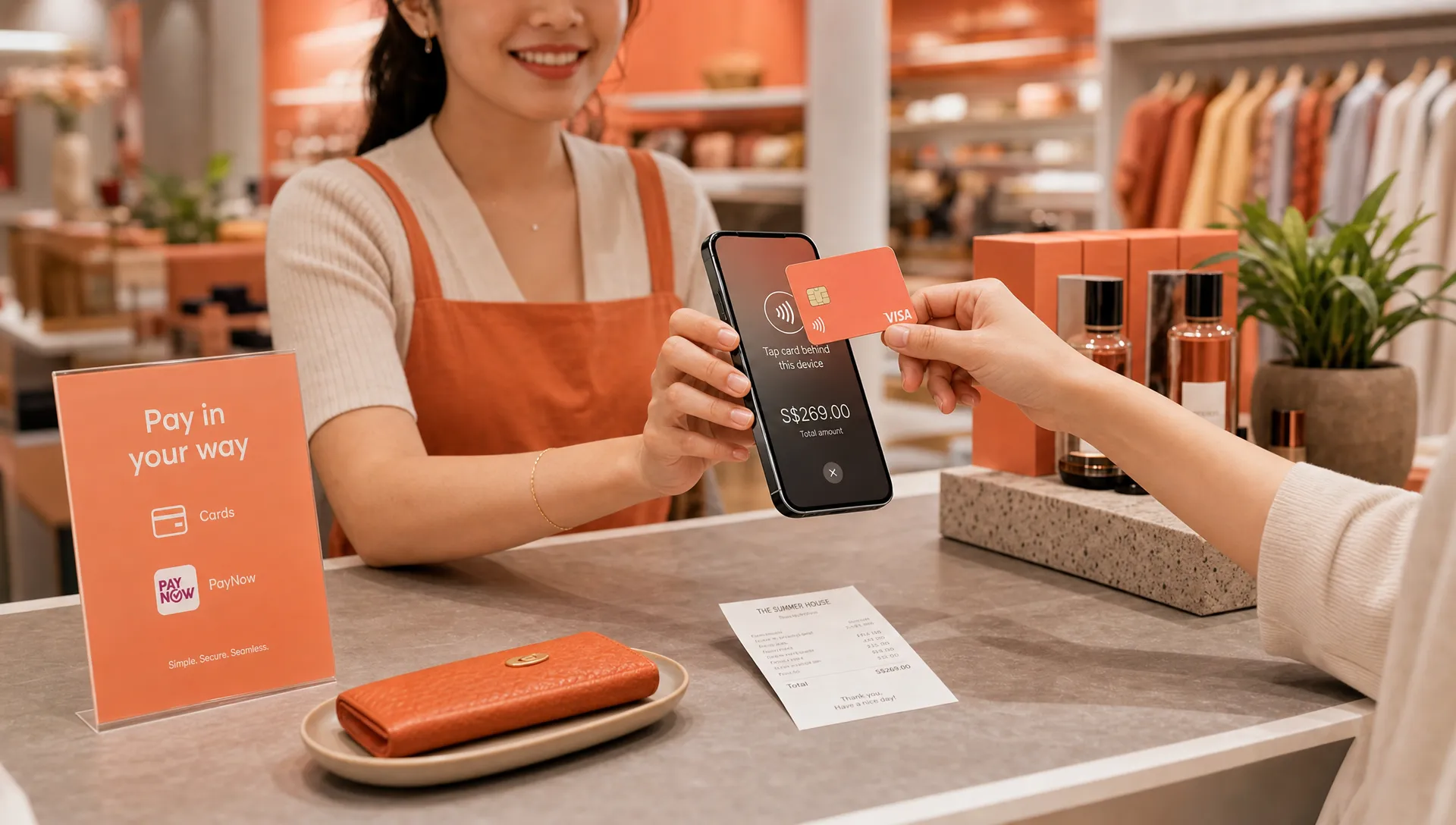
Why cards still matter in a PayNow-heavy market
Singapore businesses often move from cash to PayNow first. That makes sense. PayNow QR is simple for local customers, and many small operators have relied on it since digital payments became mainstream during and after COVID.
But PayNow has limits. It is built around Singapore bank accounts. That makes it less useful for tourists, international visitors, overseas corporate clients, and customers who simply prefer to pay by card.
Cards also solve several checkout problems that small businesses feel more often than they expect.
For higher-value transactions, customers may prefer credit cards because they want rewards, miles, installment flexibility through their bank, purchase protection, or better cash flow. A personal trainer selling a S$900 package, an air-con servicing business collecting for a large repair job, or a skincare brand selling premium bundles at a fair may all find that card acceptance removes friction.
Cards can also make a business look more established. This is not just about image. When a customer can tap a card or mobile wallet and receive confirmation immediately, the checkout feels familiar and professional.
For businesses serving tourists, cards are even more important. International visitors may not carry much cash, and they typically cannot use PayNow. In that situation, card acceptance is not a nice-to-have. It is often the difference between getting paid smoothly and asking a customer to find another way.
The card payment options worth offering in 2026
Not every card-related feature is equally useful. Some small businesses need only the basics, while others benefit from wider card coverage. Use the table below as a practical starting point.
Card payment option | Should small businesses offer it? | Best fit | What to watch |
|---|---|---|---|
Contactless Visa and Mastercard | Yes, for most businesses | Retail, services, pop-ups, home services, tuition, wellness | Compare domestic and international rates separately |
Card-funded mobile wallets | Yes, where supported | Customers tapping phones or watches at checkout | Make sure your provider supports the wallets your customers use |
International Visa and Mastercard | Yes, if you serve non-local customers | Tourist-facing shops, transport, expat services, events | International card fees are usually higher |
Amex | Useful for selected businesses | Premium services, corporate clients, higher-spend customers | Fees can differ from Visa and Mastercard |
Manual card entry | Usually not necessary for in-person-only businesses | Phone orders or remote payments, if your provider supports it | Higher risk and different rules may apply |
Full POS card integration | Only if you need POS features | Larger retail shops, F&B, inventory-heavy businesses | Can add complexity and cost |
For most micro businesses, the priority is not to accept every possible payment product. It is to cover the cards customers actually use while keeping checkout simple.
A home service contractor, for example, may only need contactless Visa and Mastercard, mobile wallet acceptance, and the ability to process a refund if a job changes. A premium pop-up brand may want the same, plus Amex and international cards because customers at fairs may include tourists and expats.
Contactless cards should be the baseline
In 2026, card payments for small business should be contactless by default. Customers expect to tap, not insert or swipe. That tap may come from a physical card, an iPhone, an Android phone, or a wearable.
For a small business, contactless acceptance has three major advantages.
First, it is fast. A quick tap keeps queues moving at markets, events, and retail counters.
Second, it is familiar. Customers already know where to tap, and they do not need to explain bank transfers, screenshots, or reference numbers.
Third, it supports mobile selling. If you are collecting payment at a customer’s home, at a trade fair booth, after a fitness session, or beside a delivery vehicle, contactless card acceptance fits the way you already work.
This is where Tap to Phone and Tap to Pay on iPhone have become especially relevant. Instead of buying a dedicated terminal or carrying a Bluetooth reader, an eligible smartphone can become the card acceptance device. On iPhone, Tap to Pay on iPhone is available on iPhone XS and newer. On Android, Tap to Phone works on compatible NFC-enabled devices.
If you want a step-by-step explanation of the setup, see nashi’s guide on how to use Tap to Pay on your smartphone for business payments.
Choose the acceptance setup before choosing extra features
Many small business owners compare payment providers by looking at feature lists. That can be misleading. A platform with invoicing, e-commerce checkout, payment links, loyalty tools, inventory, and analytics may sound powerful, but it may not be the simplest way to take an in-person card payment.
Start with how you actually sell.
Setup type | How it works | Good for | Possible downside |
|---|---|---|---|
Traditional card terminal | Dedicated device from a bank or payments provider | Permanent counters, higher-volume retail | Hardware, contracts, rental, setup time |
Bluetooth card reader | Small reader paired with an app | Mobile sellers who do not mind carrying hardware | Pairing issues, charging, extra device to manage |
Full POS system | POS software plus payment hardware | Inventory-heavy shops, F&B, multi-staff operations | More features and cost than many micro businesses need |
Tap to Phone app | Smartphone accepts contactless cards directly | Pop-ups, services, mobile professionals, small shops | Requires compatible phone and data connection |
For a business that only wants to accept in-person card payments, a Tap to Phone app is often the cleanest starting point. It avoids terminal rental, delivery, syncing, and device maintenance. It also fits businesses that accept cards intermittently, such as event vendors, seasonal sellers, instructors, and home service providers.
nashi is built around this lighter model. It turns an Android phone or eligible iPhone into a card payment terminal, with no separate card reader or Bluetooth accessory. It is designed for in-person card acceptance, not as a full POS suite or e-commerce platform. For businesses comparing simpler options, this guide to choosing a simple card payment solution may also help.
Match your card offering to your business type
The right card setup depends on ticket size, customer type, and where payment happens. A S$8 drink stall and a S$1,200 coaching package do not need the same approach.
Business type | Card payments to prioritise | Why it matters |
|---|---|---|
Pop-ups and market stalls | Contactless Visa/Mastercard, mobile wallets, international cards | Customers expect speed, and tourists may not use PayNow |
Mobile beauty, fitness, and coaching | Contactless cards, mobile wallets, Amex if relevant | Packages are often higher value, and clients may prefer rewards or credit |
Air-con, plumbing, cleaning, and repairs | Contactless Visa/Mastercard, mobile wallets | Card payment feels professional and helps with larger home-service bills |
Tuition and private education | Contactless cards for term fees or packages | Parents may prefer card payments for larger recurring amounts |
Boutique retail and premium products | Visa/Mastercard, mobile wallets, Amex, international cards | Customers may expect card choice for higher-ticket purchases |
Tourist-facing transport or services | International cards and mobile wallets | Visitors may not have cash or access to local bank transfers |
The pattern is clear: the more your business depends on higher-ticket payments, international customers, or mobile selling, the more card acceptance matters.
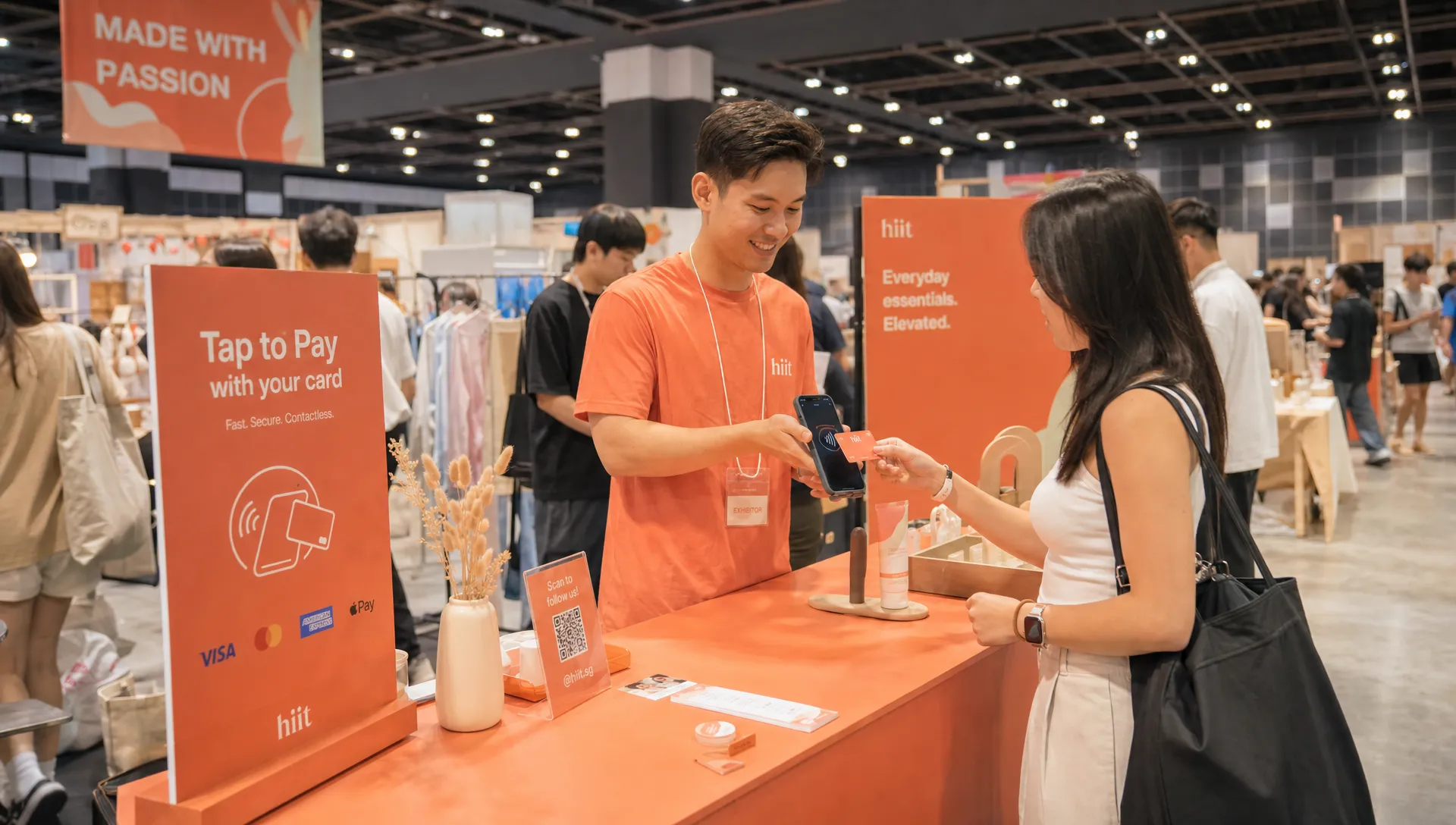
Understand card payment costs before you decide
Card payments are not free, so small businesses should understand the main cost components before choosing a provider.
Most card payment pricing includes a percentage fee, often called the merchant discount rate, and sometimes a fixed per-transaction fee. Fees may also differ by card type. A Singapore-issued Visa or Mastercard may cost less than an international card. Amex may have a different rate. Some providers may add GST on fees, setup fees, monthly fees, or terminal rental.
The fixed fee matters most for low-value transactions. Here is an illustrative example using a hypothetical fee of 2.5% plus S$0.30 per transaction.
Transaction value | Fee calculation | Total fee | Effective cost |
|---|---|---|---|
S$20 | 2.5% + S$0.30 | S$0.80 | 4.0% |
S$100 | 2.5% + S$0.30 | S$2.80 | 2.8% |
S$500 | 2.5% + S$0.30 | S$12.80 | 2.56% |
This is why card acceptance can make more sense for higher-value transactions than for very low-ticket, high-volume sales. If you sell S$5 items all day, every fixed fee hurts. If you sell S$150 services, S$300 packages, or S$800 products, the convenience and conversion benefit may be easier to justify.
When comparing providers, look beyond the headline percentage. Ask these questions:
Are domestic and international cards priced differently?
Is there a fixed fee per transaction?
Are Amex rates different?
Are there setup, monthly, cancellation, or terminal rental fees?
Is GST added on top of the listed payment fee?
How quickly are funds paid out?
Can you issue full and partial refunds easily?
For any card acceptance provider, security also matters. Look for providers operating with recognised card industry standards such as PCI DSS. nashi is PCI-DSS compliant and powered by Adyen’s payment infrastructure, with automatic payouts to the merchant’s bank account in 2 business days.
Keep PayNow, but do not rely on it alone
For Singapore small businesses, the best payment setup is often not cards versus PayNow. It is cards plus PayNow.
PayNow remains useful for local customers who are comfortable scanning a QR code and paying from their bank account. It can be especially helpful for lower-margin transactions where card fees would be hard to absorb.
Cards fill the gaps PayNow leaves. They help when customers do not have a Singapore bank account, want to use a corporate card, want rewards, or simply prefer tapping a phone or card instead of making a bank transfer.
A simple checkout script can work well: “You can pay by PayNow or card.” That gives the customer control while keeping the merchant experience straightforward.
This is especially important at events. If a queue forms at a booth and each PayNow customer has to scan, confirm, show a screenshot, and wait for the merchant to verify, checkout slows down. Contactless card acceptance can make those moments smoother.
What not to overbuild in 2026
The payment market loves new features. Small businesses should be selective.
You may not need an all-in-one POS system if you do not manage complex inventory. You may not need e-commerce payment tools if you only sell in person. You may not need loyalty, BNPL, invoicing, and online checkout bundled into the same platform if your main problem is simply: “How do I accept a card when the customer is standing in front of me?”
Overbuilding has costs. It can increase setup time, confuse staff, create more settings to manage, and make pricing harder to understand. For micro businesses, simplicity is often a competitive advantage.
A good 2026 card payment setup should be easy to explain:
The customer taps their card or mobile wallet.
The merchant gets real-time confirmation.
The transaction is recorded.
Funds are settled to the business bank account.
Refunds can be handled if needed.
If your provider makes that flow feel complicated, it may be more platform than your business needs.
A practical recommendation for Singapore small businesses
If you are starting from scratch, offer PayNow and contactless cards first. That combination covers local bank transfer preference and card preference without forcing you into a complex POS stack.
Then adjust based on your customers.
If you serve tourists, make sure international cards work. If you sell premium goods or professional packages, consider Amex. If you sell mainly low-value items, compare card fees carefully and decide when card acceptance is worth offering.
For many small businesses, the goal is not to maximise the number of logos at checkout. It is to make payment feel effortless for the customer and manageable for the merchant.
In 2026, that usually means simple contactless card acceptance, mobile wallet compatibility, PayNow as a companion option, and no unnecessary hardware unless your business genuinely needs it.
Frequently Asked Questions
What card payments should a small business in Singapore offer in 2026? Most small businesses should offer contactless Visa and Mastercard, mobile wallet card payments, and PayNow alongside cards. Businesses serving tourists, expats, or premium customers should also consider international cards and Amex.
Do I still need PayNow if I accept cards? Yes. PayNow is still useful for local customers and cost-sensitive transactions. Card payments complement PayNow by serving customers who prefer cards, use corporate cards, want rewards, or do not have a Singapore bank account.
Do I need a physical card terminal to accept card payments? Not always. With Tap to Phone or Tap to Pay on iPhone, compatible smartphones can accept contactless card payments without a separate terminal or Bluetooth reader.
Are card payments worth the fees for small businesses? They can be, especially for higher-value sales, tourist-facing businesses, mobile services, and professional services. For very low-ticket transactions, compare the fixed and percentage fees carefully.
Should small businesses accept Amex? It depends on your customer base. Amex can be useful for premium retail, wellness, travel, corporate, and higher-spend customers. If your margins are tight or customers rarely ask for it, Visa and Mastercard may be enough to start.
Accept card payments without adding a terminal
If your business wants to accept in-person card payments without buying or renting a card machine, nashi lets you turn your Android phone or eligible iPhone into a contactless payment terminal.
The app is built for micro and small businesses in Singapore that want simple card acceptance, no additional hardware, no monthly subscription fees, no annual contracts, digital onboarding, and payouts to a bank account in 2 business days. It is a practical way to add cards alongside PayNow, especially for pop-ups, mobile services, small shops, and higher-value in-person transactions.


