
nashi Team
5 min read
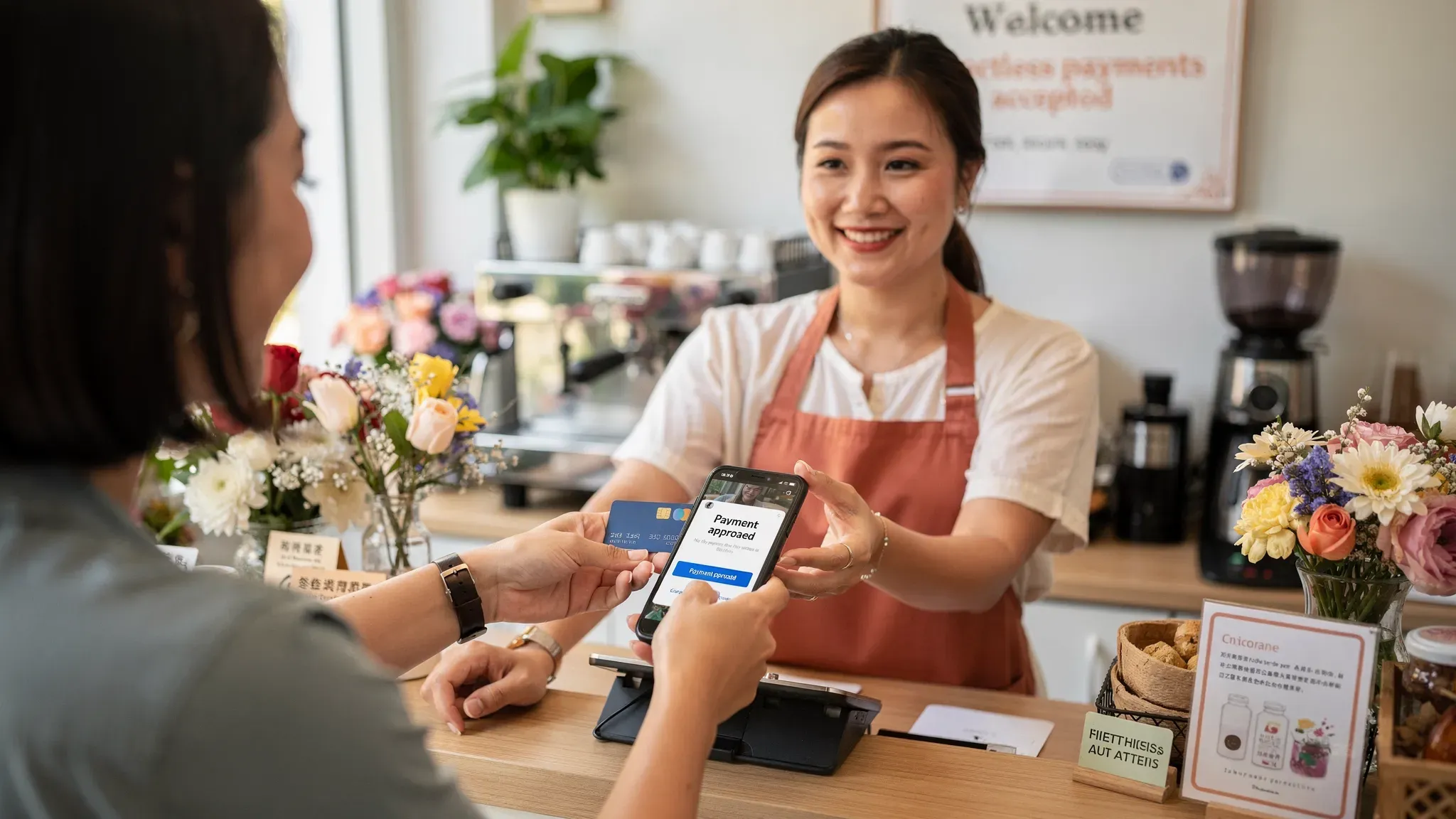
Choosing card payment solutions can feel harder than it should in Singapore. Many providers bundle in e-commerce tools, POS features, subscriptions, and hardware, even when all you want is a reliable way for customers to tap their card or phone and pay.
This guide is for micro and small businesses who want to keep things simple. You will learn how to pick a card payment solution that matches your selling style, avoids hidden complexity, and is easy to start and maintain.
What “simple” actually means for card payment solutions
A simple card payment setup is not just “easy to download”. It should stay easy on your busiest day, when the queue forms, your signal is weak, or you need to issue a refund.
Here is what simplicity usually looks like in practice:
Fast onboarding without weeks of back-and-forth
No hardware headaches (delivery, pairing, charging, replacement)
Clear fees you can explain to yourself in one sentence
Predictable payouts so cash flow is not a guessing game
Refunds that are easy (and do not require calling support)
Support that answers when you are mid-transaction
If your business is small, simplicity is a feature, not a compromise.
Step 1: Match the solution to how you sell (not how vendors sell)
Most payment problems come from buying the wrong category of product.
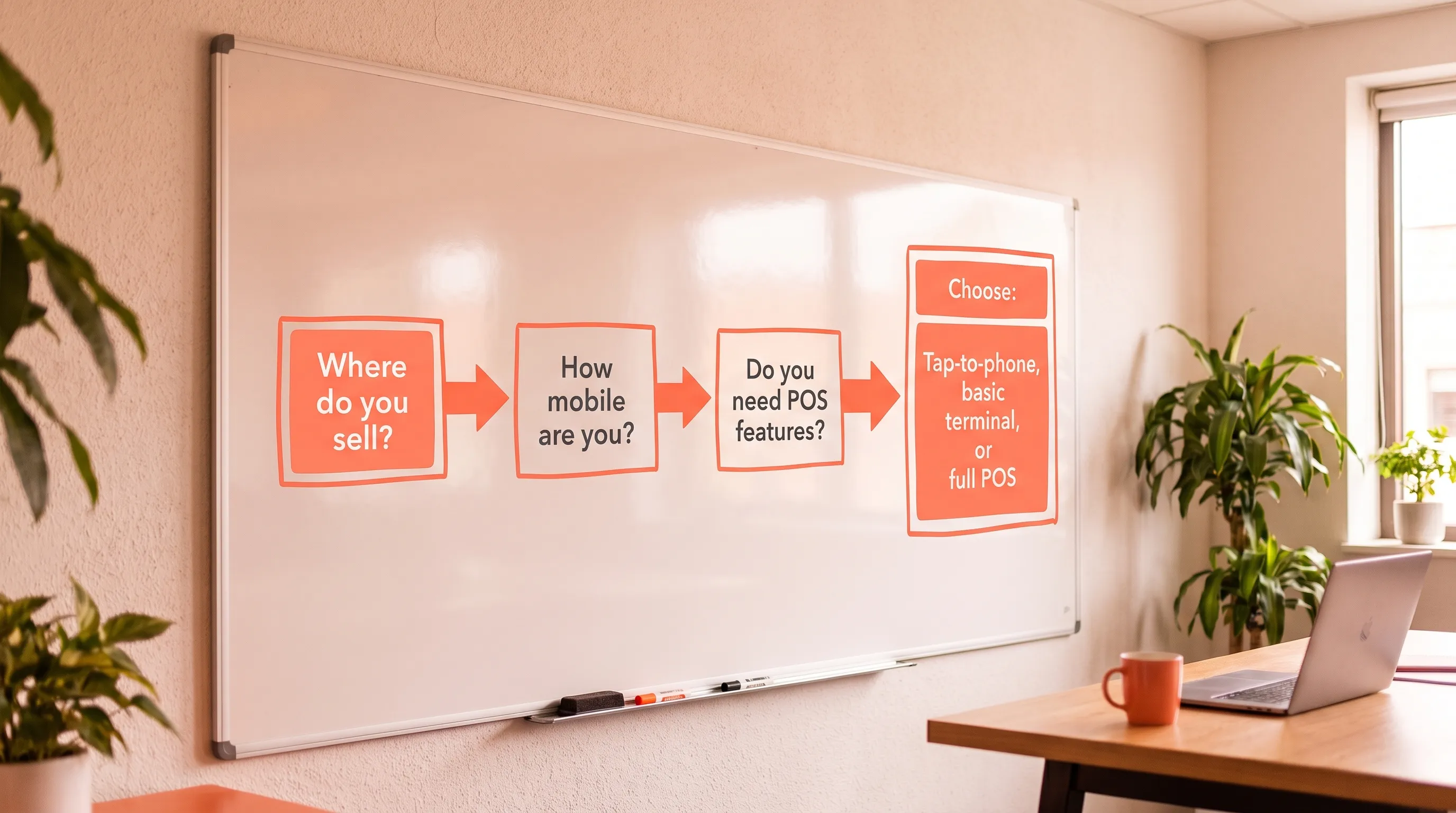
Start by answering three questions:
Where do you collect payments?
At a fixed counter (small shop, studio, clinic reception)
On the go (home services, private transport, mobile beauty)
Occasionally (pop-ups, bazaars, events)
What is your typical ticket size?
Low ticket (for example, under S$10): speed matters a lot, fees can bite
Mid to high ticket (for example, S$50 to S$500+): customers strongly prefer cards, and the cost of missing a sale is higher
Who are your customers?
Mostly locals (PayNow works well, cards are still useful)
Tourists or new arrivals (PayNow often not available, cards become essential)
To make this more concrete, here is a simple mapping.
Your situation | What “simple” usually looks like | What often becomes “not simple” later |
|---|---|---|
Pop-ups and markets | Tap-to-phone (SoftPOS) on a phone you already have | Renting terminals, managing multiple devices, monthly commitments |
Mobile services (AC, plumbing, tutors, trainers) | Tap-to-phone, quick refunds, fast payouts | Bluetooth readers that fail to connect, paper receipts, long KYC delays |
Small retail shop (single outlet) | Tap-to-phone or a basic terminal, depending on volume | Full POS suites with inventory features you will not use |
F&B with very low-value transactions | Often a dedicated setup optimised for speed | Tap-to-phone if it creates delays (especially at peak hours) |
If you are not sure, default to the simplest option you can pilot quickly, then upgrade only if you hit a real limit.
Step 2: Decide if you need a POS, or just card acceptance
Many micro businesses accidentally shop for a POS when they only need to accept cards.
A POS system is worth it when you truly need things like product catalogues, inventory, staff permissions, outlet reporting, or complex receipts.
If you mainly need to:
key in an amount,
take payment,
issue the occasional refund,
track basic transactions,
then you are usually better served by a purpose-built card acceptance app rather than a full POS suite.
This “do fewer things, better” approach is often what makes card payment solutions feel simple day-to-day.
Step 3: Compare simplicity using 6 practical checks
Pricing matters, but for small businesses, operational friction costs money too. Use these checks when shortlisting providers.
1) Onboarding speed and required documents
In Singapore, a legitimate provider will still need to do KYC. The difference is whether it takes 1 day or 14 days.
Ask:
What documents are required (for example ACRA BizFile, shareholder IDs, bank statement)?
Can I submit everything digitally?
What is the typical approval time?
If you have a pop-up next weekend, onboarding time is not a detail. It is the whole decision.
2) Hardware and setup burden
Hardware can be fine, but it rarely stays “simple”:
delivery and collection
device charging
pairing issues (especially Bluetooth)
needing spare units
If you want the lightest setup, consider tap-to-phone solutions that turn your smartphone into a payment terminal using NFC.
3) Payout timing (settlement)
Payout speed affects cash flow, especially for sole proprietors.
Ask:
How many business days until funds land in my bank account?
Are there cut-off times?
Are there reserve policies or conditions that may delay payouts?
4) Refund workflow
Refunds are part of the customer experience. They should not require manual forms.
Ask:
Can I do full and partial refunds in the app?
How long do refunds take to reflect for customers?
5) Support and “what happens when it fails?”
Any solution can have occasional failed taps due to signal, device positioning, or network issues.
Ask:
How do I reach support (chat, email, phone, WhatsApp)?
Is support human-led or ticket-only?
What are support hours (especially if you sell on weekends)?
6) Fee clarity (your effective cost)
Most merchants fixate on the percentage fee, but your real cost is usually:
Effective cost = percentage fee (MDR) + fixed per-transaction fee + any monthly fees + any required add-ons
Also check whether a provider charges GST on top of fees, and whether that applies to your scenario.
If you mostly run low-ticket transactions, fixed fees matter more than you think.

Step 4: Use a “simple scorecard” to shortlist providers
You can copy this scorecard into a note and use it for every provider you speak to.
Simplicity criteria | What you want to hear | Why it matters |
|---|---|---|
Setup | Digital onboarding, clear document list | Less time lost, fewer surprises |
Time to go live | Around 1 to 3 business days for most small businesses | Useful for pop-ups and new launches |
Hardware | No terminal required (or optional) | Less ops overhead |
Fees | One clear pricing model, minimal add-ons | Easier to budget |
Contracts | No lock-in, no monthly subscription (if you do not need it) | Safer for intermittent usage |
Refunds | Full and partial refunds in-app | Better customer experience |
Payouts | Stated settlement timeline | Cash flow predictability |
Card types | Supports Visa/Mastercard, and Amex if relevant | Avoid “sorry, cannot” moments |
A provider does not need to be perfect on every line, but if they are unclear on multiple items, it usually will not feel simple later.
Step 5: Do not replace PayNow, layer cards on top
For many Singapore micro businesses, PayNow is the best default for local customers because it is fast and typically free through your bank.
But PayNow has limits:
tourists and short-term visitors often cannot use it
some customers prefer cards for rewards, record-keeping, and familiarity
for higher-value services, “tap and done” often converts better than “scan QR, open app, confirm transfer”
A practical approach for simplicity is:
keep PayNow/SGQR for locals and cost-sensitive transactions
add contactless card acceptance for convenience, tourists, and larger tickets
If you want to go deeper on the payment mix decision, see nashi’s guide to mobile payment methods in Singapore.
Step 6: Consider tap-to-phone for the simplest in-person card acceptance
For many micro and small businesses, the simplest card payment solution in 2026 is a tap-to-phone (SoftPOS) setup.
Why?
Zero hardware investment (no reader, no terminal)
Fast to deploy (download an app, complete onboarding, start taking payments)
Easy for mobile work (services, home visits, events)
If you are evaluating tap-to-phone specifically, Apple announced Tap to Pay on iPhone support for Singapore in December 2025, via partner payment platforms. You can read Apple’s newsroom update here: Tap to Pay on iPhone expands to new countries and regions.
Where nashi fits (if you want a simple card-only setup)
nashi is built to do one job well: accept in-person card payments on your phone.
What is relevant if you are optimising for simplicity:
No additional hardware required, just an NFC-enabled phone
Android available now, iOS is listed as coming soon
Accepts Visa, Mastercard, and AMEX
PCI-DSS compliant, powered by Adyen payment infrastructure
No monthly subscription fees and no annual contracts
Settlements in 2 business days to your bank account
Full or partial refunds in the app
Free trial up to $1,000 in fee-free transactions
If you want to understand the operational details of tap-to-phone before choosing a provider, nashi also has a practical explainer on smartphone contactless payments (setup, fees, limits).
Common mistakes that make “simple” become complicated
Buying a full POS too early
If you do not need inventory, SKUs, or staff roles, a POS can add months of learning and operational dependency.
Ignoring fixed fees on low-ticket transactions
If your average transaction is small, a fixed per-transaction fee can raise your effective rate significantly. This is one reason some setups are not ideal for very low-value, high-frequency selling.
Choosing a provider that is optimised for online first
Some platforms are great for e-commerce, subscriptions, and APIs, but feel heavy for in-person, phone-first selling.
Underestimating the cost of “just one terminal”
Once you have hardware, you might end up managing spares, charging, accessories, and replacements. If your business is seasonal, that overhead can feel disproportionate.
Frequently Asked Questions
What are the simplest card payment solutions for a small business in Singapore? The simplest options are usually tap-to-phone (SoftPOS) apps that let customers tap a card or mobile wallet on your phone, or a basic terminal if you have a fixed counter and higher daily volume.
Should I stop using PayNow if I start accepting cards? No. For most small businesses, the best setup is PayNow plus card payments. PayNow works well for locals, while cards help with tourists, convenience, and higher-value transactions.
What should I check besides the MDR percentage? Check the fixed per-transaction fee, any monthly fees, payout timing, refund workflow, and whether GST is added on top of fees. Those factors often determine whether a solution stays “simple” and affordable.
Is tap-to-phone secure? Reputable providers use PCI-DSS compliant systems and the phone’s NFC capabilities to process contactless payments securely. Always verify your provider’s compliance and underlying payment infrastructure.
How quickly can I start accepting card payments? It depends on the provider and your documents, but phone-based solutions are often designed for fast digital onboarding. Always ask for a typical approval timeline before you commit.
Try a simpler way to accept contactless card payments
If you want a lightweight, card-only setup that does not require terminals or long contracts, nashi is designed for Singapore micro and small businesses.
Explore nashi at trynashi.com and start with the free trial (up to $1,000 in fee-free transactions).


