
Tap to Pay on iPhone
Tap to Pay on iPhone
Tap to Pay on iPhone
with nashi
with nashi
with nashi
With Tap to Pay on iPhone and nashi, you can accept in-person, contactless payments
right on your iPhone. No separate card reader or extra hardware needed.
With Tap to Pay on iPhone and nashi, you can accept in-person,
contactless payments right on your iPhone.
No separate card reader or extra hardware needed.
With Tap to Pay on iPhone and nashi, you can accept in-person,
contactless payments right on your iPhone. No separate
card reader or extra hardware needed.

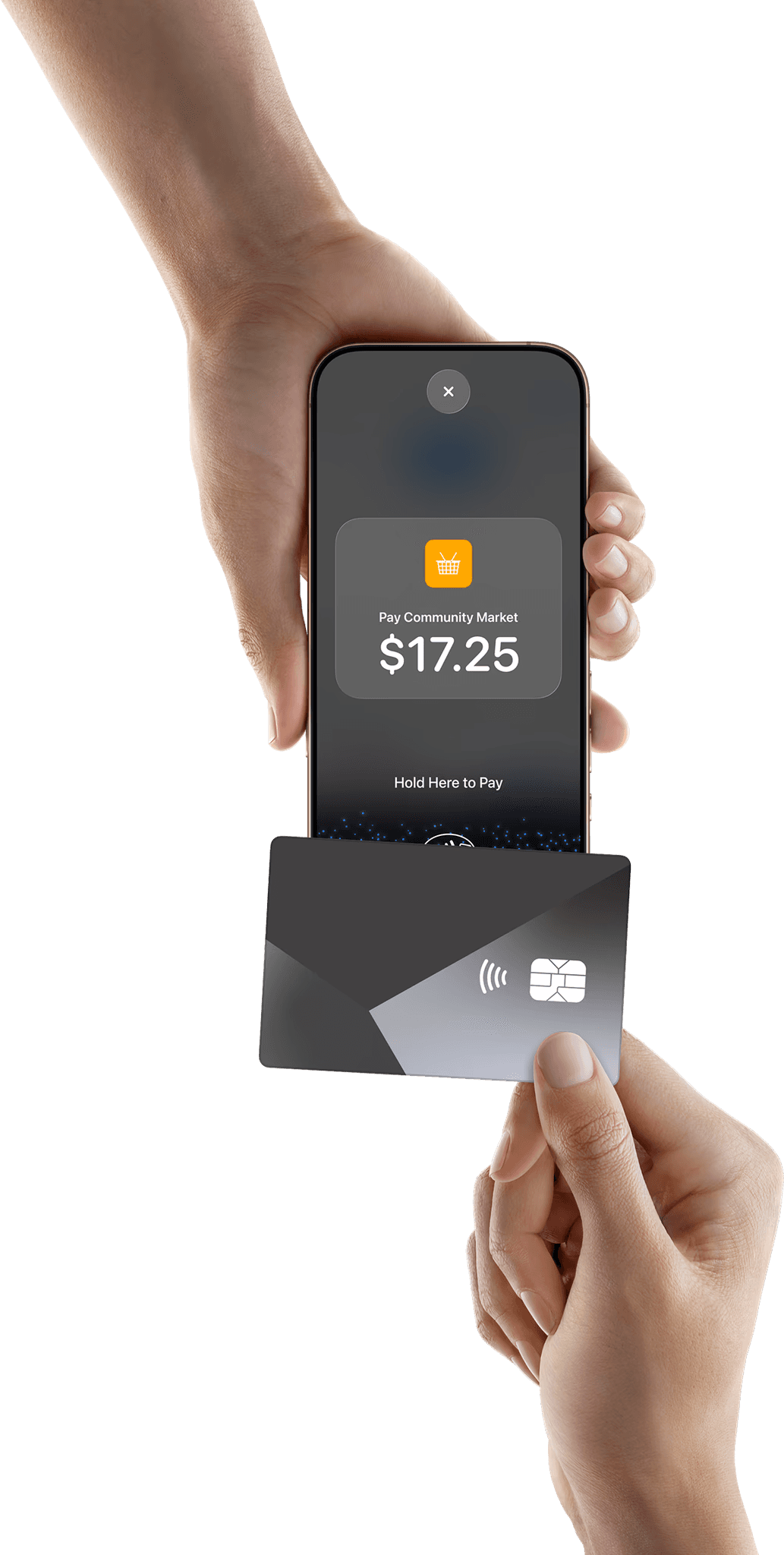
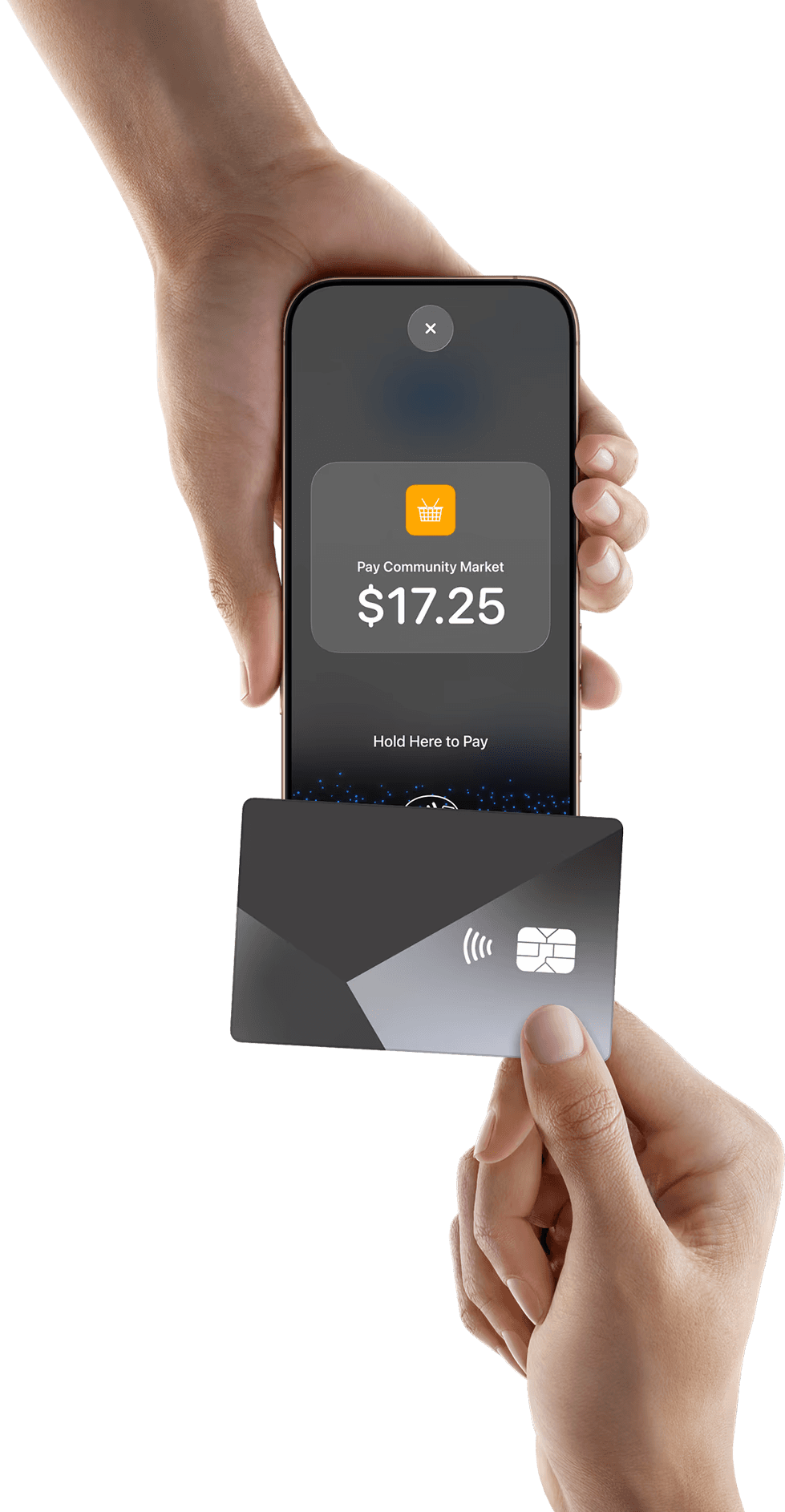




Take payments, anytime anywhere. Lower your overheads with an easy to set up and easy to use solution.
Take payments, anytime anywhere. Lower your overheads with an easy to set up and easy to use solution.
Take payments, anytime anywhere. Lower your overheads with an easy to set up and easy to use solution.
Made for how small businesses
actually work
Not every business sits behind a counter. Whether you’re at a pop-up, visiting customers, or working on the go, nashi lets you accept payments wherever you are.
Markets
In-Store
Services
Pop-Ups
Car
Outdoor Markets
The final accessory for wherever your shop may pop up.

Markets
In-Store
Services
Pop-Ups
Car
Outdoor Markets
The final accessory for wherever your shop may pop up.
How Tap to Pay on iPhone works
Built for small businesses that want to get paid anywhere.
How Tap to Pay on iPhone works
Built for small businesses that want to get paid anywhere.
How Tap to Pay on iPhone works
Built for small businesses that want to get paid anywhere.
How it works
Getting started with nashi is simple, and fast.
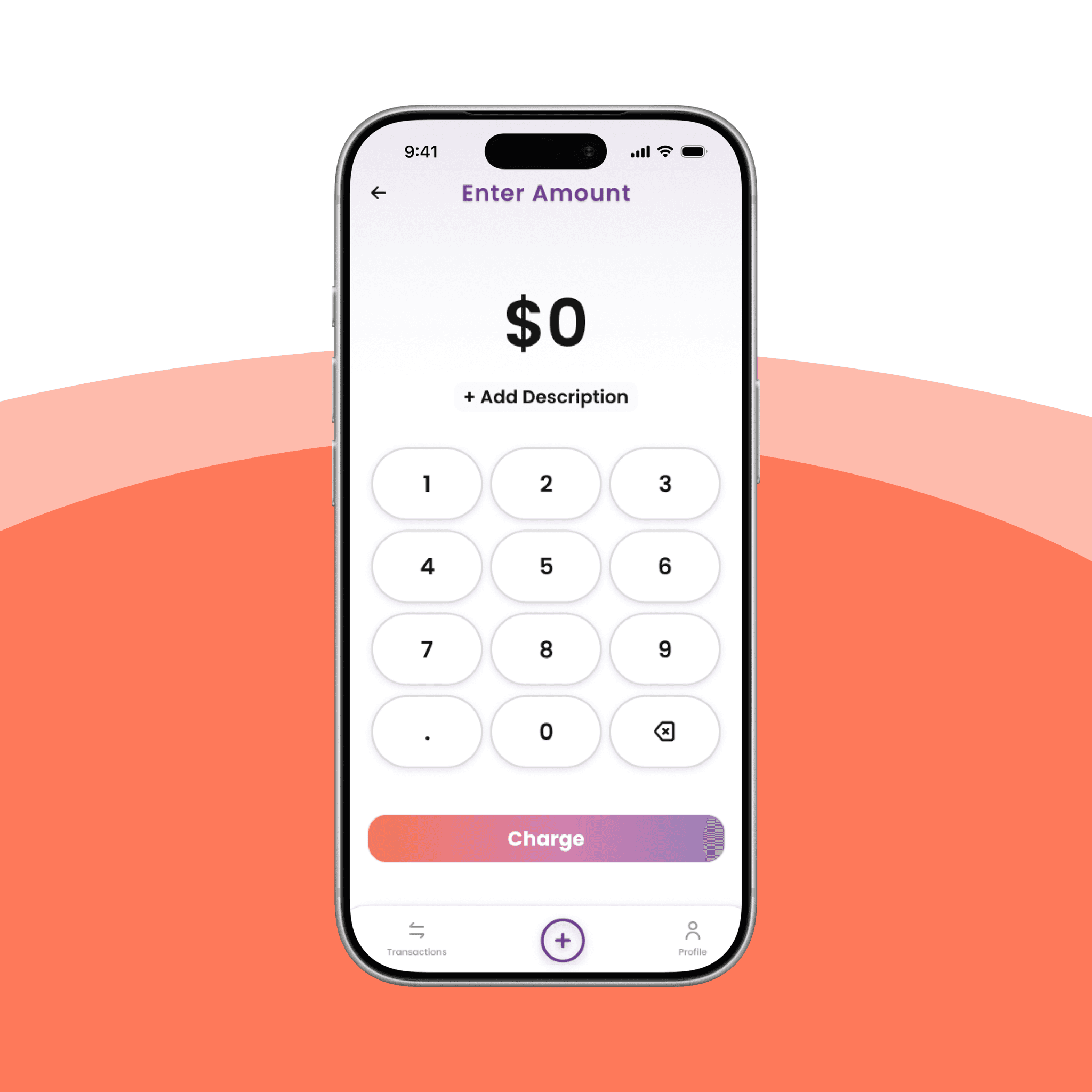
Step 1
Enter the amount in the nashi app
Step 2
Present your iPhone to your customer
Step 3
Your customer taps their card or Apple Pay on your iPhone
Step 4
Payment goes through. You’re paid.
How it works
Getting started with nashi is simple, and fast.
Step 1
Enter the amount in the nashi app
Step 2
Present your iPhone to your customer
Step 3
Your customer taps their card or Apple Pay on your iPhone
Step 4
Payment goes through. You’re paid.
How it works
Getting started with nashi is simple, and fast.
Step 1
Enter the amount in the nashi app
Step 2
Present your iPhone to your customer
Step 3
Your customer taps their card or Apple Pay on your iPhone
Step 4
Payment goes through. You’re paid.

Why Tap to Pay on iPhone with nashi
Everything you need. Nothing you don’t.
Accept Visa, Mastercard, Apple Pay and contactless cards
Works on iPhone XS and newer
No expensive card readers or terminals required
Payments are protected by the built-in security of iPhone
Why Tap to Pay on iPhone with nashi
Everything you need. Nothing you don’t.
Accept Visa, Mastercard, Apple Pay and contactless cards
Works on iPhone XS and newer
No expensive card readers or terminals required
Payments are protected by the built-in security of iPhone
Why Tap to Pay on iPhone with nashi
Everything you need. Nothing you don’t.
Accept Visa, Mastercard, Apple Pay and contactless cards
Works on iPhone XS and newer
No expensive card readers or terminals required
Payments are protected by the built-in security of iPhone
Simple, transparent pricing
nashi charges a per-transaction fee with no monthly subscriptions or hardware costs. Your rate depends on your business type and how you accept payments.
$0
Setup Fees
$0
Monthly Fees
1.99% +$0.30
Transaction Fees Starting From
Learn More



Some businesses may qualify for lower starting rates. Your rate depends on your business type and how you accept payments. Check your eligibility →
Simple, transparent pricing
nashi charges a per-transaction fee with no monthly subscriptions or hardware costs. Your rate depends on your business type and how you accept payments.
$0
Setup Fees
$0
Monthly Fees
1.99% +$0.30
Transaction Fees Starting From
Learn More
Some businesses may qualify for lower starting rates. Your rate depends on your business type and how you accept payments. Check your eligibility →
Simple, transparent pricing
nashi charges a per-transaction fee with no monthly subscriptions or hardware costs. Your rate depends on your business type and how you accept payments.
$0
Setup Fees
$0
Monthly Fees
1.99% +$0.30
Transaction Fees Starting From
Learn More
Some businesses may qualify for lower starting rates. Your rate depends on your business type and how you accept payments. Check your eligibility →
Got Questions?
Got Questions?
We've Got Answers
We've Got Answers
Which iPhones are supported?

What payments can I accept?
Do I need any extra hardware?
Is it secure?
Where are my payments deposited?
Which iPhones are supported?
What payments can I accept?
Do I need any extra hardware?
Is it secure?
Where are my payments deposited?
Which iPhones are supported?
What payments can I accept?
Do I need any extra hardware?
Is it secure?
Where are my payments deposited?
Ready to accept card payments with just your iPhone?
