
nashi Team
4 min read
The annual credit card fee can be an unwelcome surprise on your statement. For POSB cardholders, getting this fee waived is a simple way to save money. Requesting a POSB card waiver is not a secret hack; it's a smart move you can make in minutes.
Why Bother Getting Your POSB Card Fee Waived?
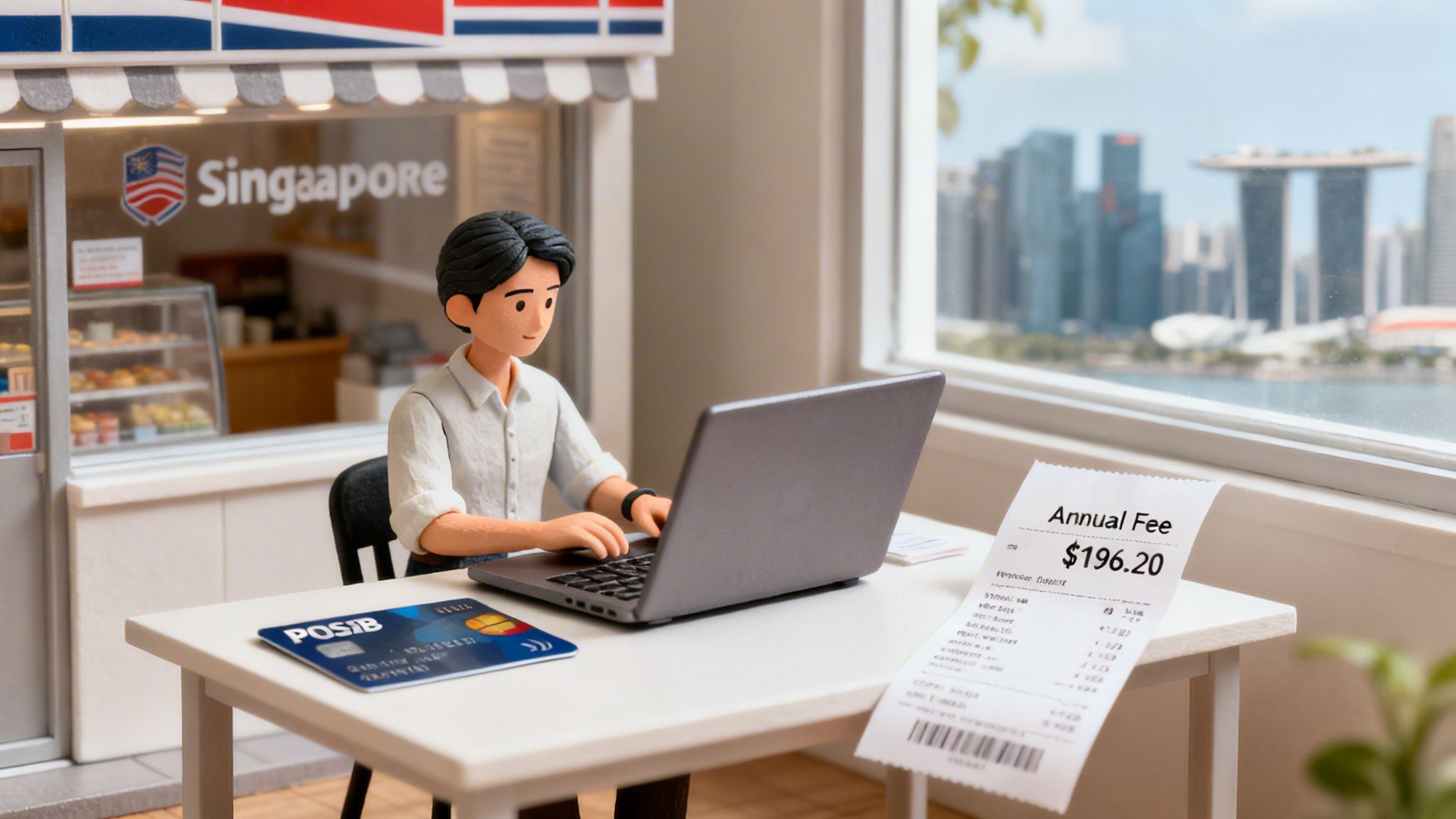
Annual fees cover card perks like cashback and rewards. A typical credit card fee is around S$196.20. This is a significant amount, especially if you don't use the card enough to justify the benefits.
For small business owners in Singapore, that S$196.20 is valuable capital. It could fund a small marketing campaign or pay for a new software subscription. It provides extra breathing room for your daily cash flow.
Saving on fixed costs is key to financial health. It’s the same logic behind choosing a hardware-free payment solution like nashi to cut setup costs. Every dollar saved makes a difference.
It's Easier Than You Think
POSB has made the waiver process incredibly simple. You no longer need to write formal letters or wait on hold for long periods. Most requests are handled through their digital channels.
The bank encourages using automated systems like the 24/7 DBS digibot. According to their official support page, you'll get a decision via SMS or email in just three working days. This speed is ideal for busy entrepreneurs.
This digital-first approach lets you handle the request from your phone in minutes. While you're optimizing finances, consider exploring the best mobile POS systems in Singapore too.
Your Go-To Guide for a Fee Waiver via the Digibot
Using the digibot in your digibank app is the fastest way to get your POSB card's annual fee waived. The 24/7 virtual assistant resolves your request in under five minutes. No more waiting on hold.
All you need is your phone and your login details. The process is smooth and free of confusing jargon.
Kicking Off Your Waiver Request
First, log into your DBS/POSB digibank app. Find the chat bubble icon, usually in the top right corner. This icon opens the digibot.
Tap the icon to open the chat window. This is your direct line to the bank's automated services. It's their preferred channel for simple requests like fee waivers.
Once the chat is open, type "Fee Waiver" and send it. The bot will immediately understand your request and present a menu of options.
My Hot Tip: Use simple keywords. Avoid long sentences like, "I would like to request an annual fee waiver." The bot responds best to direct commands like "Fee Waiver."
Working Through the Digibot Menu
The bot will ask you to specify the type of fee. You will see a list of options.
Follow this exact flow:
Choose Credit Cards Fee Waiver.
Select Annual Fee.
Tap on the specific POSB card that was charged the fee.
After you select your card, the digibot shows a summary for final confirmation. You may need to enter a one-time password (OTP) sent to your phone. This step secures and finalizes your request.
This screenshot from POSB shows how simple the menu-based process is.
The entire process involves just a few quick taps on your screen.
Once confirmed, you will receive a reference number for your records. Expect an SMS or email update on the outcome within three working days.
Other Ways to Get Your Fee Waived
While the digibot is fastest, it’s not the only way to get a POSB card waiver. Phone banking is a solid alternative if you prefer not to use an app.
It’s a great backup if the app is experiencing issues. This method also uses an automated system, but a voice guides you through the steps. The voice system is clear and efficient.
Hitting the Hotline
The number for POSB cardholders is 1800 339 6666.
Have your NRIC or card number and phone banking PIN ready for verification. Listen to the menu and select the options for credit card services and fee waivers. The process mirrors the digibot, using voice prompts instead of on-screen buttons.
And if you want to become more proficient with Singapore's digital payment tools, see our guide to PayNow for businesses.
Important: A Big Policy Change is Coming
There is a significant change to POSB's credit card policy you need to know about. This will affect all cardholders.
From 1 August 2026, the automatic annual fee waiver for spending S$25,000 annually will be discontinued. This is a major shift for everyone from boutique owners to hawker vendors. Read the details on POSB's dedicated annual fee page.
This means hitting a spending target will no longer be enough. You will have to ask for the waiver every time. This makes mastering the digibot and phone banking methods essential.
This policy change makes it clear that automated channels are the future. Getting comfortable with them now is the best way to manage your card fees.
What To Do If Your Waiver Request Is Denied
A rejection from the automated system isn't the final word. Don't give up. Think of it as the first step, not the end of the process.
Initial rejections often happen if your spending doesn't meet an internal, pre-set target. The secret is knowing you have a powerful backup plan: speaking to a human.
The Power of a Polite Phone Call
Your next step is to call the POSB hotline at 1800 339 6666. Navigate the menu to reach a customer service officer (CSO). This is where you can make a personal appeal for your POSB card waiver.
You might have a short wait on hold, but it's worth it. Once connected, politely ask for a reconsideration. CSOs often have the authority to make exceptions for loyal customers with good payment histories.
My Pro Tip: Frame your request positively. Instead of "Your system rejected me," try, "Hi, I'm hoping you can help with the annual fee. I've been a happy POSB customer for years and would love to keep using my card."
A Simple Script for Your Call
Having a few talking points ready can boost your confidence. You don't need a word-for-word script. Just aim for a clear, friendly, and persuasive tone.
Here’s a simple framework that works:
State Your Purpose: "Hi, I saw the annual fee on my latest statement and was hoping to request a waiver."
Highlight Loyalty: "I've been with POSB for over [number] years and have always been happy with the service."
Mention Good Standing: "I use my card regularly and always pay my balance on time."
Make the Ask: "As a gesture of goodwill, would it be possible to waive this year’s annual fee? I would really appreciate it."
This approach reminds them you are a valuable customer. It gives the CSO every reason to approve your request.
Insider Tips for Nailing Your POSB Card Waiver
A little strategy can improve your chances of getting a POSB card waiver. The most important tip is timing. Act as soon as you see the annual fee on your statement.
Acting quickly shows the bank you are an engaged and attentive customer. Banks want to retain good clients, and your promptness works in your favor.
A Few Things to Keep in Mind
Your payment history is your best leverage. If you consistently pay your bills on time, POSB is more likely to grant your request. A clean record makes their decision to approve your waiver much easier.
Your card type matters. For premium cards with air miles, the bank may reclaim bonus points if they waive the fee. This is a simple trade-off to consider.
Does the value of the perks outweigh the annual fee? For most standard cards, getting the waiver is the smarter financial choice. Business owners can also save by finding the cheapest credit card processing services of 2026.
Banks do not want to lose good customers over a small fee. Be a reliable payer, ask politely, and you'll be in a strong position to get your fee waived.
Frequently Asked Questions (FAQ)
Is a POSB card fee waiver guaranteed?
No, a waiver is not 100% guaranteed, but your chances are high. POSB is generally accommodating, especially for loyal customers with a good payment history. If the automated system denies your request, call and speak to a person for reconsideration.
When is the best time to request a fee waiver?
The best time is immediately after you see the annual fee charged on your statement. Acting promptly shows you are proactive and on top of your finances. Do not wait until the payment due date is near.
What happens to my rewards if the fee is waived?
If you have a premium card that awarded bonus miles or points for paying the annual fee, the bank will likely reclaim them. You must choose between paying the fee to keep the bonus or getting the waiver and losing it. This typically doesn't affect standard cashback cards.
Can I also get the fee for my supplementary card waived?
Yes, you can. The supplementary card fee is charged to the principal cardholder's account. You can request a waiver for this fee using the same methods, just specify it's for the supplementary card.
Tired of clunky payment terminals? With nashi, your smartphone becomes your all-in-one card reader. Start accepting tap-to-pay in minutes, no extra hardware needed. Get started with nashi today


