
nashi Team
6 min read

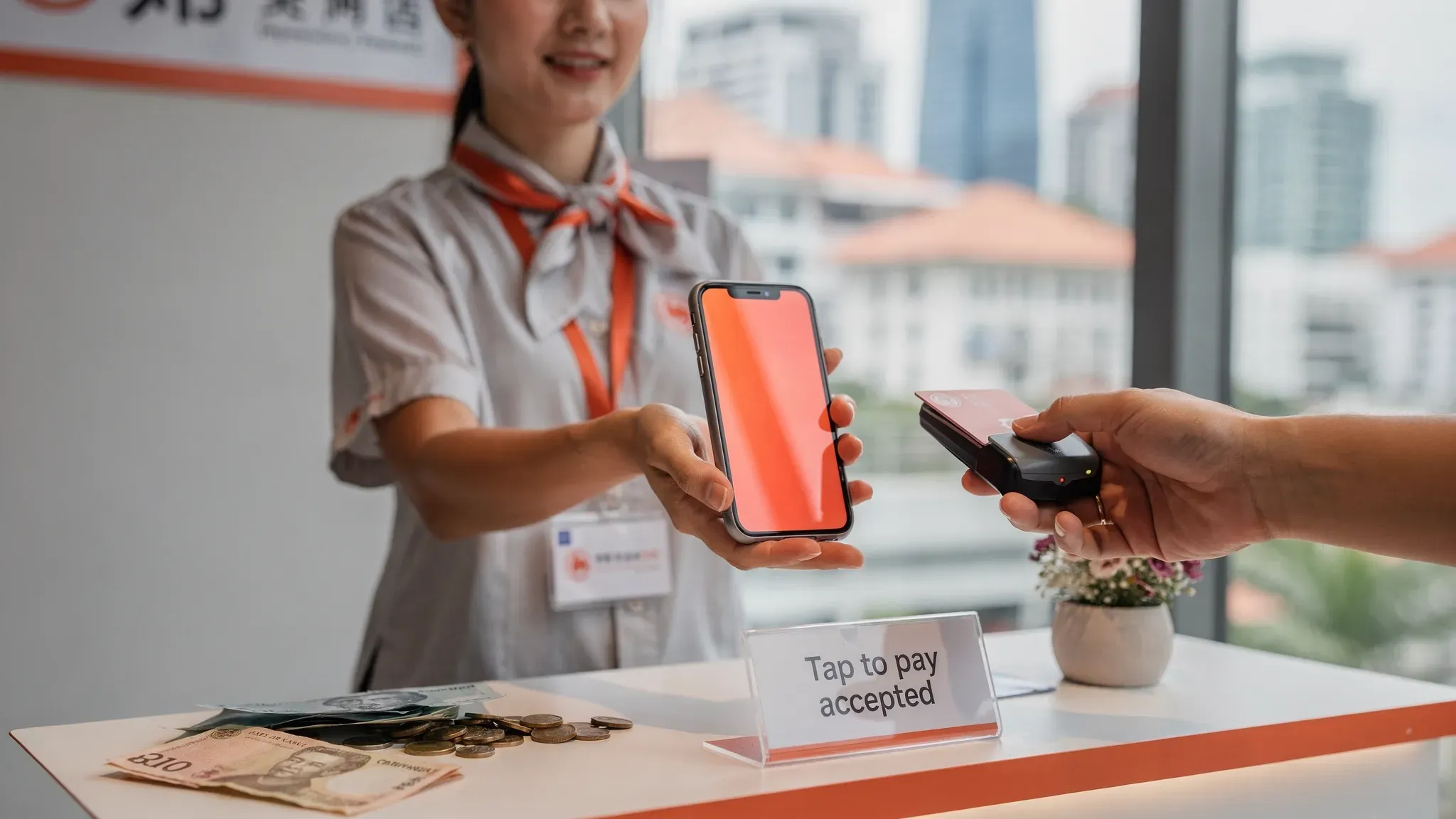
If you are using Qashier today, you probably like the same things most Singapore SMEs like about it: an all-in-one POS experience, a modern checkout flow, and hardware that “just works” at the counter.
But in 2026, many micro and small businesses are realising they do not always need an all-in-one POS terminal to accept card payments. Some want a lighter setup for pop-ups, service calls, tuition centres, or seasonal booths. Others want faster onboarding, less hardware, or a clearer total cost.
This guide walks through the best Qashier alternatives in 2026 for Singapore businesses, with practical “best for” recommendations so you can pick the right tool (not just the most feature-packed one).
Qashier is a POS. Do you need a POS, or just card acceptance?
Before switching, it helps to separate two needs that are often bundled together:
POS operations: items and modifiers, inventory, staff roles, shift reports, multi-outlet, kitchen printing, table management.
Payments acceptance: tap/insert/swipe cards, Apple Pay/Google Pay, refunds, settlements, transaction history.
Qashier is strong when you need the first category, especially for retail and F&B workflows. But if your business mainly needs the second category (accepting in-person card payments), a POS terminal can be overkill in cost and complexity.
A useful rule of thumb:
If you sell many small-ticket items per hour (for example, a busy cafe), a full POS can pay for itself.
If you sell fewer, higher-value transactions (for example, tuition fees, home services, boutique appointments, pop-up sales), you often get better ROI from a simpler, mobile-first card acceptance solution.
What to look for in a Qashier alternative (Singapore checklist)
When merchants switch away from an all-in-one POS, the most common regret is choosing a “cheap” option that creates operational friction later. Use this checklist to compare alternatives:
Total cost of ownership: hardware cost or rental, monthly software fees, per-transaction fees, and any extra GST charged on fees.
Onboarding speed: how fast you can get approved and start taking payments (important for events and new businesses).
Device requirements: countertop terminal vs phone-only, Android vs iOS support.
Payment methods that actually matter in Singapore: Visa/Mastercard, AMEX for some segments, Apple Pay/Google Pay, and how it complements PayNow.
Payout speed and cash flow: settlement timelines and whether they are predictable.
Refunds and dispute handling: whether you can do refunds in-app and how transparent the process is.
Support quality: when something breaks during peak hours, support matters more than feature checklists.
If you want a deeper primer on fees and how to compare “headline rates” vs real effective cost, see nashi’s guide to payment processing fees.
Best Qashier alternatives in 2026 (Singapore)
1) nashi (best for simple, hardware-free in-person card payments)
nashi is a focused Tap to Phone card acceptance app built for micro and small businesses in Singapore that want to accept contactless card payments on a phone without extra terminals, Bluetooth readers, or accessories.
Key points to know:
Hardware-free: your NFC-enabled smartphone becomes the payment terminal.
Card acceptance only, done extremely well: nashi is intentionally not a full POS suite.
Supported cards: Visa, Mastercard, and AMEX.
Settlements: automatic payouts to your bank account in 2 business days.
Refunds: full or partial refunds can be issued in the app.
Onboarding: digital KYC through the app, typically approved in about 1 business day.
Security: PCI-DSS compliant, powered by Adyen’s payment infrastructure.
Free trial: up to $1,000 in fee-free transactions.
When nashi is the best Qashier alternative:
You do not need inventory, table management, or complex cashier workflows.
You sell in-person, often on-the-go (pop-ups, events, mobile services, home visits).
You want a lightweight way to add card acceptance alongside PayNow (not replace it).
When nashi is not the best fit:
You run high-throughput F&B with many low-value transactions (for example, S$5 coffees), where a full POS workflow is often more suitable.
If you are deciding between “phone-only” acceptance and traditional terminals, nashi also has a detailed explainer on Tap to Pay / Tap to Phone for business.
2) HitPay (best for SMEs who want a broader payments platform)
HitPay is one of the most common alternatives in Singapore if you want more than in-person payments. Compared to a focused Tap to Phone app, HitPay is closer to a broader commerce and payments platform, which can be helpful if you want to consolidate more workflows.
HitPay can be a strong fit if:
You sell both online and offline, and want one provider for multiple channels.
You need more “platform” features beyond simple card acceptance.
Trade-offs to consider:
A broader platform usually means more screens, settings, and operational surface area.
Some micro-businesses find all-in-one platforms distracting if they only need fast in-person card acceptance.
3) GrabMerchant / Grab (best if the Grab ecosystem is already core to your business)
Grab is a natural Qashier alternative to evaluate if your customer acquisition and operations are already tied to the Grab ecosystem.
Grab can be a good fit if:
Your business already benefits from Grab’s consumer reach.
You want payments tightly connected to the broader Grab merchant stack.
Trade-offs to consider:
Fees and terms can differ by payment type and merchant profile.
Some Grab merchant fee structures add GST on top of fees (always confirm your exact pricing and what is included).
4) Revolut Business (best for cross-border operators and iPhone-first teams)
Revolut Business is worth considering if you have cross-border needs (for example, dealing with international customers, suppliers, or multi-currency operations) and you like having banking and merchant tooling in one place.
It can be a good fit if:
You want multi-currency capabilities as part of your broader finance workflow.
Your team is iPhone-heavy and wants modern mobile-first acceptance options.
Trade-offs:
Per-transaction fixed fees can matter a lot for small-ticket transactions.
The best choice depends heavily on your average basket size and whether you prioritise banking features or pure payments simplicity.
5) Stripe (best for tech-forward businesses with custom online plus in-person flows)
Stripe is a strong option when you want customisable payments infrastructure, especially for online-first businesses that also need in-person acceptance.
Stripe is a good fit if:
You need developer-friendly APIs and deep customisation.
You want to unify online payments with in-person experiences under one technical stack.
Trade-offs:
It is rarely the simplest option for a micro-business that just wants to take card payments tomorrow.
The “best” Stripe setup often requires some technical implementation work.
6) NETS (best for businesses where NETS is still a core customer expectation)
NETS remains a familiar checkout option for many Singapore customers, especially in more traditional retail environments.
NETS can be a good fit if:
Your customers strongly prefer NETS.
You are comfortable with a more traditional onboarding and terminal model.
Trade-offs:
NETS-style setups often come with hardware and ongoing fees that can be hard to justify for intermittent sellers.
Onboarding and administration can feel more manual compared to app-first providers.
For a deeper overview, see nashi’s NETS Merchant Connect guide.
7) Shopify POS (best for retail brands that want POS plus e-commerce in one system)
If you are replacing Qashier because you want a different POS workflow (not because you want to remove the POS entirely), consider Shopify as a POS-first alternative, especially for retail brands that also sell online.
Shopify POS can be a good fit if:
You want a single system for products, customers, and online storefront operations.
Your team cares about retail workflows and reporting across channels.
Trade-offs:
It is a bigger system than “just payments,” with ongoing subscription considerations.
Your final experience depends on your chosen hardware setup and payment provider configuration in Singapore.
Quick comparison table (choose by operating model)
This table is intentionally operational (not feature-bloat). It helps you pick based on how your business actually runs.
Provider | Best for | Hardware model | Main trade-off |
|---|---|---|---|
nashi | Simple in-person card acceptance for micro and small businesses | Phone-only (Tap to Phone), no extra hardware | Not a full POS (no inventory, no table management) |
HitPay | Merchants who want a broader platform across channels | Varies by setup | More complexity than a focused card-acceptance app |
GrabMerchant / Grab | Merchants already built around Grab ecosystem | Varies by setup | Terms and fees vary, confirm GST and pricing details |
Revolut Business | Cross-border and finance-led setups | Mobile-first | Fixed per-transaction fees can matter at low ticket sizes |
Stripe | Custom online plus in-person payments for tech-forward teams | Software plus optional hardware | Usually needs technical setup effort |
NETS | Traditional local acceptance expectations | Terminal or bank-led setup | Hardware and ongoing fees, more manual onboarding |
Shopify POS | Retail brands wanting POS plus e-commerce | POS hardware and software | Subscription and operational complexity for small teams |
How to decide in 10 minutes (practical scenarios)
If you are still unsure, anchor your decision to your most common selling scenario.
You are a mobile service business (aircon servicing, cleaning, repair, private tutor, trainer). You usually need a simple way to collect payment on-site, and PayNow is not always enough (especially for expats and international customers). A phone-only solution like nashi is often the cleanest switch from a POS-first setup.
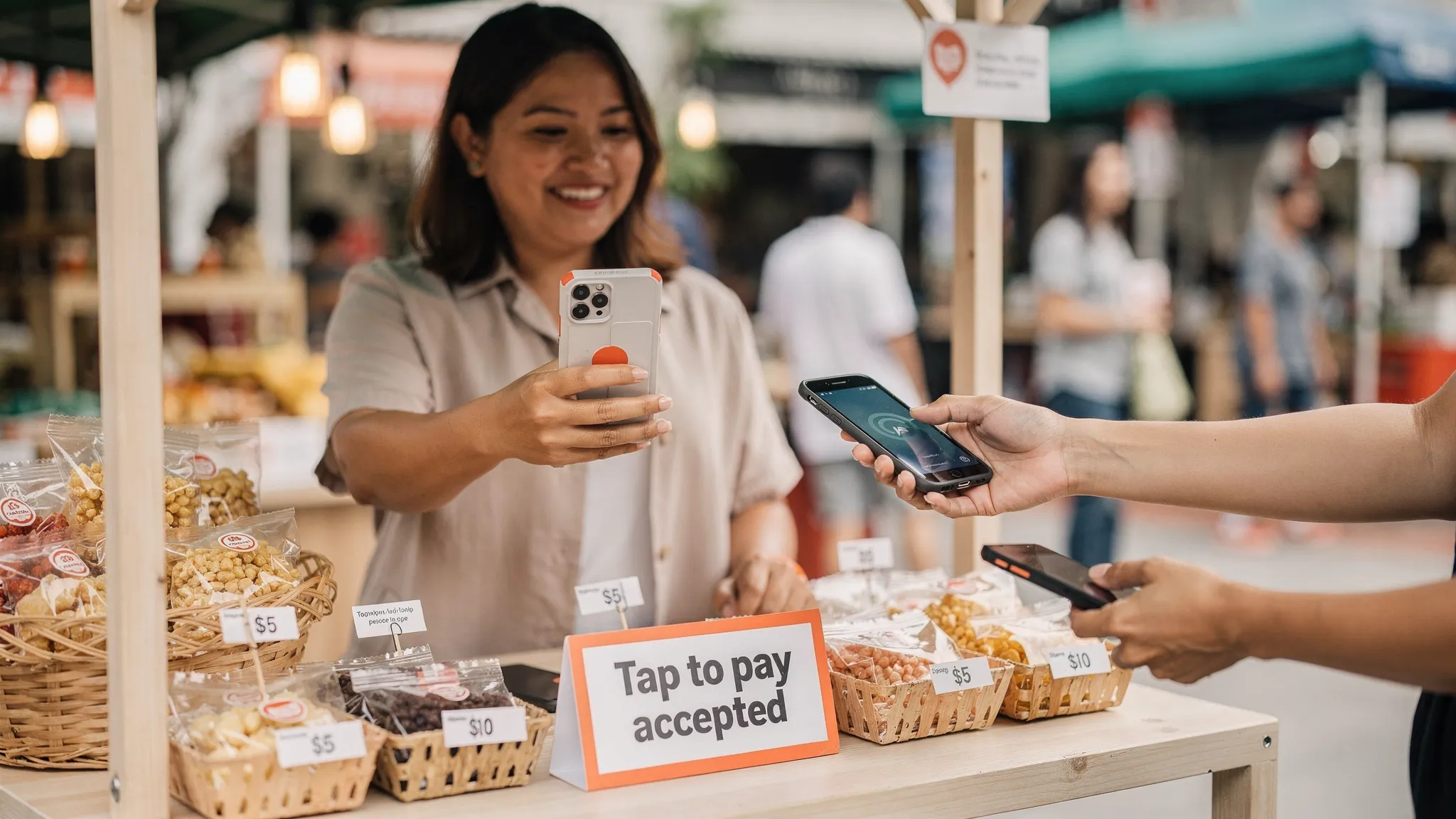
You are doing pop-ups, markets, fairs, seasonal booths. You want fast onboarding, minimal hardware, and the ability to accept tap payments anywhere. nashi is designed for intermittent usage, without a long-term lock-in.
You are a retail brand with both online and in-store sales. Consider whether you are really replacing Qashier’s POS layer. If yes, a POS like Shopify POS can make sense, and you can pair it with the right payment acceptance approach for your store.
You run a busy F&B outlet. Qashier-like systems exist for a reason in high-throughput environments. If you are switching, prioritise table flow, kitchen operations, and cashier speed first, then evaluate payments.
FAQ: Best Qashier alternatives in Singapore
Is Qashier a payment gateway or a POS? Qashier is primarily a POS and terminal-led solution, bundling point-of-sale operations with payment acceptance. Many alternatives specialise in one side (POS operations or payments).
What is Tap to Phone, and can it replace a card terminal? Tap to Phone (also called SoftPOS) turns a smartphone into a contactless card terminal using NFC. It can replace a terminal for many micro and mobile businesses, but it does not replace POS features like inventory or table management.
Can I keep PayNow and add card acceptance at the same time? Yes. For many Singapore SMEs, the best setup is PayNow for free bank transfers plus card acceptance for customers who prefer tapping a card or mobile wallet (especially tourists and expats).
How fast can I start accepting card payments after switching? It depends on the provider and your documents. Some app-first providers can approve merchants in about a day if you submit the right business and shareholder documents.
Do I need AMEX support? Only some merchants do. If you serve expats, tourists, or higher-ticket professional services, AMEX acceptance can reduce friction. If most of your customers pay with Visa/Mastercard, it may not matter.
Try nashi if you want the simplest Qashier alternative for in-person card payments
If your real goal is to accept contactless card payments without buying or managing a POS terminal, nashi is built for exactly that.
Download the app, complete digital onboarding, and typically get approved in about 1 business day
Accept Visa, Mastercard, and AMEX with a tap on the back of your phone
Get automatic payouts in 2 business days
Start with a free trial of up to $1,000 in fee-free transactions
Tap to Phone. Tap To Grow. Explore nashi on trynashi.com.


