
nashi Team
5 min read
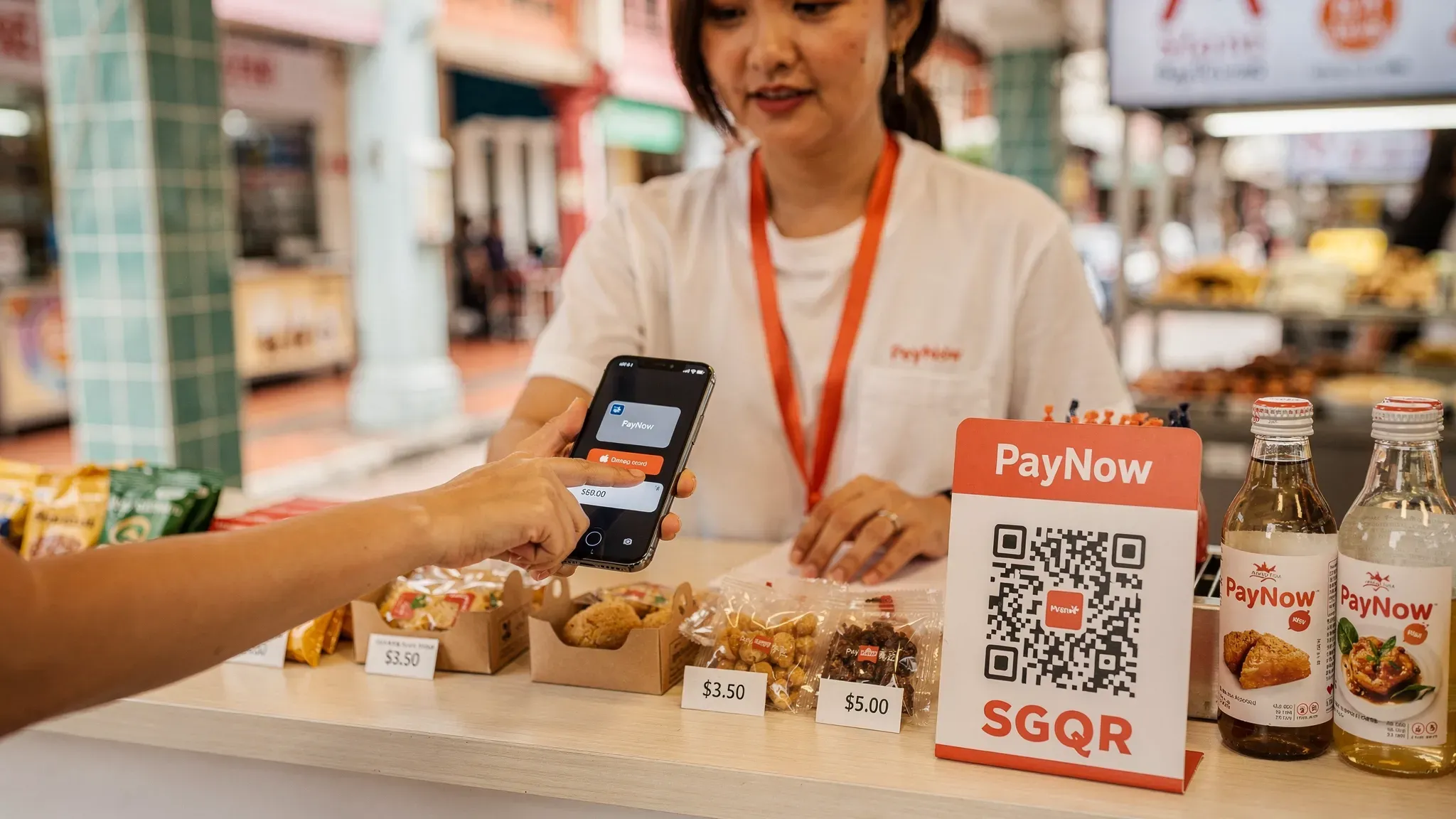
A “mobile wallet payment” can feel like a separate payment method, but for most Singapore merchants, Apple Pay and Google Pay are simply contactless card transactions presented through a phone. If you already accept tap-to-pay Visa/Mastercard (and in some setups, AMEX), you are usually already set up to accept both wallets.
Where Apple Pay vs Google Pay does matter is in who you can serve, how often customers choose to tap instead of PayNow, and how your payment provider prices local vs international cards stored in those wallets.
Mobile wallet payment (merchant view): what actually happens
When a customer pays with Apple Pay or Google Pay in-store, they are not “sending money from a wallet balance” the way some QR wallets work. Instead:
The customer selects a card in their wallet.
The phone presents a tokenised card credential over NFC.
Your payment provider processes it on the usual card rails (Visa, Mastercard, and sometimes AMEX), then settles to your bank account.
From your side, it generally looks like a card-present, contactless transaction, which is why Apple Pay and Google Pay often share the same acceptance setup.
Apple Pay vs Google Pay: what’s different for Singapore merchants
The biggest difference is not the payment rails, it’s customer device behaviour.
Area | Apple Pay | Google Pay | What it means for your business |
|---|---|---|---|
Primary users | iPhone users | Android users | In Singapore, you likely serve both groups, especially in retail, services, and events. |
Typical tap flow | Double-click + Face ID/Touch ID, then tap | Unlock/verify (varies), then tap | Both are fast. Any friction shows up most at queues, pop-ups, and peak-hour services. |
What you receive as merchant | Contactless card transaction | Contactless card transaction | Your fees depend mainly on the underlying card type (local vs international, scheme). |
Best use cases | Affluent/local iPhone users, many tourists | Android-heavy segments, price-sensitive audiences | If you serve tourists, wallets matter because PayNow is not an option for them. |
Practical takeaway: For most micro and small businesses, the right answer is not “Apple Pay or Google Pay”. It is accept both, then manage costs by understanding card mix (local vs international, AMEX vs Visa/Mastercard).
Customer behaviour in Singapore: why wallets matter even if you already have PayNow
PayNow is excellent for local customers and it’s typically free via your bank. But wallet payments solve different moments:
Tourists and newly arrived expats often cannot use PayNow, but they can tap with Apple Pay or Google Pay.
Higher-value services (tuition fees, repairs, transport, wellness) often see customers prefer card for rewards, instalment alternatives, or budgeting.
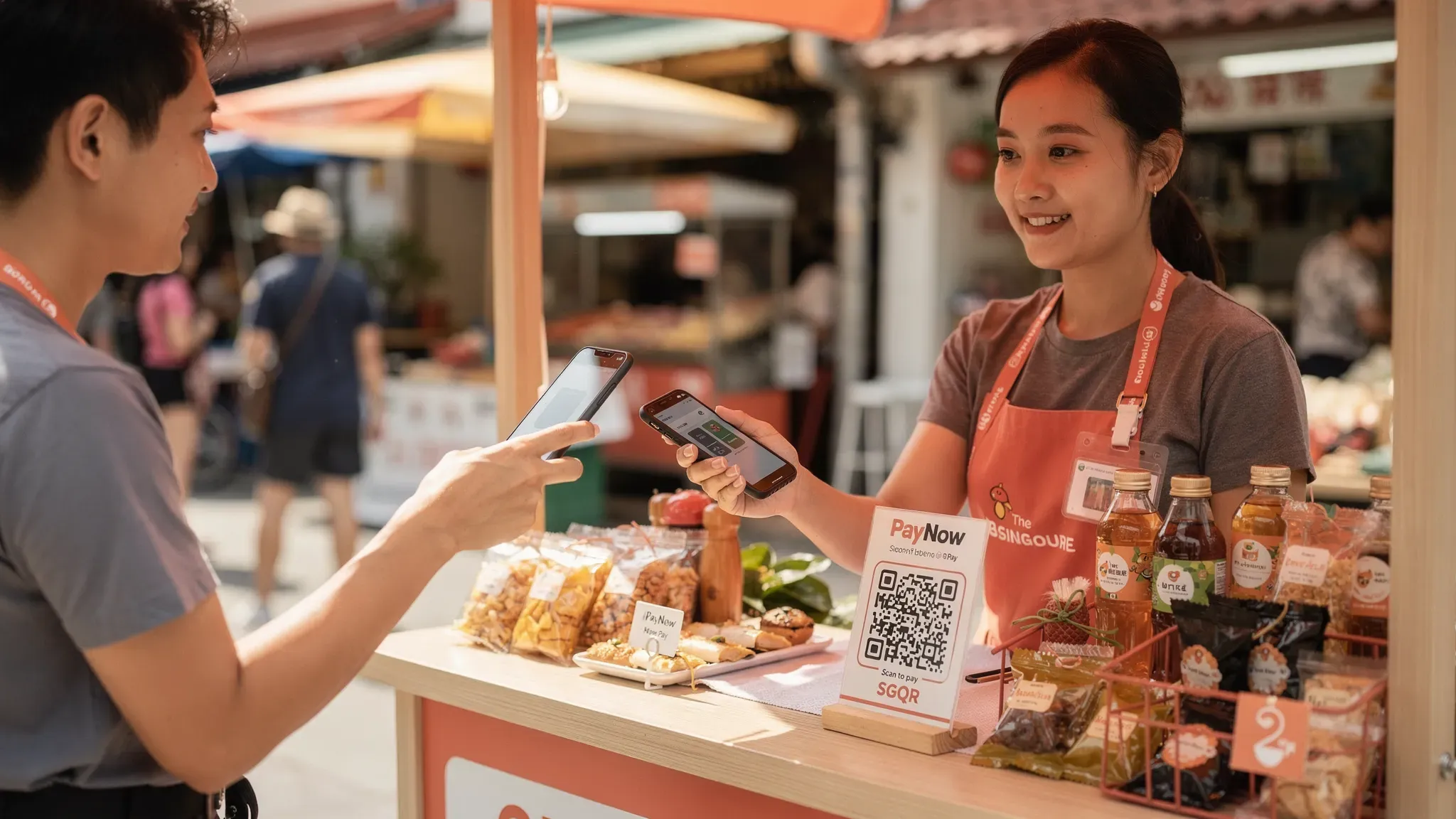
On-the-go selling (markets, pop-ups, events) benefits from speed and reduced “I’ll transfer later” drop-off.
This is why many Singapore merchants end up with a hybrid setup: PayNow for free transfers, plus card and wallet taps for everyone else.
What you need to accept Apple Pay and Google Pay in person
In most cases, acceptance comes down to one requirement: you must be able to accept contactless (NFC) card payments.
Common options in Singapore include:
Traditional countertop terminals (banks, NETS-style setups)
Good for fixed-location shops with stable volume. Trade-offs are usually rental/subscription costs, setup time, and contracts.
Portable Bluetooth card readers (mPOS)
Useful for mobile merchants, but they add operational overhead (charging, pairing, dropped connections, carrying hardware).
Tap to Phone (SoftPOS)
This is the most direct way to accept mobile wallet payments without extra hardware.
With a Tap to Phone app, you can accept contactless card payments where the customer taps their:
Physical card, or
Apple Pay on iPhone/Apple Watch, or
Google Pay on Android phones/watches
…as long as the underlying card scheme is supported by your provider.
If you’re evaluating Tap to Phone in Singapore, the main questions are:
Which schemes are supported? (Visa, Mastercard, and whether AMEX is included)
Which devices can you use as the “terminal”? (Android now, iOS support depends on provider)
How fast is onboarding and KYC?
How quickly do you get paid out?
nashi, for example, is a lightweight Tap to Phone app built for micro and small businesses. It currently supports Android (with iOS coming soon) and accepts Visa, Mastercard, and AMEX for in-person tap payments.
You can also read nashi’s practical walkthrough on setup and usage in How to Use Tap to Pay on Your Smartphone for Business Payments in 2026.
Fees: does Apple Pay or Google Pay cost more?
For merchants, Apple Pay and Google Pay usually cost the same as the underlying contactless card transaction. You are typically paying for card acceptance, not for the wallet brand.
What does change your cost is the card profile behind the wallet:
Local vs international cards (tourist cards stored in wallets can price as international)
Scheme (AMEX is often priced differently from Visa/Mastercard)
Fixed per-transaction fees (common in Singapore pricing)
Here’s a simple checklist to use when comparing providers for mobile wallet payment acceptance:
Fee item to confirm | Why it matters in Singapore |
|---|---|
Visa/Mastercard local MDR | Your baseline for most local customers. |
Visa/Mastercard international MDR | Common when you serve tourists, cross-border transport, or expat-heavy areas. |
AMEX pricing | Important if you serve higher-spend customers. |
Fixed fee per transaction | Impacts low-value tickets (small fixed fees hurt $5 to $10 transactions). |
Monthly fees or device rental | Changes total cost of ownership, even before you make a sale. |
Settlement timeline | Cash flow matters for small teams, events, and seasonal selling. |
Refund capabilities | Helps reduce disputes and improves customer experience. |
If you want a deeper breakdown of what merchants are actually paying for, including how to calculate effective rates, see Understanding Payment Gateway Cost for Singapore merchants in 2026 and A Guide to Payment Processing Fees: The Singapore Merchant's Handbook.
Security: how safe are mobile wallet payments?
Apple Pay and Google Pay are widely used because they combine speed with strong security controls. While implementations vary, two merchant-relevant concepts are consistent:
Tokenisation: The wallet does not expose the customer’s actual card number during payment, reducing risk if data is intercepted.
Device authentication: Face ID, Touch ID, passcode, or equivalent verification helps prevent unauthorised use.
From a merchant operations standpoint:
Treat wallet taps like other card payments: keep clean records, support refunds, and follow your provider’s dispute process.
Choose a provider that takes compliance seriously. nashi, for instance, is PCI-DSS compliant and powered by Adyen’s payment infrastructure.
Which should you prioritise: Apple Pay or Google Pay?
If you can only do one for some reason (usually due to device or provider limitations), pick based on where and how you sell. Otherwise, accept both.
You should prioritise Apple Pay if…
You often serve:
iPhone-heavy customer segments (premium retail, wellness, professional services)
Tourists and expats who default to tapping their iPhone/Watch
Higher ticket sizes where speed and convenience matter more than a small fixed fee
You should prioritise Google Pay if…
You often serve:
Android-heavy audiences
Operational settings where staff use Android devices already
Locations where the fastest “phone-as-terminal” rollout matters (events, mobile services)
Most Singapore SMBs should simply accept both
Because customers do not think “wallet vs wallet”, they think:
“Can I tap?”
“Can I use my phone?”
“Do you take card if I can’t PayNow?”
The conversion impact of answering “yes” is typically larger than the difference between Apple Pay and Google Pay.
Implementation tips (so wallet payments actually increase sales)
Make acceptance visible
Many missed wallet payments are not technical failures, they are “I didn’t know you accepted it”. Put clear signage at:
Entrance or counter
The point where customers queue
Your booth table at pop-ups
Keep PayNow, but use it intentionally
A good rule for many micro businesses:
Use PayNow as the “free option” for local customers.
Offer card and mobile wallet payment when customers prefer it, when they are international, or when speed matters.
If you need to set up or improve your PayNow display, nashi has a detailed guide: Your Ultimate Guide to the PayNow QR Code.
Design your pricing around your ticket size
Tap-to-phone is powerful, but low-value transactions can be sensitive to fixed fees. If your average transaction is small (for example, a few dollars), confirm:
Whether the fixed fee dominates your effective rate
Whether a provider is even positioned for that segment
nashi is candid about fit: it is built for micro and small businesses and is generally not positioned for F&B low-value transactions (for example, $5 coffees).
A simple way to accept Apple Pay and Google Pay (without extra hardware)
If your goal is to accept mobile wallet payment taps quickly, without buying or renting a terminal, Tap to Phone is the most straightforward setup.
With nashi, you can turn an NFC-enabled Android phone into a payment terminal for in-person transactions, accepting contactless payments across Visa, Mastercard, and AMEX, including taps from Apple Pay and Google Pay.
Key operational points nashi is designed around:
No additional hardware, terminals, or accessories
Fast digital onboarding (typically approved within 1 business day)
Automatic settlements to your bank account in 2 business days
Full or partial refunds from inside the app
Free trial: up to $1,000 in fee-free transactions
To see whether nashi fits your sales environment (pop-ups, mobile services, small retail, events), start at trynashi.com and compare it with your current PayNow-first setup. The most practical outcome for many Singapore merchants is not replacing PayNow, but adding card and wallet taps so you never lose a sale when PayNow is not an option.


