
nashi Team
8 min read
A PayNow QR code is a simple square barcode that lets businesses in Singapore get paid instantly. Customers just need their smartphone to scan and pay directly into your bank account.
This technology is a game-changer for small businesses. It offers a completely free way to accept digital payments without a card terminal. The process is fast, secure, and convenient for everyone.
So, What Exactly is a PayNow QR Code and Why Should You Care?
Imagine a customer at your pop-up stall with no cash. Instead of fumbling with a card machine, they scan a code on your counter. In seconds, the money is in your bank account.
That is the simple power of the PayNow QR code. It has become a cornerstone of Singapore's cashless payment scene for good reason. It lets you serve customers quickly and efficiently.
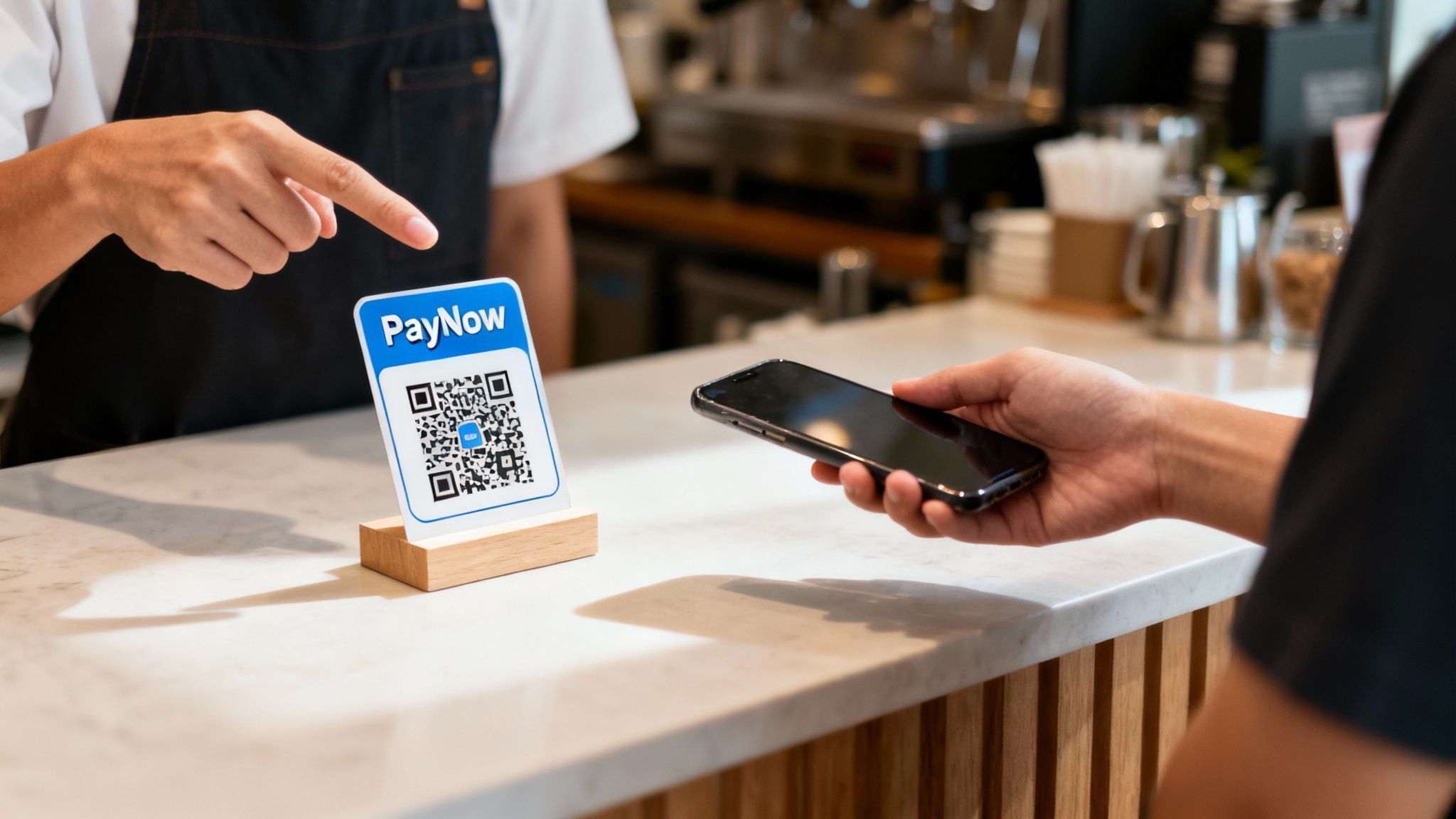
This technology means you can ditch expensive hardware and forget transaction fees. It's the perfect solution for small businesses, freelancers, and hawker stall owners. It helps your business run smoother while you keep more of your money.
One Code to Rule Them All: The SGQR Standard
The magic behind the PayNow QR code is the SGQR (Singapore Quick Response Code). It's a unified standard that simplifies digital payments.
Think of SGQR as a universal remote for payments. Before, shop owners had messy counters with multiple QR codes for different banks and e-wallets. This was confusing for merchants and customers alike.
SGQR combines multiple payment apps and banks into a single, unified QR code. One sticker on your counter can handle payments from customers using many different banking apps. This makes the checkout experience clean and lightning-fast.
SGQR is actually the world's first unified payment QR code. It cuts through the clutter by merging tons of QR codes into one, which means less hassle and lower setup costs for merchants.
This unified approach has been a massive success. The Monetary Authority of Singapore (MAS) launched it in 2018. The SGQR system can pack up to 27 different payment schemes into one label.
By the end of 2019, over 32,000 SGQR codes appeared in hawker centres and shops across the island. You can read more about this payment evolution from various industry analyses. Getting a PayNow QR code is a no-brainer for any small business in Singapore.
How PayNow QR Works for Customers and Businesses
For customers, paying with a PayNow QR code is a simple three-step process. The system is built for speed and convenience, removing the usual hassle of payments. This is why many people in Singapore now use their phones for everything.
The entire transaction is over in seconds. Forget digging for cash or waiting for a card terminal connection. No one has to manually enter a long UEN or phone number.
The Customer Experience
The process is simple and feels the same no matter which banking app a customer uses.
Scan the Code: They open their banking app, tap the scanner, and point it at the PayNow QR code.
Enter the Amount: The app displays your business name. They just type in the total.
Confirm and Pay: They check the amount and recipient, then approve with their fingerprint or PIN.
This flow is built for a fast-paced environment. The instant confirmation gives both the shopper and the business owner immediate peace of mind.
The Business Side of Things
For a business, the process is just as straightforward. After getting your PayNow QR code from your bank, display it where customers can see it. You can print it on a stand, use a sticker, or show it on a screen.
When a customer pays, you get an instant notification from your banking app. You see the funds land in your account in real-time. This lets you serve the next person without delay.
The real game-changer for businesses is understanding which type of QR code to use. Your choice between a static or dynamic code will make a huge difference to your daily workflow and how fast your queue moves.
Static vs Dynamic QR Codes
Not all QR codes are the same. The two main types are static and dynamic, designed for different situations. Choosing the right one is key to a smooth operation.
A static QR code is a permanent digital link to your bank account. The details in it never change. This is perfect for a hawker stall where a plate of chicken rice always costs the same.
A dynamic QR code is generated fresh for each transaction. It contains the specific amount the customer needs to pay. This is a lifesaver for retail stores or cafés where the total bill changes every time.
Static vs Dynamic PayNow QR Codes
Here's a quick comparison to help you decide which QR code type fits your business operations.
Feature | Static QR Code | Dynamic QR Code |
|---|---|---|
How it's created | One-time generation from your bank. It's permanent. | Generated for each individual transaction. |
Information inside | Contains only your business payment details (e.g., UEN). | Contains business details plus the specific payment amount and a reference number. |
Customer action | Customer must scan and manually enter the payment amount. | Customer just scans and confirms. The amount is pre-filled. |
Best for… | Businesses with fixed prices, donation drives, or simple person-to-person transfers. | Retail stores, F&B, medical and wellness clinics - anywhere the transaction amount varies. |
Potential for error | Higher. Customers can mistype the amount, leading to reconciliation headaches. | Very low. The pre-filled amount eliminates manual entry errors. |
If your business has high volume and variable pricing, dynamic is the way to go. For simpler needs, a static code works perfectly.
Understanding the Power of SGQR
Shop counters used to be a chaotic mess of stickers. A separate QR code for every bank and e-wallet created a headache for you and your customers. The Singapore Quick Response Code (SGQR) changed that by creating one unified standard.
Think of SGQR as the universal travel adapter for payments. It neatly bundles multiple payment options into a single, clean QR code. This declutters your counter and simplifies life.
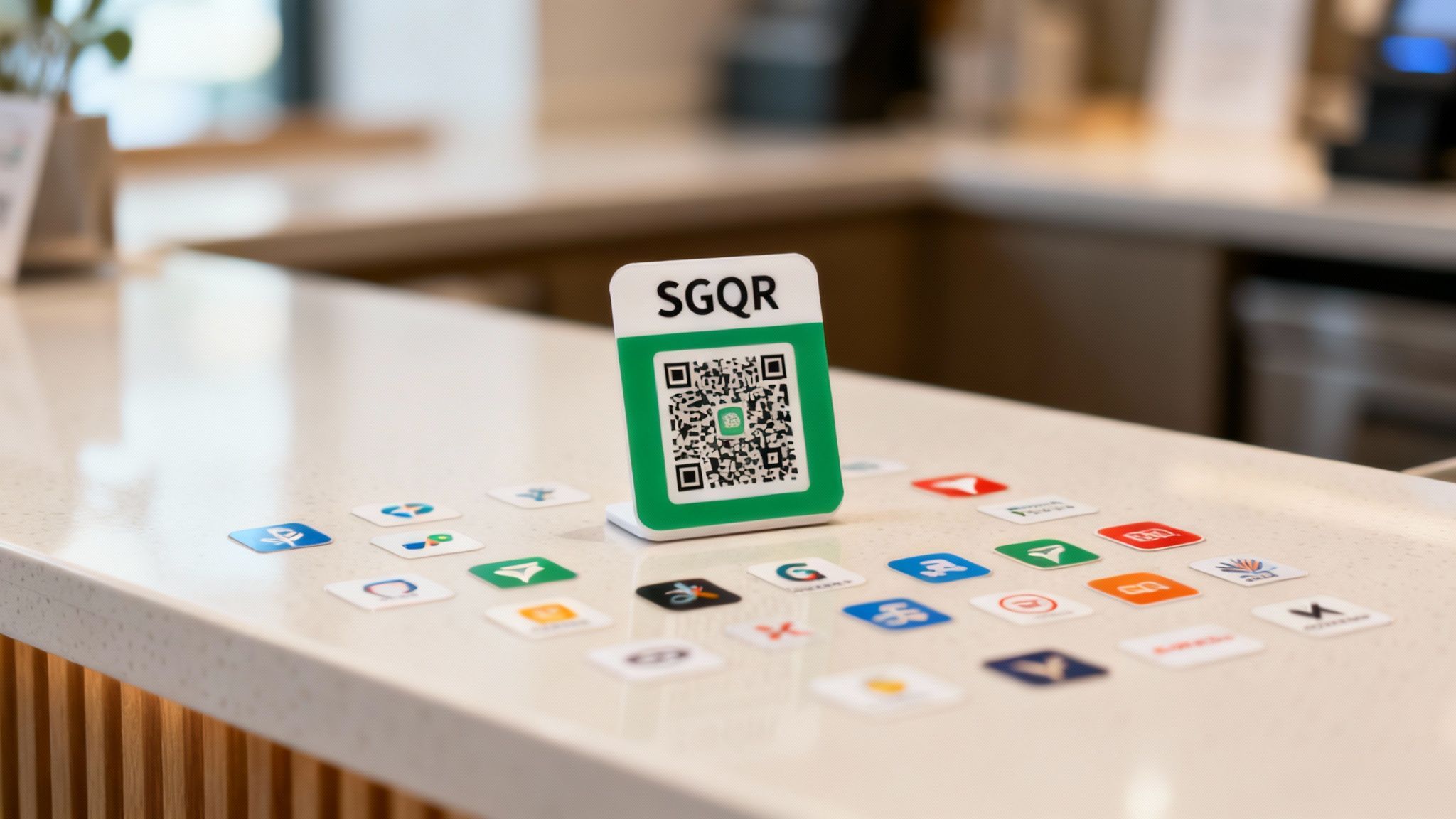
This interoperability is where the real magic happens. Your one SGQR sticker doesn’t just take PayNow; it can accept payments from many other popular apps. It offers maximum flexibility with zero extra fuss.
How SGQR Unifies Payments
The SGQR code is designed to hold payment information for multiple services at once. When a customer scans it, their app finds the specific data it needs and ignores the rest. This creates a smooth transaction and gives your business the widest possible reach.
SGQR isn't just a clever convenience; it's a strategic piece of national infrastructure. It means that as new payment apps pop up, they can slot right into the system without forcing you to stick yet another QR code on your counter.
PayNow QR transactions soared during the pandemic. In the first half of 2021 alone, transactions hit around 70 million. This built on the 138.38 million transactions in 2020. You can see more data in Statista's breakdown of Singapore's payment volumes.
Key Benefits for Your Business
Using the SGQR standard is a smart move that helps your business serve more people easily.
Here are the key benefits:
Wider Customer Reach: Instantly take money from anyone using a participating bank or e-wallet.
Simplified Operations: One QR code makes training staff easy and keeps checkout quick.
Future-Proofing: You are automatically ready to accept new payment methods as they join the network.
Enhanced Customer Experience: A single, familiar QR code means less confusion and faster payments.
By embracing SGQR, you aren't just getting a PayNow QR code. You're plugging your business into a powerful, island-wide payment network. It’s an essential tool for any small business.
So, Is PayNow All I Really Need to Grow My Business?
The PayNow QR code is a brilliant starting point for any small business in Singapore. It’s quick, free, and widely used. But relying on PayNow alone limits your growth potential.
Using only PayNow creates blind spots in your payment strategy. The biggest one is international customers. Tourists simply cannot use PayNow.
The "Tourist Trap" That's Costing You Sales
Imagine a tourist ready to buy a souvenir or product in your shop. They pull out their Visa or Mastercard, but you can only point at your PayNow QR code. Because PayNow is linked to Singaporean bank accounts and local IDs, your visitor cannot pay.
This isn't a small problem; it's a hole in your revenue stream. Tourists are vital for many retailers and F&B spots. Every time you turn one away, you lose a sale.
One of the most common rookie mistakes is thinking that just because PayNow is everywhere, it’s everything. This completely ignores the massive spending power of visitors who come to Singapore ready to shop.
And What About the Local Card Fanatics?
It’s not just about tourists. A large portion of your local Singaporean customer base still prefers to use credit cards. Ignoring them means leaving money on the table.
Why do so many locals love their cards?
The Points Game is Strong: Singaporeans collect rewards like cashback and air miles on card spending.
Managing the Moolah: Credit cards offer "buy now, pay later" flexibility for larger purchases.
It's Just... Easier: For millions, tapping a card is pure muscle memory—quick, secure, and familiar.
PayNow adoption is huge, hitting 5.5 million registrations by 2022. However, 76% of Singaporeans still regularly use their credit cards. This shows that cards are still king for much of everyday shopping. See more on Singapore's dynamic payment landscape.
The PayNow QR code is your essential first step, not the finish line. To capture every sale, you need a setup that welcomes everyone. That includes card-loving locals, international tourists, and your PayNow fans.
Adding Card Payments the Smart Way With nashi
PayNow QR is great for local customers. But what about everyone else? International tourists and many Singaporeans are dedicated card-tappers.
Enter nashi. It’s the perfect partner for your PayNow setup. It’s a simple way to take contactless card payments using just your smartphone.
Forget clunky terminals, long contracts, or confusing fees. nashi turns your phone into a payment machine. You can confidently say "yes" to every customer, whether they have a local bank app or a foreign credit card.
Your Phone Is Now Your Card Terminal
The idea behind nashi is simple: why buy extra hardware when you already carry a smartphone? With nashi, you can accept Visa, Mastercard, and American Express with a quick tap on your phone.
This hardware-free approach is a game-changer for businesses on the move.
Pop-up stalls and market vendors: No need to carry a heavy, expensive card reader.
Freelancers and personal trainers: Get paid instantly after a session, with no more chasing invoices.
Mobile beauty professionals: Offer clients the convenience of paying by card in their own homes.
It’s the ultimate flexibility, built for how modern small businesses actually work.
Onboarding in a Day, Not Weeks
Old-school payment providers have painfully slow setups. You drown in paperwork and wait weeks for a terminal to arrive. nashi throws all that out the window.
The entire onboarding process is digital and fast. Most businesses get approved and ready to take payments in about one business day. There are no forms to print and no waiting for hardware deliveries.
The whole philosophy is about getting rid of the friction. Getting started should be as easy as downloading an app, because for a small business owner, time is the one resource you can never, ever get back.
Simple, Honest Pricing
Traditional payment systems often have confusing fees, hidden costs, and minimum sales targets. nashi keeps it transparent.
The pricing is a straightforward from 1.99% + $0.30 per transaction. There are no monthly subscription fees, no annual contracts, and no lock-in periods. You only pay when you make a sale.
This predictable model is a huge deal for micro-businesses and sole proprietors. By making card acceptance accessible and affordable, you can explore nashi's features and cater to every customer's preference without worrying about your budget.
Building Your Perfect Payment Setup
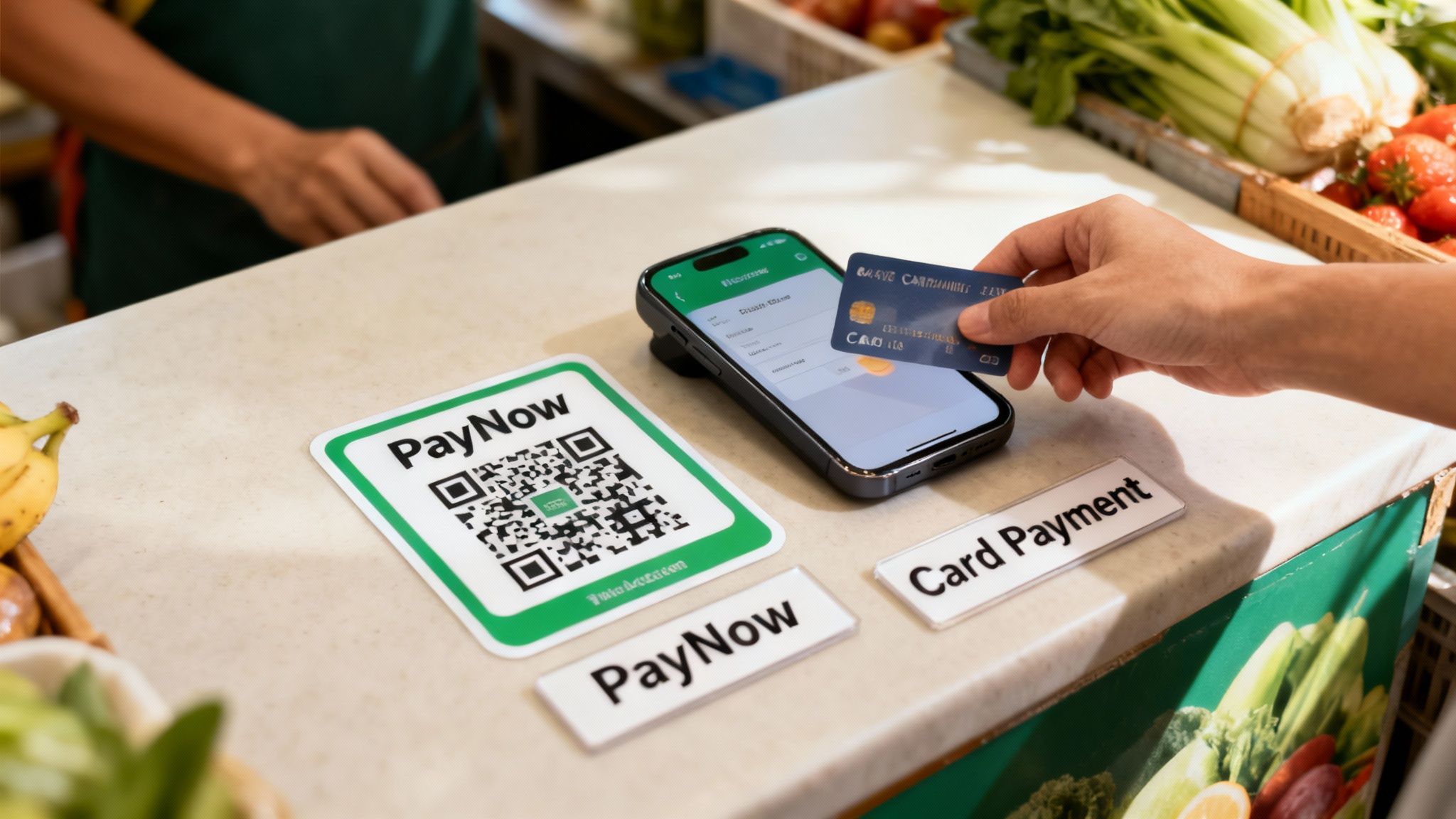
Let's design a payment strategy that works. The goal isn't to ditch your PayNow QR code. It's about building on its strengths to capture every sale without the cost of an old POS terminal.
Think of it as having two powerful tools. Use your free PayNow QR code for everyday local payments. When a customer wants to use a card, have the nashi app ready to go.
This two-pronged approach is your secret weapon. You never have to say "sorry, we don't take cards" again. It's the smartest, most modern way to run a business in Singapore.
The Hybrid Strategy in Action
This is a practical solution for businesses like yours. A simple, dual approach is often the most powerful.
For the Hawker Stall: The PayNow QR code is perfect for quick orders. When an office manager wants to pay for catering with a company card, use nashi.
For the Personal Trainer: Regulars can PayNow you for sessions. When a new client buys a 10-session package, offering a card payment through nashi makes it easier for them.
For the Pop-Up Retailer: Your PayNow QR code handles small, impulse buys. When a tourist loves a pricier item, accept their international card with nashi.
The core idea is simple: let the payment method fit the customer, not the other way around. This flexibility is what sets growing businesses apart from the rest.
This strategy puts you in control. You get the speed and zero-cost benefit of PayNow for local bank transfers. You also get the global reach of card payments through nashi, all from your smartphone.
Frequently Asked Questions (FAQ)
Here are answers to common questions about using a PayNow QR code for business.
Is It Really Free to Use a PayNow QR Code?
Yes, accepting payments via your business's PayNow QR code is typically free. Participating banks do not charge transaction fees for these direct bank transfers. This makes it a very cost-effective way to get paid by local customers.
Will I Need a Different QR Code for Every Bank?
No. Thanks to the SGQR standard, you only need one single QR code. This unified code accepts payments from customers using many different banking apps and e-wallets in the PayNow network. It keeps your counter clean and your checkout simple.
Can Tourists Pay Me with a PayNow QR?
No, international visitors cannot use PayNow. The system is linked to Singaporean bank accounts and local IDs (NRIC/FIN). This is a key reason why businesses serving tourists should also offer a card payment option.
Ready to capture every single sale, from locals and tourists alike? nashi turns your phone into a card terminal, letting you accept contactless payments with zero hardware and simple, honest pricing. Get started with nashi today


