
nashi Team
5 min read
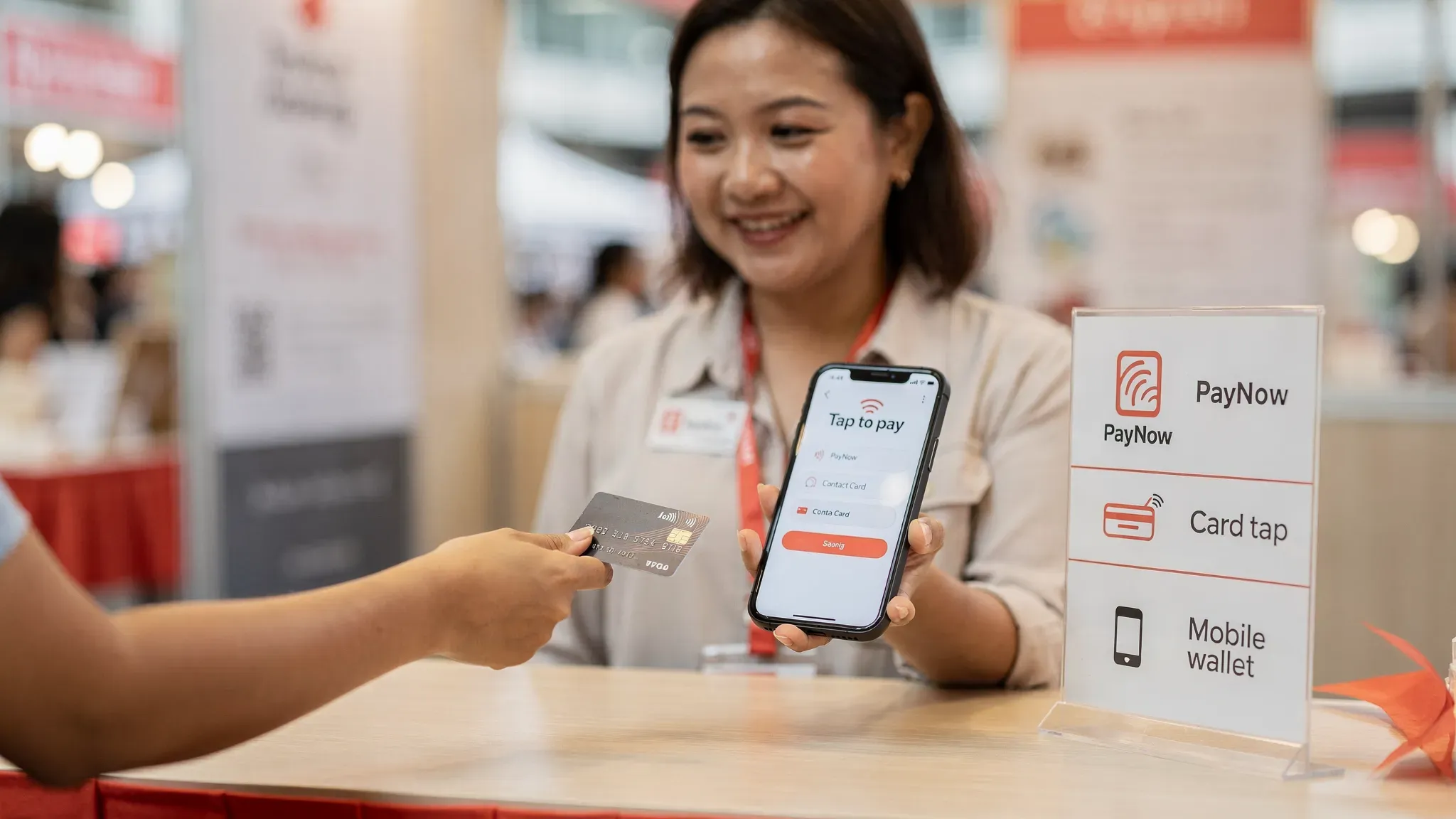
“Can I let customers tap their card on my phone?” has gone from a curiosity to a very practical sales question for Singapore micro and small businesses.
If you run a pop-up, home-based studio, mobile service, or small retail counter, a tap to pay card flow can remove two of the biggest blockers to accepting cards: hardware and setup time. But merchants still need to understand what “tap to pay” actually covers (cards vs wallets), how fees work in Singapore, what security standards apply, and when Tap to Phone makes sense alongside PayNow.
What “tap to pay card” actually means (and what customers will do)
In everyday Singapore English, “tap to pay” usually means contactless payments. From a merchant perspective, it includes two customer behaviours:
Tapping a physical contactless card (Visa, Mastercard, AMEX) on the reader or the back of a phone
Tapping a mobile wallet (for example Apple Pay or Google Pay) on the reader or phone
Both are typically powered by NFC (Near Field Communication) and use EMV contactless standards. The key merchant takeaway is simple: if your setup accepts contactless cards, it usually also accepts contactless wallets, because wallets present a card credential in a secure, tokenised way.
If you want the underlying standard, EMVCo maintains the global EMV specifications used for chip and contactless payments (see the EMVCo overview).
Tap to Phone vs card terminals: what changes for merchants
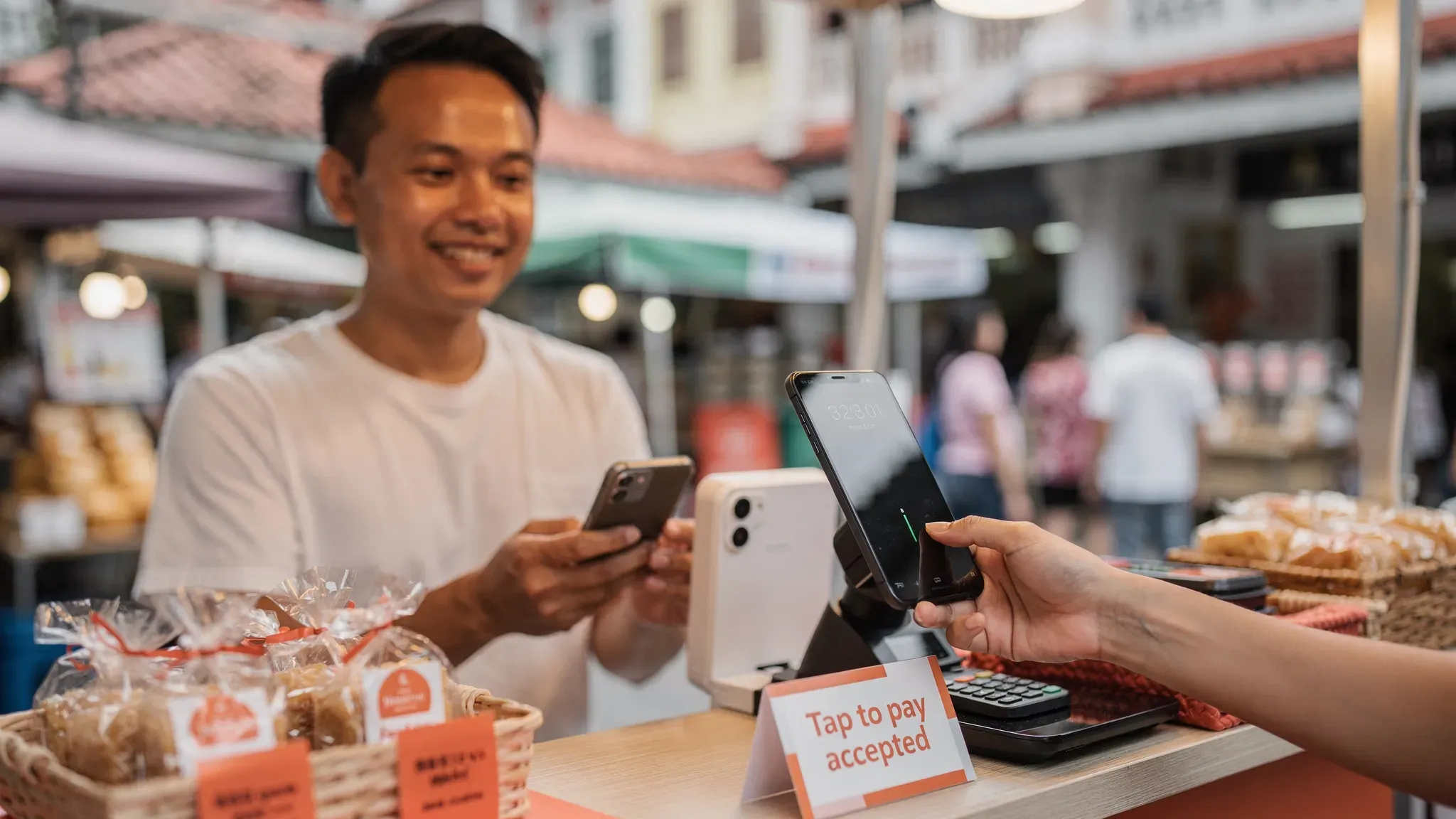
Traditionally, accepting “tap” meant buying or renting a physical card terminal. With newer “SoftPOS” or “Tap to Phone” solutions, the phone becomes the terminal.
Here is the practical difference:
Option | What you need | Best for | Common trade-offs |
|---|---|---|---|
Traditional terminal (bank/NETS-style) | Dedicated hardware terminal, power, connectivity | Fixed counters, higher daily volume | Hardware rental or purchase, setup lead time, contracts can be more rigid |
Bluetooth card reader (mPOS) | Phone + separate reader | Small counters, occasional mobile | Reader can disconnect, needs charging, still hardware |
Tap to Phone (SoftPOS) | NFC phone + app | Pop-ups, mobile services, low to moderate volume | Depends on phone model, fixed per-transaction fees can matter for low ticket sizes |
For many micro-merchants, the biggest advantage is not “new tech”. It is lower total cost of ownership and faster time to first transaction, because you are not waiting for hardware delivery, installation, or training.
What Singapore merchants need to accept tap-to-pay cards
Most merchant frustration comes from hidden prerequisites. Before you promise customers “can tap”, make sure these basics are true.
1) The right device: NFC matters
For Tap to Phone, you generally need:
An NFC-enabled smartphone
A stable WiFi or mobile data connection
A payment app that supports Tap to Phone in Singapore
If the phone has NFC but it is disabled, tap payments will fail. If connectivity is unstable, you can see timeouts during authorisation.
2) Provider onboarding: what you will be asked for
In Singapore, card acceptance requires merchant onboarding and KYC checks. Expect to provide business and bank details.
For example, nashi’s onboarding is designed to be digital and typically requires:
Latest ACRA business file
IDs of majority shareholders
Bank statement
Your exact requirements can vary by provider and business type, but the principle is the same: you are opening a merchant account to accept card payments.
3) The payments you actually want to accept
A “tap to pay card” promise is only useful if it matches your customer mix.
Ask yourself:
Do you need Visa and Mastercard at minimum?
Do you often get asked for AMEX (common in corporate spending and some expat segments)?
Do you serve international visitors who cannot use PayNow?
If tourists are part of your business (markets, tours, private transport, boutique retail), card acceptance is often the difference between “browse” and “buy”.
Quick readiness checklist
Item | Why it matters | What to verify |
|---|---|---|
NFC phone | Enables tap | NFC exists and is switched on |
Data connection | Authorisation needs internet | Test in your actual selling location (events often have weak signals) |
Supported card types | Avoid “cannot pay” moments | Visa/Mastercard at least, plus AMEX if relevant |
Refund flow | Customers will ask | Can you issue full or partial refunds in-app? |
Settlement timing | Cash flow planning | Know payout schedule (for example, 2 business days vs longer) |
Fees: how tap-to-pay card pricing usually works in Singapore
Merchants often compare providers by the headline percentage (for example, 2.x%). The real cost is usually a combination of:
A percentage fee (MDR) per transaction
A fixed fee per transaction (common in card processing)
Different rates for local vs international cards, and sometimes AMEX
This is why a tap-to-pay setup can feel “expensive” for S$5 transactions but perfectly reasonable for S$150 transactions.
A simple example (why small tickets feel costly)
If your pricing includes a fixed fee component, the effective rate increases as the transaction amount gets smaller.
On a S$10 sale, a S$0.40 fixed fee is already 4% before any percentage fee.
On a S$200 sale, that same S$0.40 is only 0.2%.
This is also why some providers (including nashi) are candid that Tap to Phone can be less competitive for very low-value, high-frequency F&B transactions.
If you want a deeper breakdown of Singapore fee mechanics, including interchange, scheme fees, and common hidden charges, see nashi’s guide to payment processing fees.
Watch-outs that are Singapore-specific
GST on fees: some providers add 9% GST on top of their processing fees. Others do not. This changes your true cost, especially at volume.
Monthly fees or terminal rental: traditional setups may look “cheap” on MDR but add fixed monthly costs.
International card mix: if your customers include tourists, expect a higher share of international cards, which can carry higher fees.
Security: is it safe to accept tap-to-pay cards on a phone?
For most merchants, the real question is not “Is NFC safe?” It is “Will I be liable if something goes wrong?”
In general, Tap to Phone solutions are built to meet card industry security requirements. As a merchant, you should look for signals like:
PCI-DSS compliance (a major global security standard for organisations that handle card payments)
A reputable payment infrastructure partner
Clear guidance on chargebacks, refunds, and dispute handling
nashi states it is PCI-DSS compliant and is powered by Adyen’s payment infrastructure, which is a globally established payments provider.
For broader context on PCI standards, the PCI Security Standards Council explains the purpose and scope of PCI-DSS.
What merchants should still do operationally
Even with strong payment security, day-to-day risk is often operational. A few practical habits reduce issues:
Use a dedicated business phone (or a dedicated profile) with a passcode and OS updates enabled.
Train staff on where the customer should tap (back of phone) and how long to hold.
Avoid taking payments on unstable networks at events without testing first.
Customer experience tips: reduce failed taps and awkward moments
Tap-to-pay is fast when it works, but small frictions can lose sales when you are busy.
Common causes of failed taps:
The customer taps the wrong spot (especially with large phones and camera bumps)
Thick phone cases or metal attachments interfere with NFC
The customer removes the card too quickly
Weak connectivity causes the authorisation to time out
Two simple habits help:
Tell customers exactly what to do: “Please tap and hold on the back of the phone for 1 to 2 seconds.”
If you do many transactions in a row (pop-ups), keep your phone positioned consistently so customers do not “search” for the NFC spot.
If you want a step-by-step walkthrough of the tap flow, setup, and troubleshooting, nashi also has a dedicated guide on how to use Tap to Pay on your smartphone.
Tap to pay card vs PayNow: what most small businesses should do
For Singapore micro and small businesses, PayNow is hard to beat on cost because it is essentially a bank transfer rail.
But PayNow has two practical gaps:
International customers generally cannot use it.
Some customers strongly prefer cards for rewards, expense claims, or perceived protection.
A useful way to think about it is “layering”:
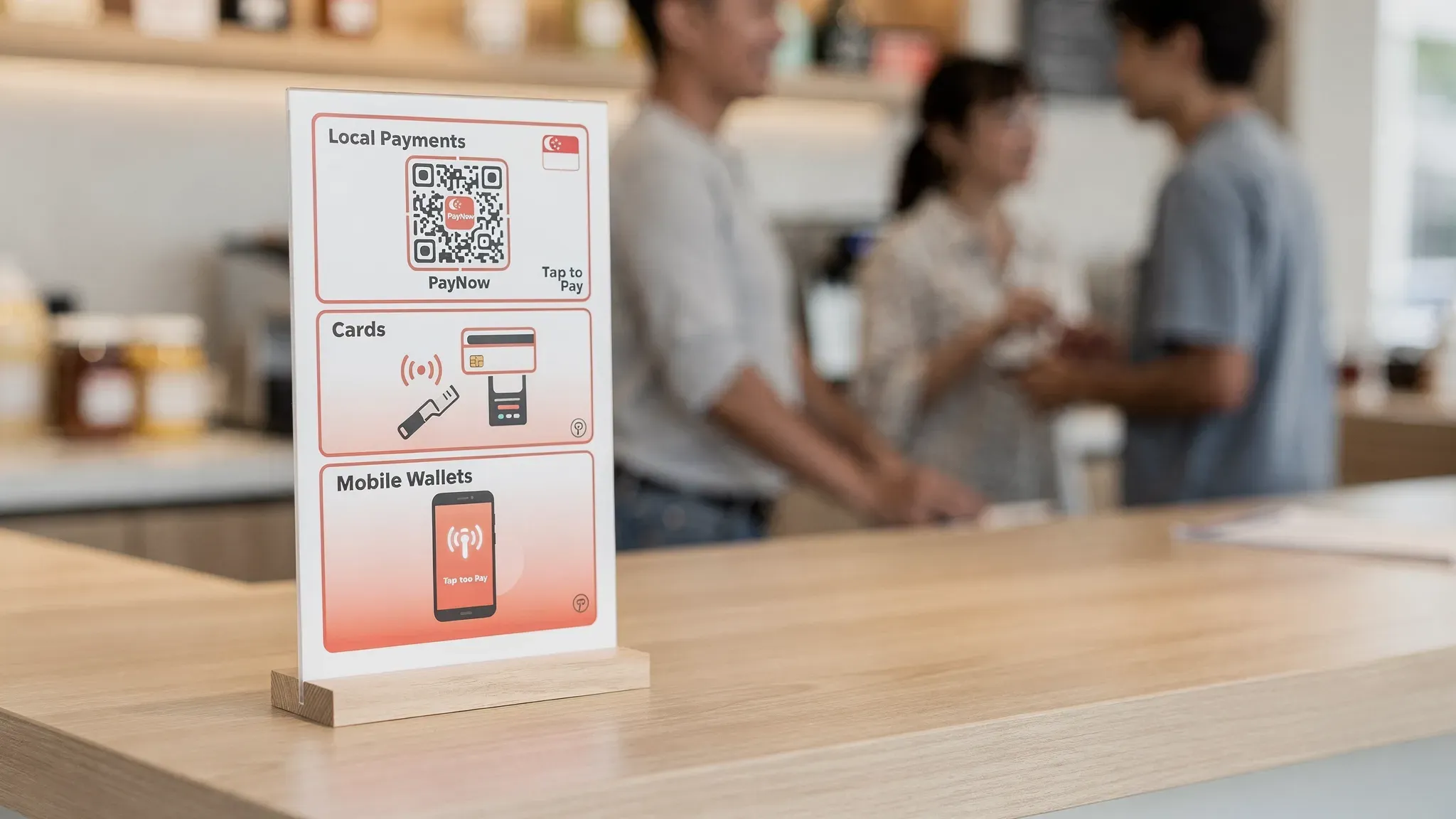
PayNow for local, cost-sensitive transfers
Tap to pay card for card-preferring customers, higher-value transactions, and tourists
This is also why PayNow and Tap to Phone are often complementary rather than competing.
If your business is still setting up PayNow UEN, nashi’s step-by-step guide to a PayNow UEN QR code is a good starting point.
When Tap to Phone is a great fit (and when it is not)
Tap to Phone is not “best” for everyone. It is best for specific operating models.
Strong use cases in Singapore
Pop-ups, fairs, bazaars, and event stalls that need to start quickly
Mobile services (air-con servicing, cleaning, repair contractors) that want to collect payment on-site
Tutors, trainers, wellness practitioners who sell sessions and packages with larger ticket sizes
Retailers and wholesalers with intermittent card acceptance needs
Businesses serving tourists or newly arrived expats (where PayNow is not an option)
Less ideal use cases
Very low-ticket, very high-frequency transactions where a fixed per-transaction fee heavily impacts margins
Merchants that need a full POS suite with inventory, SKUs, kitchen printing, or e-commerce built-in (Tap to Phone is usually not designed for this)
How to choose a tap-to-pay provider (Singapore merchant criteria)
Instead of picking purely on the headline MDR, evaluate based on your business reality:
1) Speed to start and support quality
If you are onboarding for a weekend event, “fast approval” matters more than a 0.1% rate difference. Ask:
How long does approval typically take?
Can you get human help quickly if a payment fails mid-event?
2) Total cost, not just headline rate
Confirm:
Percentage fee plus fixed fee
International card pricing (if relevant)
Whether GST is added on top of fees
Any monthly, setup, or hardware charges
3) Payout timing and refunds
Cash flow is a real constraint for small teams. Check:
Settlement schedule (for example, T+2 business days)
Whether you can issue full or partial refunds easily
Where nashi fits (for merchants who want a lightweight option)
nashi is positioned for Singapore micro and small businesses that want simple, in-person card acceptance without terminals or extra accessories.
Based on nashi’s product information:
Tap to Phone app that turns an Android phone into a payment terminal (with iOS coming soon)
Accepts Visa, Mastercard, and AMEX (tap card or mobile wallet)
PCI-DSS compliant, powered by Adyen’s payment infrastructure
Digital onboarding in-app, typically approved in 1 business day
Automatic settlements to your bank account in 2 business days
Full or partial refunds supported in-app
No annual contracts and no monthly subscription fees
Free trial of up to $1,000 in fee-free transactions
If your goal is to add cards alongside PayNow without buying hardware, you can review nashi at trynashi.com.
The practical bottom line
A tap to pay card setup is no longer a “nice to have” in Singapore. It is a straightforward way to capture customers who do not want to scan a QR, cannot use PayNow, or simply prefer contactless.
If you sell in-person and value simplicity, evaluate Tap to Phone like you would evaluate any core utility:
Can I start fast?
Will it work where I actually sell?
Do the costs make sense for my average ticket size?
Will it support my customer mix (local, international, AMEX)?
Get those right, and “tap to pay” becomes less about payments and more about removing friction from your sales process.


