
nashi Team
5 min read
For years, accepting card payments in person meant ordering a terminal, pairing a Bluetooth reader, paying rental fees, or signing up for a full POS setup. That made sense for larger retailers, but it often felt excessive for Singapore’s micro and small businesses, especially pop-up vendors, mobile service providers, tutors, contractors, and newly incorporated companies.
Today, you can accept contactless payments without a card reader by using the NFC chip already built into many smartphones. Instead of tapping a customer’s card on a separate device, the customer taps their card or mobile wallet directly on your phone.
For a small business, the difference is practical. No terminal to carry. No reader to charge. No Bluetooth connection to troubleshoot. No upfront hardware purchase. Just your phone, a payment app, and an internet connection.
What it means to accept contactless payments without a card reader
Contactless payment simply means the customer pays by tapping a supported card or mobile wallet near a contactless-enabled device. In Singapore, that usually includes Visa, Mastercard, American Express, Apple Pay, and other digital wallets, depending on the provider you use.
Traditionally, the contactless-enabled device was a card terminal or small Bluetooth reader. With Tap to Phone on Android and Tap to Pay on iPhone, the contactless-enabled device is your smartphone.
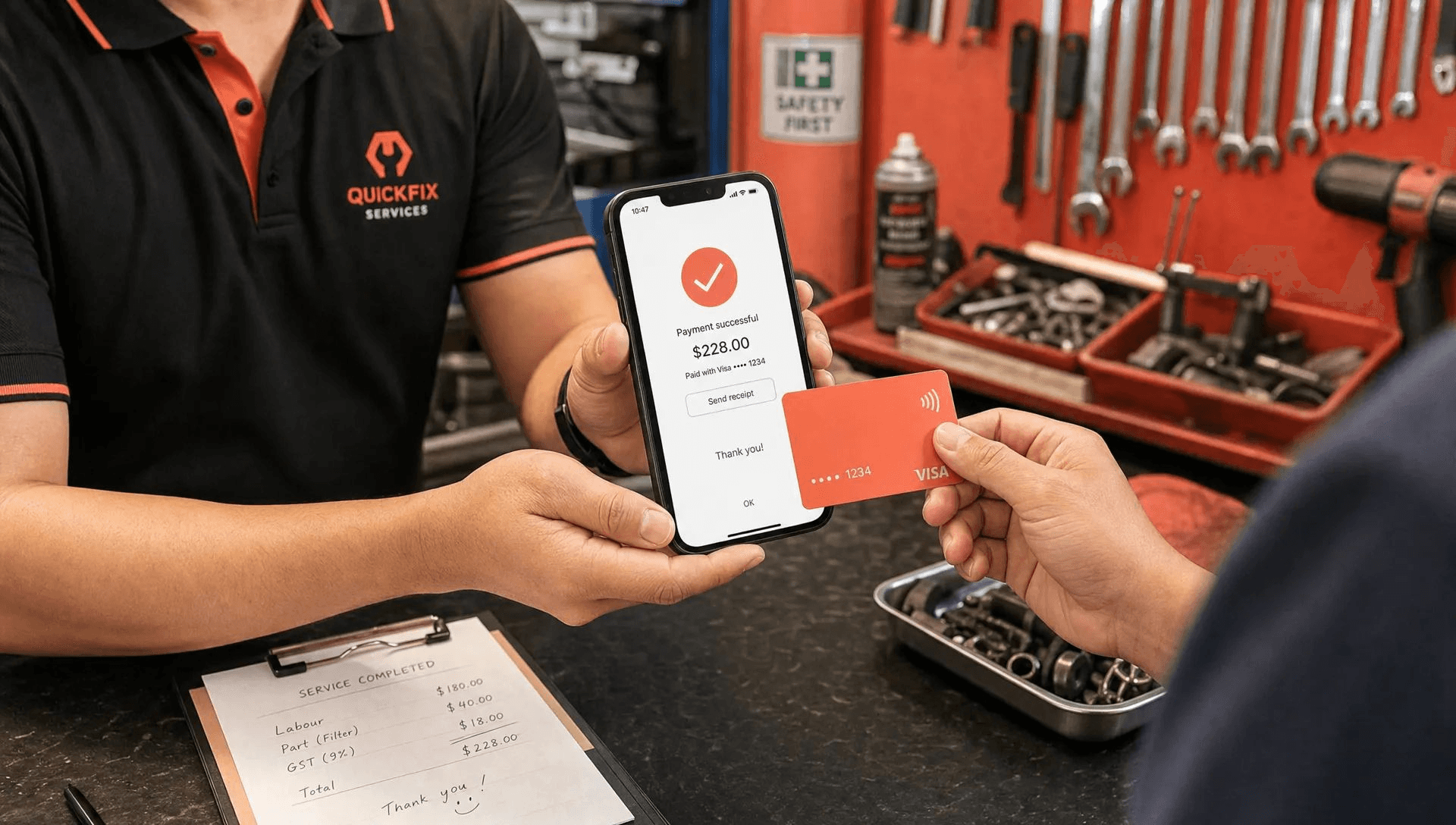
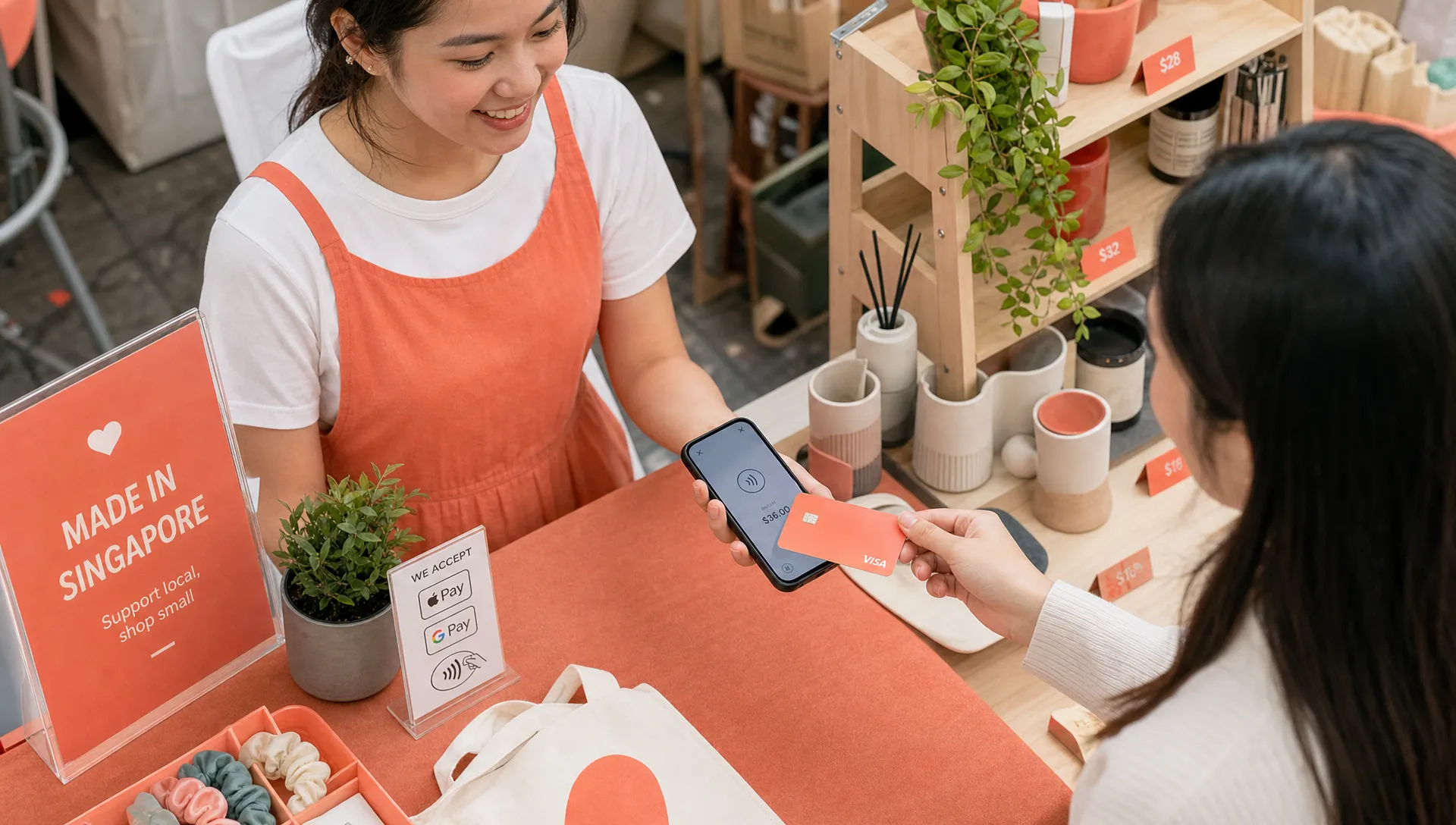
The customer experience is almost the same as paying at a retail counter. You enter the amount, the customer taps their card or phone on the back of your device, and the payment is confirmed. The major change is that the payment terminal is now an app on your phone, not a separate piece of hardware.
This is especially useful if your business does not operate from one fixed checkout counter. A personal trainer can collect payment at the gym, a carpet cleaner can accept cards at the customer’s home, and a pop-up vendor can take payments at a fair without renting a terminal for the weekend.
The main hardware-free option: Tap to Phone
The simplest way to accept contactless card payments without a card reader is through a Tap to Phone payment app. On Android, this is commonly called Tap to Phone or Tap on Phone. On iPhone, Apple calls it Tap to Pay on iPhone.
In both cases, the principle is the same. Your smartphone’s NFC capability reads the customer’s contactless card or mobile wallet, while the payment app handles the secure transaction flow.
For Singapore businesses, this matters because many small merchants have historically relied on PayNow, cash, or bank transfers. Those methods still have their place, but they do not always suit international visitors, higher-value services, or customers who prefer card rewards and buyer protection.
If you want a broader technical breakdown, nashi has a separate guide on smartphone contactless payment setup, fees, and limits. This article focuses on the practical steps to start accepting contactless card payments without buying a reader.
What you need before you start
You do not need a traditional terminal, but you do need a few basics. The exact requirements vary by provider, yet most Singapore small businesses should check the following before applying.
Requirement | Why it matters | What to check |
|---|---|---|
NFC-enabled smartphone | The phone must be able to read contactless cards and wallets | Android phone with NFC, or iPhone XS and newer for Tap to Pay on iPhone |
Internet connection | Payments need to be authorised securely | Mobile data or WiFi at your sales location |
Registered business | Providers need to onboard merchants properly | Sole proprietorship, partnership, or Pte Ltd company details |
Business bank account | Settlements need somewhere to be paid out | Bank account matching your business onboarding details |
KYC documents | Required for payment compliance | Latest ACRA business profile, IDs for relevant owners, and bank statement are commonly requested |
Supported payment types | Not every provider accepts the same cards | Check Visa, Mastercard, Amex, Apple Pay, and international card support |
For nashi specifically, onboarding is completed digitally in the app and typically requires your latest ACRA, IDs of majority shareholders, and a bank statement. nashi is available on Android and iOS, including Tap to Pay on iPhone for iPhone XS and newer.
Step-by-step: how to accept contactless payments without a card reader
Once you have chosen a provider, the day-to-day process is straightforward. The exact app screens will differ, but the flow is generally similar.
Choose a Tap to Phone payment app: Look for a provider that supports your device, your business type, your expected card mix, and the payment methods your customers actually use.
Complete merchant onboarding: Submit the required business and identity documents through the provider’s onboarding process. For small businesses, digital onboarding is much faster than paper forms and terminal delivery.
Wait for approval: Approval time varies by provider. nashi merchants are typically approved in about 1 business day, subject to the required checks being completed.
Open the app and enter the amount: When the customer is ready to pay, enter the amount in your payment app as you would on a terminal.
Ask the customer to tap: The customer taps their contactless card or mobile wallet on the back of your phone. With iPhone, Tap to Pay on iPhone guides the customer where to tap.
Confirm the transaction: Wait for the successful payment confirmation before handing over goods, completing the service, or letting the customer leave.
Track payouts and handle refunds if needed: Check settlement timelines and refund options inside your provider’s app or merchant account.
With nashi, payments are automatically settled to your bank account in 2 business days, and full or partial refunds can be issued through the app.
When it makes more sense than a card reader
A card reader can still be useful for some businesses. If you run a high-volume checkout counter with staff shifts, barcodes, inventory, receipts, and POS integrations, a larger POS or terminal setup may be appropriate.
But many Singapore small businesses do not need all of that. They simply need a reliable way to accept contactless payments when customers want to pay by card.
For pop-ups and market stalls, a no-reader setup reduces packing, charging, and rental headaches. You can turn up with your phone and start selling once your merchant account is active. That is useful for weekend fairs, seasonal events, boutique markets, and product launches where buying hardware for occasional use feels wasteful.
For mobile service providers, Tap to Phone removes the awkwardness of asking for cash or waiting for a bank transfer after a job. Air-con servicing companies, plumbers, upholstery cleaners, mobile beauticians, private drivers, and personal trainers can collect payment on the spot, even when the customer does not use PayNow.
For professional services and higher-ticket packages, cards are often more convenient for customers. A tuition package, fitness package, home repair, wellness consultation, or transport booking can be a meaningful amount. Many customers prefer to put those payments on a card for points, cashflow, or record-keeping.
Tap to Phone vs PayNow vs payment links vs terminals
PayNow is widely used in Singapore and remains valuable. For many small businesses, it is free through their bank, familiar to local customers, and easy to display as a QR code. But PayNow and contactless card acceptance solve different problems.
PayNow works well when your customer has a Singapore bank account and is happy to make a bank transfer. Contactless cards work better when the customer wants card rewards, is visiting from overseas, is paying a higher amount, or simply prefers tapping to scanning and typing.
Payment method | Best for | Main limitation |
|---|---|---|
Tap to Phone or Tap to Pay on iPhone | In-person card payments without hardware | Requires merchant approval and a compatible smartphone |
PayNow QR | Local bank transfers from Singapore customers | Not usable by most international visitors and not a card payment |
Payment link | Remote payment or collecting after a conversation | Less immediate for face-to-face checkout |
Card reader or terminal | Fixed counters or higher-volume operations | Hardware cost, rental, charging, setup, or pairing may be required |
The practical answer for many Singapore merchants is not to replace PayNow. It is to offer both. Keep PayNow for customers who prefer it, and add contactless cards for customers who do not.
If you are preparing your checkout flow, nashi’s merchant checklist for faster contactless checkout covers useful details like signage, staff training, and customer instructions.
Costs to check before choosing a no-reader payment provider
The headline cost of accepting contactless payments is usually the transaction fee. But small businesses should look at the total cost, not just the percentage.
A traditional terminal may involve monthly rental, setup fees, replacement costs, or a contract period. A Bluetooth reader may be cheaper than a countertop terminal, but you still need to buy, charge, carry, and pair it. A Tap to Phone app removes the hardware layer, so your cost structure is usually simpler.
Before choosing a provider, check:
Whether there are setup fees, monthly fees, annual contracts, or cancellation charges
Whether local cards, international cards, and Amex have different rates
Whether there is a fixed fee per transaction on top of the percentage
Whether GST is added on top of provider fees
How quickly funds are settled into your bank account
Whether refunds can be handled easily
Whether support is available when you are selling in person
nashi is designed for card acceptance only, without POS complexity, hardware rental, or monthly subscription fees. It charges per transaction, and pricing can be discussed based on your business type and maturity. That can be useful if you are new to card acceptance, run occasional events, or operate in a segment where a full payment suite would be more than you need.
Security: is tapping on a phone safe?
A properly built Tap to Phone solution is not just a casual card-reading app. It must follow payment security requirements and use approved payment infrastructure. The customer’s card details are not simply stored on your phone like a note or photo.
nashi is PCI-DSS compliant and powered by Adyen’s payment infrastructure. That matters because card acceptance involves secure authorisation, scheme rules, fraud controls, and settlement processes behind the scenes.
From a customer experience perspective, the biggest trust factor is clarity. Tell the customer the amount before they tap, show the confirmation after the transaction, and make sure staff understand where the customer should tap on the device. For higher-value transactions, that reassurance is especially important.
How to make your first no-reader checkout feel smooth
The first time you accept a contactless payment on your phone, it may feel different from using a terminal. A little preparation makes the experience feel natural for both you and your customers.
Test your process before your first event or appointment. Make sure the app is installed, your account is approved, your phone has battery, and your mobile data works in the place where you will be selling. If you are at a fair, do not assume the venue WiFi will be reliable. Mobile data is often the safer backup.
Place a small sign at your counter or in your service message that says you accept cards. Many customers will not ask if they assume you only take PayNow or cash. This is particularly important for tourists, expats, and corporate customers who may prefer cards for record-keeping.
Train anyone collecting payment to use the same script. For example: “You can tap your card or phone on the back of my phone.” Simple wording avoids confusion, especially because some customers still expect to see a separate terminal.
Finally, keep PayNow available. Offering card acceptance does not mean abandoning the free local rail that many Singapore customers already use. It simply gives your business another way to close the sale.
Why nashi is a good fit for Singapore small businesses
nashi is built for micro and small businesses that want to accept contactless payments in person without a card reader, terminal, or extra accessory. It is not a full POS system, inventory platform, or e-commerce gateway. That focus is intentional.
With nashi, you can turn an Android phone or eligible iPhone into a card payment terminal. Customers can tap supported contactless cards or mobile wallets, including Visa, Mastercard, Amex, and Apple Pay on iPhone. There is no Bluetooth reader to pair, no hardware to order, and no terminal to bring to your next job or event.
For iPhone users, nashi supports Tap to Pay on iPhone with no terminal needed, available on iPhone XS and newer. For Android users, the same hardware-free idea applies through Tap to Phone.
This makes nashi especially relevant for businesses that sell in person but do not want a heavy payment stack, such as market vendors, mobile beauty providers, air-con servicing businesses, tutors, personal trainers, small wholesalers, and event-based brands.
Frequently Asked Questions
Can I accept contactless payments without buying any hardware? Yes. With a Tap to Phone or Tap to Pay on iPhone app, a compatible smartphone can act as the payment terminal. You do not need a separate card reader, dongle, or Bluetooth accessory.
Do customers need to install an app to pay me? No. Customers simply tap their contactless card or supported mobile wallet on your phone, similar to tapping on a normal terminal.
Can I use this alongside PayNow? Yes. In Singapore, many businesses should offer both. PayNow is useful for local bank transfers, while contactless cards are helpful for tourists, higher-value transactions, and customers who prefer card rewards.
Does this work on iPhone and Android? It depends on the provider. nashi is available on Android and iOS. Tap to Pay on iPhone requires iPhone XS or newer.
How fast can I start accepting payments? You need to complete merchant onboarding first. With nashi, approval is typically around 1 business day after the required documents are submitted and checks are completed.
Is this the same as a POS system? No. Tap to Phone is mainly about accepting in-person card payments. If you need inventory, SKU management, table ordering, or e-commerce tools, you may need a separate POS or commerce platform.
Ready to accept contactless payments without a card reader?
If your business just needs a simple way to take in-person card payments, nashi lets you use the phone you already have. No terminal rental, no card reader, no Bluetooth pairing, and no monthly subscription fees.
Download nashi from trynashi.com and start turning your smartphone into a contactless payment terminal for your Singapore business.


