
nashi Team
5 min read
Fast checkout is not only a big retail problem. For a pop-up stall, private tutor, mobile beauty provider, home services contractor, wholesaler, or small shop in Singapore, a slow payment moment can create queues, awkwardness, and missed sales.
When a customer asks to pay with contactless, they usually mean one simple thing: they want to tap a card or mobile wallet and leave. They do not want to type in your UEN, wait for a QR code to load, show you a bank transfer confirmation, or stand around while a Bluetooth reader reconnects.
This checklist is built for Singapore micro and small businesses that want faster in-person checkout without turning payment acceptance into a full POS project.
What does pay with contactless mean for merchants?
For merchants, contactless payment usually refers to NFC-based card payments. A customer taps a physical Visa, Mastercard, or Amex card, or taps a mobile wallet linked to a card, on a payment terminal, card reader, or compatible smartphone.
It is different from PayNow QR. PayNow is a bank transfer method, widely used in Singapore and often free through your bank. Contactless card payments run on card networks and usually involve a merchant fee, but they can be faster for card-preferring customers, more familiar for tourists, and more convenient for higher-value transactions.
In practice, many Singapore businesses should offer both:
PayNow for local customers who prefer bank transfers.
Contactless cards and mobile wallets for tourists, card users, reward points collectors, and customers who simply want to tap.
The goal is not to replace PayNow. The goal is to stop losing momentum at checkout because the customer’s preferred payment method is not available.
The faster checkout checklist
Use this as a pre-opening, pre-event, or pre-appointment checklist. It is especially useful if you sell at fairs, bazaars, office pop-ups, home appointments, tuition centres, beauty services, transport services, or mobile repair jobs.
Checkout area | What to prepare | Why it speeds things up |
|---|---|---|
Accepted methods | Decide which cards, wallets, PayNow options, and cash options you accept | Staff can answer quickly instead of hesitating |
Payment device | Use a charged terminal, reader, or Tap to Phone app | Prevents last-minute setup delays |
Connectivity | Test WiFi and mobile data before trading starts | Reduces failed payments caused by poor signal |
Signage | Show card and PayNow acceptance before the customer reaches the counter | Customers choose their method earlier |
Staff script | Use a short question such as: Card or PayNow? | Keeps the queue moving |
Tap position | Know where the customer should tap on the device | Reduces failed taps and repeated attempts |
Receipts | Decide if you send digital receipts, paper receipts, or no receipt unless requested | Avoids confusion after payment approval |
Refunds | Know how to issue full or partial refunds before you need to | Prevents stressful service recovery moments |
Fallback plan | Keep PayNow, another phone, or cash as backup | Protects sales if one method temporarily fails |
Reconciliation | Check transactions and payouts at the end of the day | Helps you catch issues early |
Set up the checkout before the customer reaches it
The fastest payment is the one the customer is already prepared to make. If your signage only appears after the customer has packed their bag, found their wallet, or opened their banking app, you have already lost time.
Place payment information at the points where customers make decisions. For a small shop, that could be the entrance, shelf edge, and counter. For a pop-up, it could be the front of the table and a small sign near the queue. For a mobile service business, it could be in the booking confirmation message and again at the end of the job.
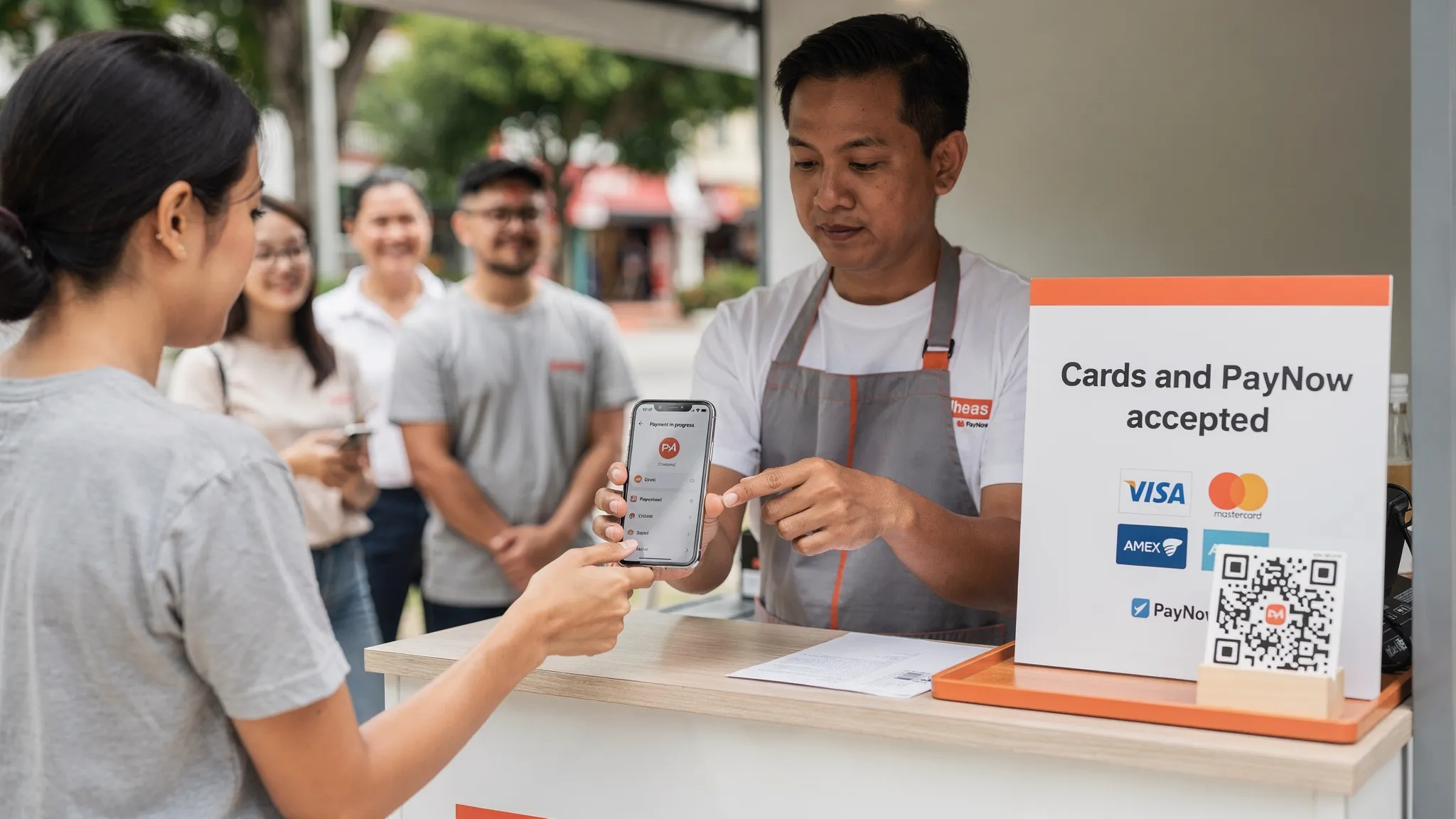
Keep the wording simple. A sign that says “Cards and PayNow accepted” is usually better than a crowded list of every payment logo you can think of. If you accept Amex or serve tourists, make that visible because it can influence purchase confidence.
This matters in service industries too. A skincare studio, mobile nail artist, facialist, or wellness practitioner sells trust and comfort, not just a transaction. Appointment-led skincare businesses such as Lumina Skin Sanctuary show how much the client journey matters before and after a treatment. Your payment step should feel just as smooth, not like an admin interruption at the end of a good experience.
Use a checkout script that removes decision friction
Many checkout delays come from vague questions. If you ask “How would you like to pay?” the customer may pause, look around, ask what you accept, then decide. A better script gives the customer clear options.
Situation | Faster script |
|---|---|
Local retail customer | Card or PayNow? |
Tourist customer | You can tap your card here. |
Mobile service at the customer’s home | I can take PayNow or card tap on my phone. Which works better? |
Higher-value transaction | We accept contactless card payment if you prefer not to transfer. |
Customer holding a phone wallet | You can tap your phone here. |
Customer looks unsure | PayNow is fine, or you can tap your card. |
The best script is short, calm, and consistent. Train every staff member or helper to use the same words. This is especially important at events where part-time staff, friends, or family may be helping at the booth.
Make the tap itself reliable
A contactless payment feels instant when the device is ready, the tap position is clear, and the staff member knows what to do if the first attempt fails.
Before you start selling, check that your phone or terminal is charged, updated, connected to the internet, and ready to accept payments. If you use a smartphone-based Tap to Phone setup, make sure NFC is enabled and the payment app is already logged in. Keep a power bank nearby if you sell at outdoor markets or long events.
When presenting the device, avoid waving it around. Hold it still, tell the customer where to tap, and wait for the confirmation. If a customer is using a mobile wallet, ask them to unlock or authenticate the wallet first. If a tap fails, do not panic. Ask them to try again and keep the card or phone steady for a moment.
Keep PayNow available, but do not make it the only flow
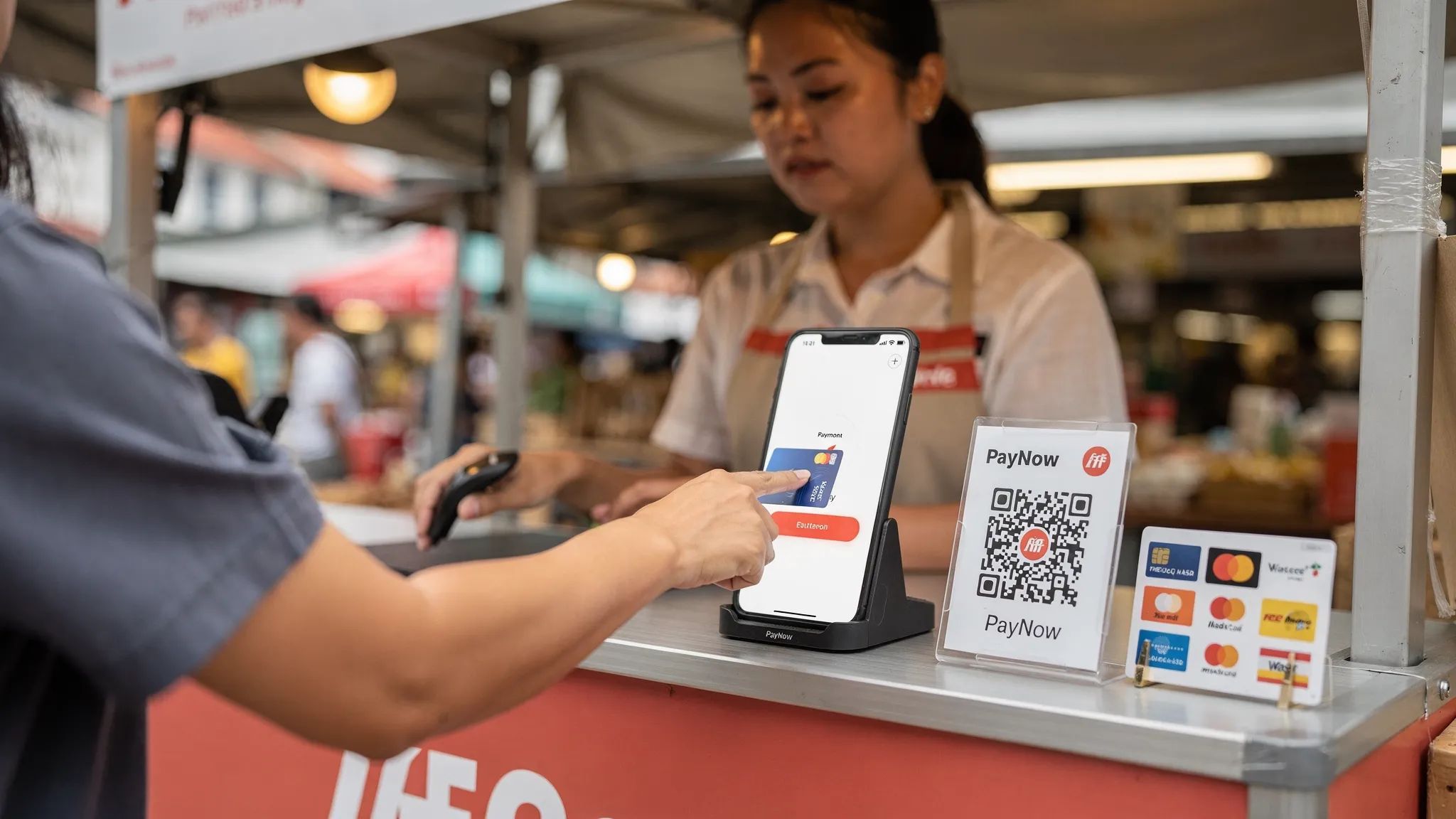
PayNow is excellent for many Singapore businesses. It is familiar, local, and usually low cost. But a PayNow-only checkout can become slow in several common scenarios.
Tourists often cannot use PayNow because they do not have a Singapore bank account. Some customers prefer cards for rewards, statement tracking, or security. Higher-value buyers may not want to make a bank transfer on the spot. In a queue, customers may also take time to scan, confirm the payee name, enter the amount, complete the transfer, and show proof.
That does not mean card payments are always better. For very low-value transactions, a fee-free bank transfer may be more economical. The practical answer for many micro and small businesses is to offer both and guide the customer clearly.
A simple checkout flow works well:
First, ask: Card or PayNow?
If the customer says card, enter the amount and let them tap.
If the customer says PayNow, point to the QR code and confirm the amount.
If one method fails, move to the other without making the customer feel at fault.
Match your setup to your business type
Not every merchant needs a full POS system, a countertop terminal, or inventory software. Faster checkout starts by choosing a setup that matches how you actually sell.
Business type | Common checkout need | Contactless setup that may fit |
|---|---|---|
Pop-ups and fairs | Portable setup, quick onboarding, no bulky hardware | Tap to Phone on a smartphone |
Small retail shops | Counter payments, occasional queues, PayNow plus cards | Phone-based card acceptance or compact terminal |
Tuition and coaching | Higher-value payments, parent convenience | Card acceptance alongside PayNow |
Home services | Take payment at the customer’s location | Tap to Phone using mobile data |
Beauty and wellness | Smooth end-of-service payment | Contactless card tap on phone or terminal |
Tourist-facing sellers | International card acceptance | Contactless cards and mobile wallets |
Wholesalers | Larger invoice amounts, fewer but higher-value transactions | Card acceptance with clear fees and payout timing |
If your business has thousands of SKUs, complex inventory, multiple outlets, or detailed staff permissions, a full POS may be worth considering. If you mainly need to accept in-person card payments quickly, a lighter card acceptance tool may be enough.
Reduce failed taps with a simple troubleshooting routine
Failed taps are frustrating because they break the rhythm of checkout. Most of the time, the fix is simple. Build a routine so staff do not improvise under pressure.
Issue | Quick fix |
|---|---|
Customer taps too quickly | Ask them to hold the card or phone steady for a moment |
Mobile wallet does not respond | Ask them to unlock the wallet and authenticate again |
Device cannot process payment | Check mobile data or WiFi signal |
Card keeps failing | Try another card or ask if PayNow is suitable |
Customer is unsure where to tap | Point to the tap area before they move the card |
App is slow | Close unused apps, reconnect data, or restart before the queue builds |
Battery is low | Switch to a power bank or backup device early |
The key is to avoid making the customer feel embarrassed. Say “Let’s try that once more” rather than “Your card failed.” Small wording changes keep the interaction professional.
Do the security and trust checks
Customers are more likely to pay with contactless when the process looks legitimate. For a small business, trust is built through visible professionalism.
Use a payment provider that follows recognised card security standards such as PCI-DSS. Do not photograph cards, write down card numbers, or take a customer’s card away from them. Keep the payment device in view, show the approved payment confirmation, and be ready to explain when the customer will receive a receipt.
If you use a smartphone as your payment terminal, make the experience look intentional. Use a clean phone, a stable internet connection, and a dedicated payment app. Avoid switching between personal chats and payment screens in front of the customer.
Security is also operational. Check who on your team can issue refunds, how you handle mistaken amounts, and how you review transactions at the end of each day. A fast checkout should still be controlled.
Track whether checkout is actually getting faster
You do not need a complicated dashboard to improve checkout speed. For a week, observe what happens during your busiest periods and record a few practical notes.
Track how often customers ask if they can pay with contactless, how many choose PayNow versus cards, how often taps fail, and whether queues form at specific times. If you run events, compare sales volume and abandoned purchases across different payment setups.
The goal is not to optimise every second. The goal is to remove repeat friction. If customers regularly ask for card payment, add clearer signage. If PayNow confirmation slows down queues, offer card tapping earlier. If your Bluetooth reader disconnects often, consider a hardware-free Tap to Phone option. If staff keep entering wrong amounts, improve the order total process before the payment step.
Where nashi fits into a faster contactless checkout
nashi is built for Singapore micro and small businesses that want to accept in-person card payments without extra hardware. The app turns a compatible smartphone into a card payment terminal, so customers can tap a physical card or mobile wallet on your phone.
nashi is available on Android and iOS, including Tap to Pay on iPhone for iPhone XS and newer. It accepts Visa, Mastercard, and Amex, and supports Apple Pay on iPhone. There is no card reader to buy, no Bluetooth accessory to sync, no monthly subscription fee, and no annual contract.
Onboarding is digital through the app. Businesses typically need their latest ACRA, IDs of majority shareholders, and a bank statement. Approval is typically within 1 business day, and settlements are paid automatically to the business bank account in 2 business days. Full and partial refunds can also be issued through the app.
For small businesses that already use PayNow, nashi is designed to sit alongside it. Keep PayNow for customers who prefer bank transfers, and use nashi when customers want to pay with contactless card or wallet.
Frequently Asked Questions
Is pay with contactless the same as PayNow? No. Contactless usually means tapping a card or mobile wallet using NFC. PayNow is a bank transfer method where customers scan a QR code or use your UEN. Many Singapore merchants should offer both.
Do I need a physical card terminal to accept contactless payments? Not always. Traditional terminals and card readers are one option, but Tap to Phone apps can let compatible smartphones accept contactless card payments without extra hardware.
Why is contactless checkout faster than QR payment? It can be faster because the customer taps a card or wallet and waits for approval. With QR payments, the customer may need to open a banking app, scan, check the payee, enter the amount, confirm, and show proof.
Should small businesses still accept PayNow? Yes. PayNow remains useful for local Singapore customers and can be cost-effective. Contactless card acceptance adds another option for tourists, card-preferring customers, and higher-value transactions.
What should I do if a contactless payment fails? Ask the customer to hold the card or phone steady and try again. Check your connection, confirm the payment app is ready, and offer another card or PayNow if the issue continues.
Is Tap to Phone suitable for pop-ups and mobile businesses? Yes, it can be a strong fit because it reduces hardware, setup time, and transport hassle. It is especially useful for intermittent selling, mobile services, and businesses that do not want a full POS system.
Help customers tap and go with nashi
If your customers are already asking to pay with contactless, you do not need to wait for a traditional terminal to start accepting card payments.
With nashi, you can turn your compatible Android phone or iPhone into a simple in-person card payment terminal. No extra hardware, no monthly subscription, no annual contract, and a free trial of up to $1,000 in fee-free transactions.
Start accepting contactless card payments with the phone you already use at trynashi.com.


