
nashi Team
5 min read
NETS Tap-to-Phone is one of Singapore's most recognisable payment brands. But recognisable doesn't always mean the right fit. For micro and small businesses, the cost structure and onboarding friction often rule it out.
A monthly subscription of ~$29.90 per device applies regardless of your transaction volume. Rates run up to ~3.5%, and onboarding still requires a paper form with a wet ink signature mailed in. In 2026, that process is a dealbreaker for businesses that need to start accepting payments in days, not weeks.
This guide covers the best NETS Tap-to-Phone alternatives for Singapore businesses. We cover app-based Tap to Phone options and smart POS alternatives — so you can find the right fit for how you sell.
One important note: NETS debit card acceptance is unique to NETS. None of the alternatives in this list support it. If NETS debit is essential for your customers, NETS may still need to be part of your setup.
What are the best alternatives to NETS Tap-to-Phone?
nashi is the most affordable option, built specifically for micro and small businesses with no monthly fee. Fiuu is a gateway solution for higher-volume merchants with Southeast Asia operations. FomoPay is an enterprise-grade payment gateway for businesses with significant transaction volumes.
Qashier is a full POS system for merchants who want inventory, loyalty, and payments in one device. KPay is a smart POS terminal with wide payment method support and 24/7 human support.
Platform | Starting Price (SG cards) | Best For | Key Differentiator |
|---|---|---|---|
nashi | From 1.99% + $0.30 | Micro and small businesses | Lowest rates, no monthly fee, Amex support |
Fiuu | 2.90% (+ 9% GST) | High-volume established businesses | Southeast Asia regional gateway |
FomoPay | Custom | Enterprise merchants | MAS-regulated full payment gateway |
Qashier | Free–$56/month + hardware | Retail, F&B, beauty businesses | Full POS with inventory and loyalty tools |
KPay | Custom | Merchants needing broad payment channels | 13 payment channels + free terminal rental |
1. nashi: No monthly fee, no hardware, approved in a day
Disclosure: nashi is our own product. We've included it because we believe it genuinely belongs on this list, but you should know we're not a neutral party.
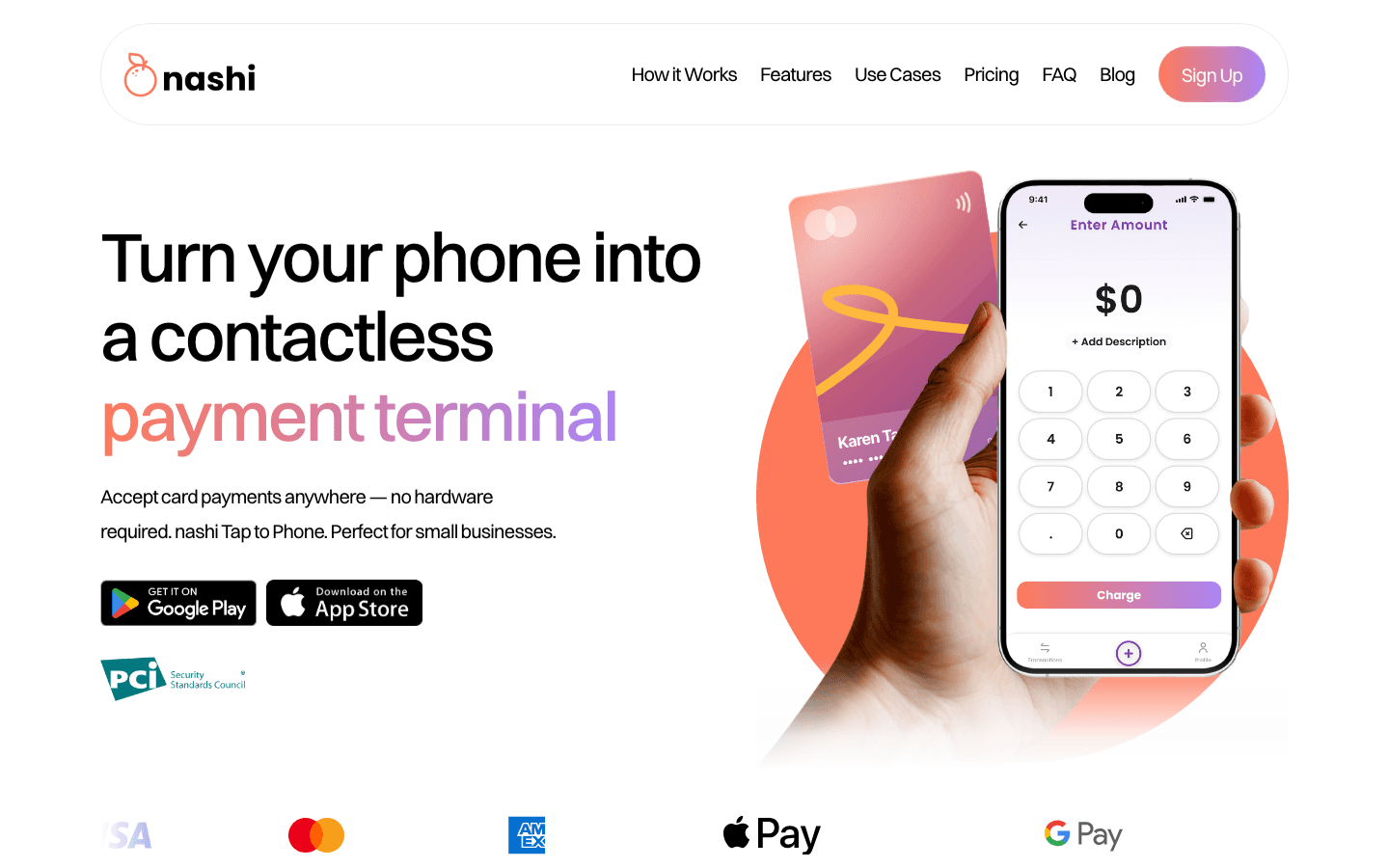
nashi is a Tap to Phone app built specifically for micro and small businesses in Singapore. It turns any NFC-enabled Android smartphone into a card terminal — no hardware, no monthly fee, no paper forms. Digital onboarding is typically completed in one business day.
Where NETS charges ~$29.90/month per device, nashi charges nothing outside of a per-transaction fee. Starting rates are from 1.99% + $0.30 for Singapore-issued Visa and Mastercard. nashi also accepts Amex — something NETS Tap-to-Phone does not support.
The platform is powered by Adyen's payment infrastructure and is PCI-DSS compliant. Settlements reach your bank account within two business days. No lock-in contract, no setup fee — just pay as you go.
Key features
SupportsTap to Pay on iPhone and Android
Accepts Visa, Mastercard, and Amex
Fully digital KYC onboarding — no paperwork, typically approved in 1 business day
Automatic payouts to bank account in 2 business days
Full and partial refunds through the app
No hardware, no monthly fees, no lock-in
Free trial: up to $1,000 in fee-free transactions
Pricing
Singapore Visa / Mastercard: from 1.99% + $0.30 (for eligible segments)
Amex and international cards: 3.3% + $0.30
List pricing: 2.4% for businesses new to cards; 2.7% for all other categories
No setup fee, no monthly fee
Contact nashi directly to discuss best pricing for your business
Pros & cons
Pros:
No monthly subscription fee — a direct contrast to NETS's ~$29.90/device/month
Lowest starting rate for Singapore card acceptance in this comparison
Accepts Amex — not supported by NETS Tap-to-Phone
Fully digital onboarding, typically approved in one business day
Cons:
Not a full POS — no inventory management or e-commerce features
Best rates require a direct conversation with the team
Customers
nashi is built for sole proprietors and small businesses with fewer than 10 employees. Early adopters include fragrance and skincare brands, personal trainers, private tutors, logistics providers, and pop-up stall operators. It's designed for businesses that want card acceptance fast — without the overheads of legacy terminal providers.
2. Fiuu: Best for high-volume merchants with Southeast Asia operations
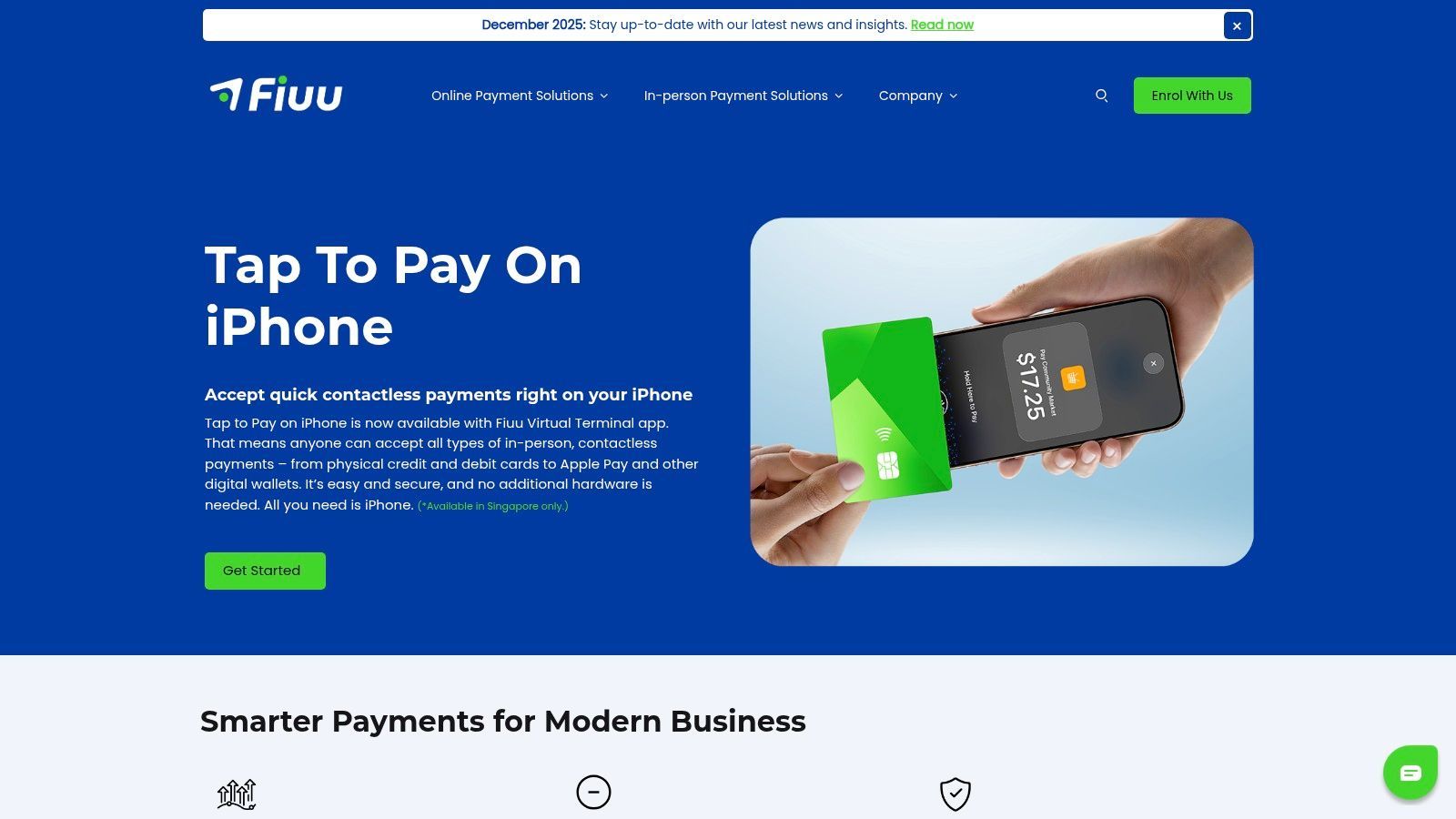
Fiuu is a Singapore-based payment gateway with broad Southeast Asia coverage. It supports Tap to Phone on both Android and iOS, and card acceptance integrates into a wider merchant acquiring platform. For established businesses with consistent monthly volumes and regional reach, it's a solid option.
The cost structure is significant. There's a $200 setup fee and a $500/month maintenance fee — waived only in year one. After that, $6,000 a year in fixed costs applies before processing a single transaction.
A 9% GST also applies on top of all transaction rates. Onboarding takes approximately 14 business days. For merchants who need to start accepting payments quickly, Fiuu is a difficult fit.
Key features
Tap to Phone on Android and iOS
Southeast Asia payment gateway coverage
MAS-regulated payment institution
Pricing (before 9% GST)
Setup fee: $200
Monthly maintenance: $500 (waived year one)
Singapore Visa / Mastercard: 2.90%
International Visa / Mastercard: 3.65%
Amex: Not supported
Note: 9% GST applies on top of all rates listed above
Pros & cons
Pros:
Available on both iOS and Android
Strong Southeast Asia regional coverage
MAS-regulated
Cons:
$200 setup fee and $500/month maintenance fee after year one
9% GST significantly increases effective cost
~14 business days to onboard — among the slowest available
Amex not supported
Pricing not publicly available — requires direct contact
Customers
Fiuu is best suited to merchants with consistent high monthly transaction volumes who can absorb the maintenance fee. It's commonly used by established e-commerce and retail businesses with a regional Southeast Asia presence.
3. FomoPay: Best for enterprise merchants needing a full payment gateway
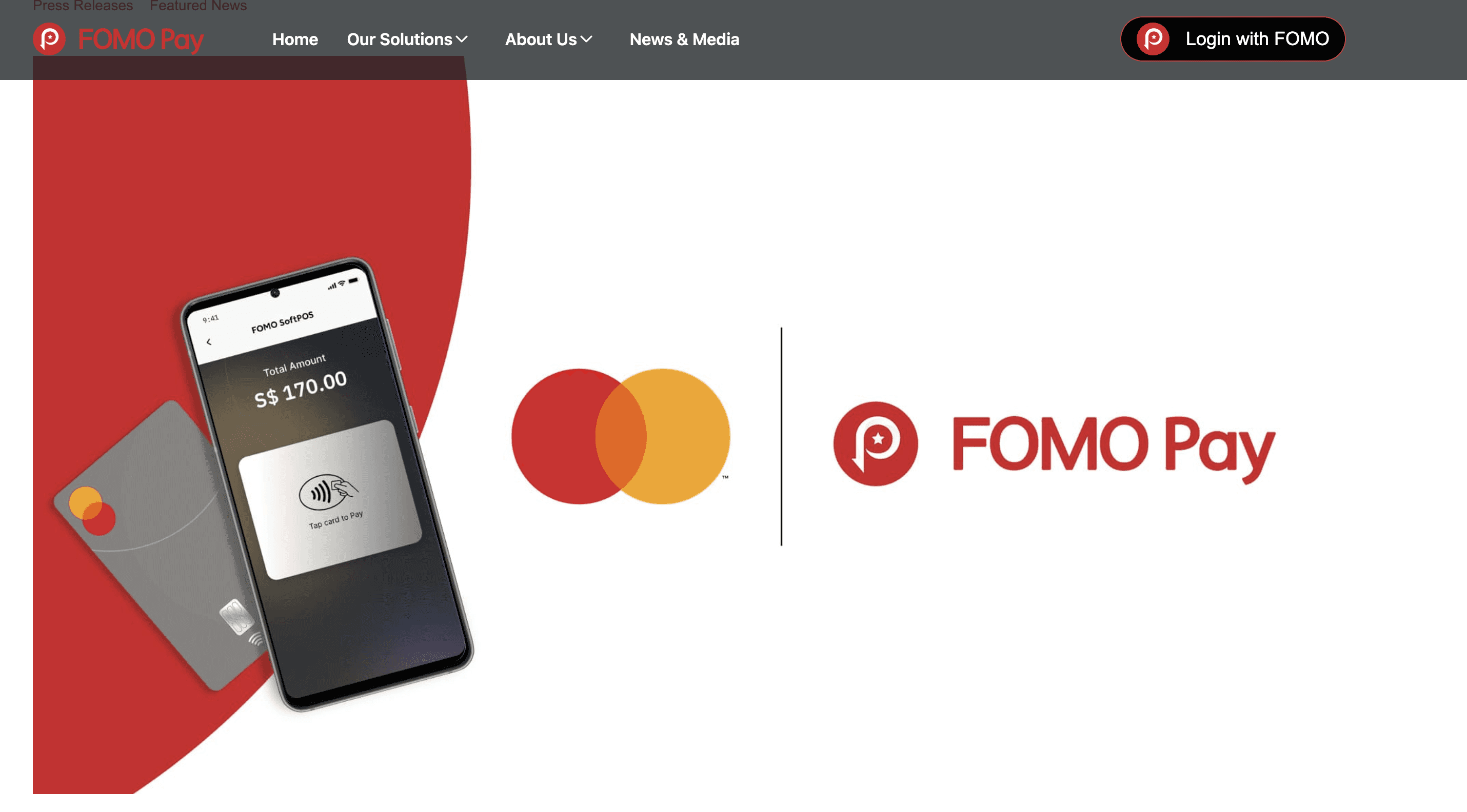
FomoPay is a MAS-regulated payment institution based in Singapore. It offers FOMO SoftPOS — a Tap to Phone solution built in partnership with Mastercard. Beyond card acceptance, it covers PayNow, SGQR, and cross-border payment collection.
FomoPay is positioned at the enterprise end of the market. Pricing is custom and not publicly available — direct contact is required. Onboarding is tech-heavy and typically takes around 14 business days.
For merchants who need a full payment gateway with strong compliance credentials and regional coverage, it's worth exploring. For micro and small businesses that want simple, low-cost card acceptance, it's likely over-engineered.
Key features
FOMO SoftPOS (Tap to Phone) on Android
PayNow and SGQR acceptance
Cross-border payment collection
MAS-regulated payment institution
Pricing
Custom — requires direct contact with FomoPay
No publicly published transaction rates
Minimum monthly volumes typically required for competitive rates
Pros & cons
Pros:
MAS-regulated with strong compliance credentials
Full payment gateway beyond just card acceptance
Covers PayNow, SGQR, and cross-border collections
Cons:
Pricing not published — requires direct contact
~14 business day onboarding — among the slowest in this comparison
Enterprise-oriented — not designed for micro or intermittent-use businesses
Minimum volume requirements apply
Customers
FomoPay serves corporate and enterprise merchants in Singapore and across Southeast Asia. Its client base includes larger retailers and businesses with significant, consistent payment volumes. It is less suited to sole proprietors, pop-ups, or businesses with irregular card acceptance needs.
4. Qashier: Best for merchants who want a full POS system
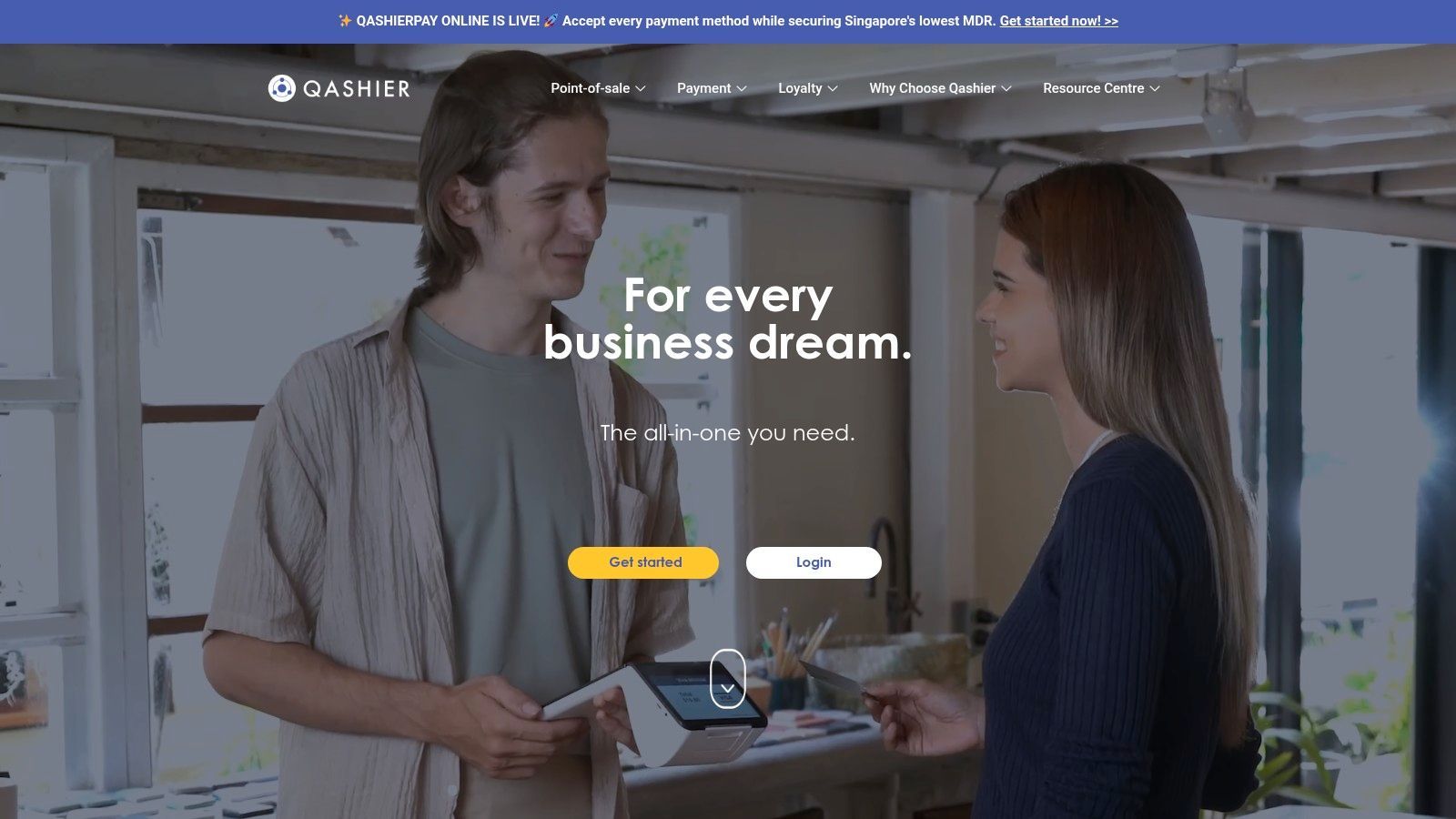
Qashier is a full POS system designed for retail, F&B, and service businesses in Singapore. Unlike Tap to Phone apps, it combines a smart hardware terminal with a software subscription. It's the right choice for merchants who want inventory management, customer loyalty, and payments in one system.
The software starts with a free Lite plan and an Essential plan at ~$56/month. Hardware is available for around $1 a day. Accepted payments include cards, PayNow, GrabPay, Alipay+, and international e-wallets.
Where NETS is a legacy player with slow onboarding and paper forms, Qashier is a modern, cloud-based POS. It requires a device purchase or rental, unlike purely app-based alternatives. For merchants who need inventory and reporting alongside payments, that trade-off is worth it.
Key features
Smart POS terminal with inventory, loyalty, and reporting
Accepts cards, PayNow, GrabPay, Alipay+, and international e-wallets
Lite plan free; Essential plan ~$56/month
Available for retail, F&B, beauty, and service businesses
Pricing
Lite plan: Free
Essential plan: ~$56/month
Growth and Enterprise plans: custom pricing
Hardware: ~$1/day
Transaction fees: custom (contact Qashier)
Pros & cons
Pros:
Free entry plan available for small businesses
Includes inventory management and customer loyalty tools
Accepts a wide range of payment methods including international e-wallets
Modern cloud-based POS — far easier to set up than NETS
Cons:
Hardware required — not purely app-based like Tap to Phone solutions
Monthly subscription for most useful feature sets
Transaction fees not published
More features than most micro-businesses need
Customers
Qashier serves retail shops, restaurants, beauty salons, and service businesses in Singapore. It's designed for merchants who want a full POS system, not just card acceptance. Early-stage businesses can start on the free Lite plan and upgrade as they grow.
5. KPay: Best for merchants who need broad payment channel support
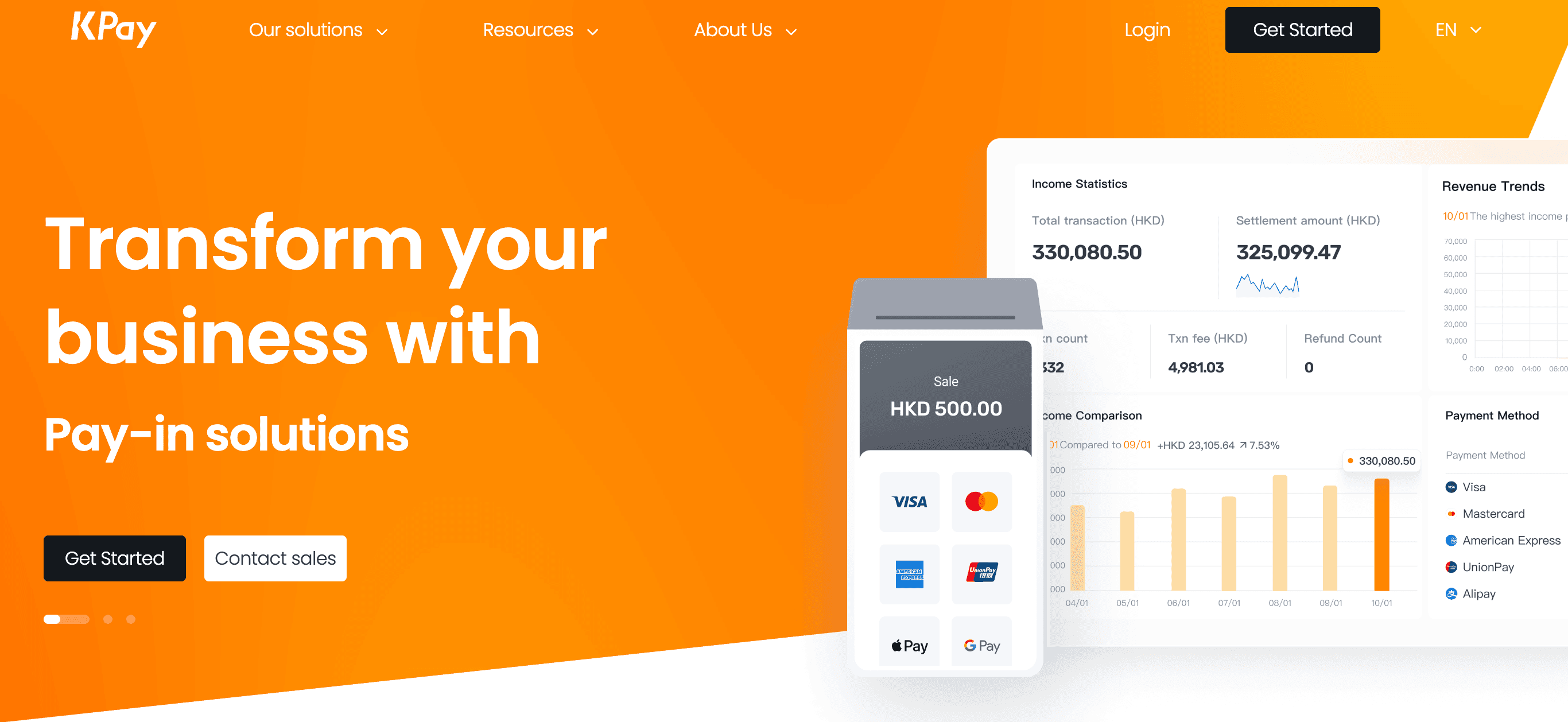
KPay provides a smart POS terminal for Singapore merchants. It supports 13 payment channels including Visa, Mastercard, UnionPay, Alipay, and WeChat Pay. The terminal is portable — it runs on a SIM card and WiFi, so it works anywhere your business takes you.
Setup is free — no subscription fee, no terminal rental or installation fee. Settlement runs on a T+2 cycle, with funds reaching merchants within two business days. Pricing is custom and requires direct contact with KPay.
KPay's standout is its support model. It offers 24/7 real-person support with a response within one hour. For merchants coming from NETS who want reliable help when something goes wrong, that's worth noting.
Key features
Smart POS terminal accepting 13 payment channels
Visa, Mastercard, UnionPay, Alipay, WeChat Pay, and more
Portable — SIM card and WiFi connectivity
T+2 settlement
24/7 human support, response within one hour
Free subscription, terminal rental, and installation
Pricing
No subscription fee, no terminal rental fee, no installation fee
Transaction rates: custom — contact KPay directly
Can integrate with existing POS systems
Pros & cons
Pros:
No monthly fees or hardware rental costs
Wide range of payment channels, including UnionPay and WeChat Pay
24/7 real-person support within one hour
Portable terminal works anywhere
Cons:
Requires a hardware terminal — not a purely app-based solution
Pricing not published — requires direct contact
Terminal dependency means less flexibility than a phone-based approach
Customers
KPay serves retail merchants, F&B businesses, and service providers across Singapore. It's a strong fit for merchants who want hardware reliability with broad payment method support. The 24/7 support model appeals to businesses that cannot afford payment downtime.
Frequently asked questions
Why do Singapore businesses look for NETS Tap-to-Phone alternatives?
NETS charges ~$29.90/month per device regardless of how many transactions you process. Rates run up to ~3.5%, and onboarding requires a paper form with a wet ink signature. Most alternatives here have no monthly fee, lower rates, and fully digital onboarding.
Do NETS alternatives accept NETS debit cards?
No. NETS debit card acceptance is unique to NETS — none of the alternatives in this list support it. If NETS debit acceptance is essential for your customers, NETS remains the only option for that specific card type.
Which alternative has the lowest costs?
nashi has the lowest starting rate — from 1.99% + $0.30 for Singapore-issued Visa and Mastercard. There's no setup fee and no monthly subscription; you only pay per transaction. nashi also accepts Amex, which NETS Tap-to-Phone and several competitors don't support.
Do I need to buy hardware?
It depends on which alternative you choose. nashi and FomoPay are software-only — your existing NFC-enabled Android phone is all you need. Qashier and KPay require a POS terminal, though KPay's terminal comes with no subscription or rental fee.
How long does it take to get set up?
Most app-based alternatives onboard within one to a few business days. nashi typically approves applications within one business day through a fully digital process. NETS, by contrast, still requires mailing in a paper application — a process that can take considerably longer.
Can I use these alternatives alongside PayNow?
Yes. Most businesses use PayNow for free bank-to-bank transfers and add a Tap to Phone option for card payments. Cards and PayNow complement each other — PayNow for local customers, cards for higher-value transactions and international visitors.
Conclusion: Better value, faster setup
For micro and small businesses replacing NETS, nashi is the strongest option. No monthly fee, the lowest rates in this comparison, Amex support, and one-day digital onboarding — all without touching a piece of hardware. Reach out to the team at trynashi.com to determine the best available rates.
Fiuu is the gateway pick for high-volume merchants with consistent Southeast Asia operations. FomoPay suits enterprise merchants who need strong compliance credentials and a full payment platform beyond card acceptance.
Qashier is the right call for merchants who want inventory, loyalty, and POS reporting built into one system. KPay is the best option for merchants who need broad payment channel coverage — including UnionPay and WeChat Pay — with free hardware and 24/7 human support.


