
nashi Team
5 min read

Running a small business in Singapore often means selling in places that were not designed around a cash register: a pop-up booth, a customer’s home, a tuition centre classroom, a hotel lobby pickup point, or a weekend fair. In those moments, a traditional card terminal can feel like too much commitment, too much hardware, and too much setup.
That is where a POS terminal app comes in.
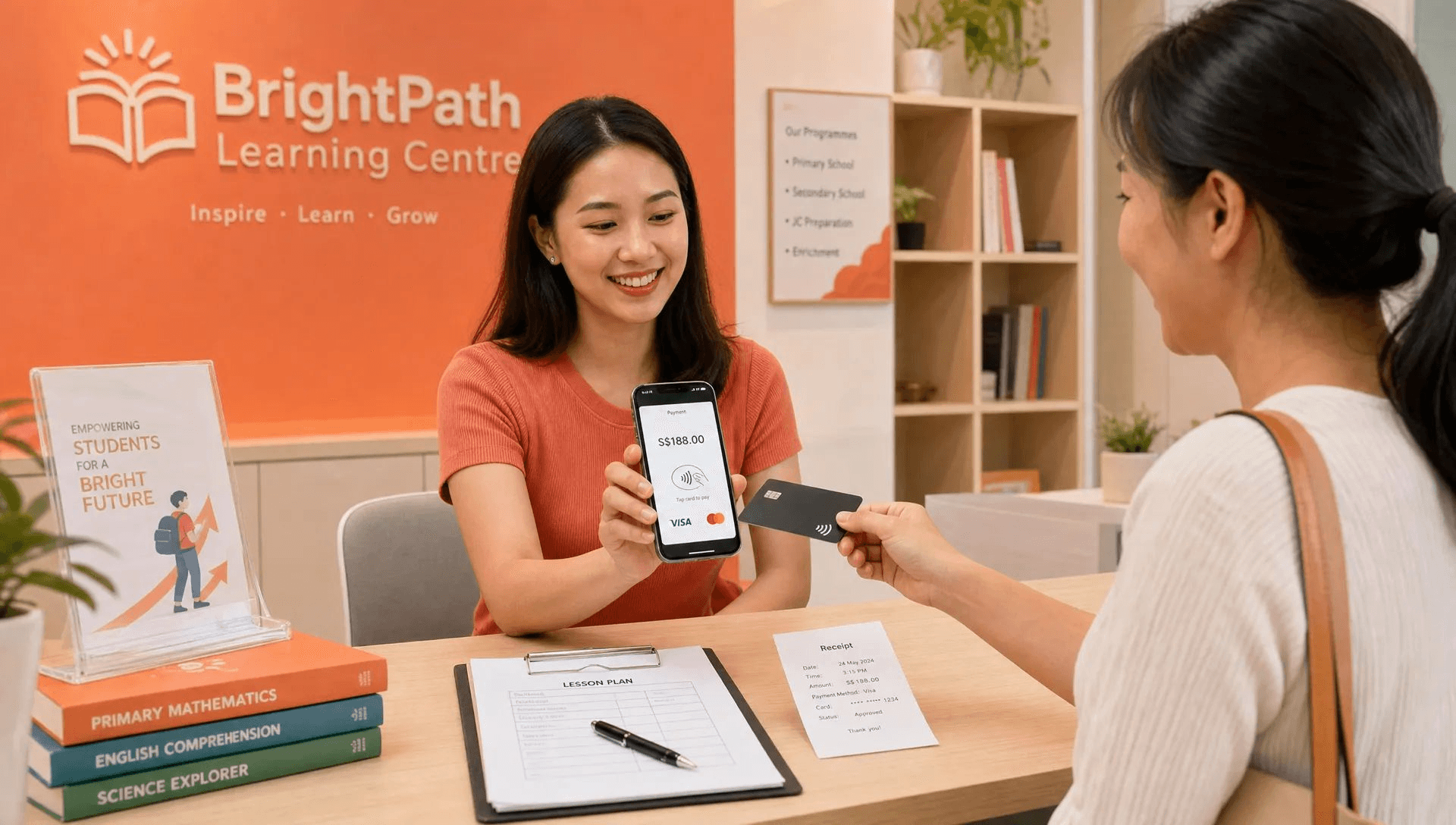
At its simplest, a POS terminal app lets a business accept in-person payments through software, often using a smartphone as the payment device. For micro and small businesses, this can be the difference between saying “PayNow only” and giving customers the option to tap a Visa, Mastercard, Amex card, or mobile wallet.
But not every business needs the same type of POS terminal app. Some need a full retail POS with inventory and staff management. Others simply need a lightweight way to accept cards in person. Understanding that difference will help you avoid paying for features you will never use.
What is a POS terminal app?
A POS terminal app is an application that helps a business accept payments at the point of sale. “POS” stands for “point of sale”, which is the moment and place where a customer pays for a product or service.
In Singapore, the term can be used in a few different ways. Some people use it to mean a full POS system app with product catalogues, inventory, receipts, customer profiles, and reporting. Others use it to describe a payment terminal app that turns a phone into a contactless card machine.
For small businesses, the second meaning is often the most useful. A phone-based POS terminal app, also called Tap to Phone, Tap to Pay on iPhone, or SoftPOS, allows a merchant to accept contactless card payments without buying a separate card reader or countertop terminal.
If you are comparing terminology, nashi’s guide to SoftPOS for small merchants goes deeper into how phone-based card acceptance works and how it differs from older payment hardware.
How a POS terminal app works
A modern POS terminal app is designed to make in-person card acceptance feel similar to using a normal payment terminal, but with less hardware. The exact flow depends on the provider, but the basic process is straightforward.
The merchant opens the app on a compatible smartphone.
The merchant enters the amount to be charged.
The customer taps a contactless card or mobile wallet on the merchant’s phone.
The app sends the transaction securely through the payment provider.
The merchant receives real-time confirmation that the payment is approved or declined.
The customer can receive confirmation or a receipt, depending on the app’s features.
Funds are later settled into the merchant’s bank account based on the provider’s payout schedule.
For Tap to Phone apps, the key requirement is an NFC-enabled smartphone. On iPhone, Tap to Pay on iPhone generally requires an iPhone XS or newer. On Android, the device must support NFC and meet the app provider’s requirements.
This removes the need for a Bluetooth card reader, charging cable, countertop terminal, or extra device that can be forgotten at home before an event.
POS terminal app vs card reader vs full POS system
A common mistake is assuming that every payment solution is basically the same. In reality, a POS terminal app, a physical card reader, and a full EPOS system solve different problems.
Option | Best for | Hardware needed | Main trade-off |
|---|---|---|---|
POS terminal app or Tap to Phone app | Mobile sellers, pop-ups, service providers, small shops that mainly need card acceptance | Compatible smartphone | Usually less suited for complex inventory or restaurant workflows |
Bluetooth card reader | Businesses that prefer a separate payment device or use phones without Tap to Phone support | Card reader plus phone or tablet | Reader must be bought, charged, paired, and maintained |
Countertop card terminal | Fixed-location shops with stable checkout counters | Dedicated terminal | Less mobile and may involve rental, contracts, or setup processes |
Full EPOS system | Retailers or F&B businesses that need inventory, SKU management, staff permissions, kitchen workflows, or detailed reporting | Tablet, register, printer, scanner, cash drawer, or terminal | More expensive and more complex to set up |
If you are still weighing up hardware-based options, this comparison of the best payment terminal for small business in Singapore can help you decide whether a phone-based app, card reader, or traditional terminal is the better fit.
The key question is not “Which POS system has the most features?” It is “What do I actually need to accept payment smoothly?”
For many micro businesses, the answer is not a full POS suite. It is a simple way to accept card payments when PayNow, cash, or bank transfer is not convenient for the customer.
Who is a POS terminal app best for?
A POS terminal app is especially useful when the business does not have a fixed checkout counter, does not want to buy hardware, or only needs card acceptance rather than a full operating system.
Pop-ups, fairs, and market stalls
Pop-up merchants often face a practical problem: they need to accept payments for a few days, a weekend, or a seasonal event, but they may not want to rent or buy a terminal just for that occasion.
A POS terminal app lets vendors take contactless card payments using a phone they already carry. This is useful at craft fairs, boutique markets, roadshows, school events, trade fairs, and brand activations where customers may not carry much cash.
It also helps when visitors are tourists or expats who cannot use PayNow. In those situations, card acceptance is not a luxury. It can directly affect whether the sale happens.
Mobile service providers
Personal trainers, golf instructors, mobile makeup artists, pet groomers, private drivers, and home-based beauty providers often collect payment outside a shop environment. A customer may be paying at a condo gym, a studio, a hotel, a private home, or the end of a service appointment.
For these businesses, carrying a separate card terminal can feel unnecessary. A phone-based payment app is a cleaner fit because the phone is already part of the workday.
This is particularly relevant for higher-value packages. A customer buying a S$300 training package, a S$600 makeup package, or a S$1,500 service bundle may prefer using a credit card for rewards, cash flow, or security.
Home and trade services
Air-con servicing companies, plumbers, general contractors, rug cleaners, upholstery cleaners, and maintenance providers often operate on-site. Historically, many of these businesses moved from cash to PayNow, especially after digital payments became more common during COVID.
PayNow is still useful, but it is not always enough. Some customers want to pay by card. Some corporate customers prefer a card trail. Some foreign customers do not have a Singapore bank account. A POS terminal app gives these businesses an additional payment option without turning technicians into cashiers.

Small retail brands and boutique shops
Fragrance brands, skincare brands, fashion labels, art sellers, and small lifestyle retailers may sell through several channels at once: online store, Instagram, pop-ups, consignment, and private appointments.
For these businesses, a full retail POS may be useful if inventory management is a major operational need. But if the immediate problem is simply accepting in-person card payments at events or in a small showroom, a lightweight POS terminal app can be enough.
If your retail operation needs stock tracking, barcode scanning, staff permissions, and detailed product reporting, then it is worth learning how retail point of sale systems in Singapore differ from payment-only apps.
New businesses testing card acceptance
Many early-stage businesses are not ready to commit to long contracts, monthly subscriptions, or physical terminals. They may still be validating demand, testing new locations, or selling intermittently.
A POS terminal app is a practical first step because it reduces the upfront commitment. Instead of investing in hardware before knowing your card volume, you can start accepting cards and learn how many customers actually prefer them.
This is especially relevant for sole proprietors, newly incorporated Pte Ltd companies, and small teams with fewer than 10 employees.
When a POS terminal app may not be the best fit
A POS terminal app is not automatically the right answer for every business. In some cases, a traditional POS system or dedicated terminal may make more sense.
Business situation | Better option to consider | Why |
|---|---|---|
Busy low-value F&B, such as high-volume coffee sales | Dedicated POS or F&B payment setup | Speed, queue management, and per-transaction costs matter heavily |
Restaurant with table management and kitchen orders | Full F&B POS | Needs order routing, table numbers, modifiers, and kitchen workflows |
Retailer with thousands of SKUs | Full retail POS | Inventory accuracy and stock control may be more important than payment simplicity |
Online-only business | Payment gateway or e-commerce checkout | A POS terminal app is for in-person payments |
Large enterprise with high custom integration needs | Enterprise payment solution | May need APIs, reconciliation, multi-outlet controls, or custom compliance workflows |
The point is not that full POS systems are bad. They are simply built for a different job. A small tuition centre collecting payment for term packages has very different needs from a restaurant managing 80 tables.
How PayNow fits into the decision in Singapore
No discussion of POS terminal apps in Singapore is complete without PayNow. For many local businesses, PayNow is already the default payment method. It is simple, familiar, and usually free when used directly through your bank.
A POS terminal app should not be seen as a replacement for PayNow. For most small businesses, the best approach is to offer both.
PayNow works well when the customer has a Singapore bank account and is comfortable scanning a QR code or entering a UEN. Card payments work better when the customer wants to use credit, earn rewards, pay with an overseas card, or does not have access to PayNow.
This matters for businesses serving tourists, newly arrived expats, international students, private transport customers, and visitors at events. If a customer cannot use PayNow and does not carry cash, accepting cards can save the sale.
What to check before choosing a POS terminal app
Before downloading any app and onboarding your business, compare more than the headline transaction rate. The cheapest option on paper may not be the best fit if onboarding is slow, support is poor, or the app includes features you do not need.
Question to ask | Why it matters for Singapore small businesses |
|---|---|
Does it work on Android, iPhone, or both? | Your team may use different devices, especially at events or on the road |
Does it require extra hardware? | Hardware adds cost, charging, pairing, and replacement issues |
What cards are supported? | Visa, Mastercard, Amex, and international cards may have different rates or availability |
How long does onboarding take? | Pop-ups and service businesses often need to start quickly |
Are there monthly fees or annual contracts? | Fixed costs can hurt seasonal or intermittent sellers |
How fast are settlements? | Cash flow matters when margins are tight |
Can you issue refunds? | Useful for deposits, returns, cancellations, and partial adjustments |
Is support human and responsive? | In-person payment problems need quick answers, not just help articles |
Also check whether advertised fees exclude GST, whether international cards cost more, and whether there is a fixed fee per transaction. A small fixed fee matters much more on a S$10 transaction than on a S$500 transaction.
Where nashi fits
nashi is a POS terminal app built specifically for simple in-person card acceptance in Singapore. It is not a full POS suite, inventory platform, or e-commerce system. It is designed for micro and small businesses that want to accept cards without buying terminals or adding unnecessary software complexity.
With nashi, businesses can use an Android phone or iPhone to accept contactless card payments. nashi supports Visa, Mastercard, and Amex, and Tap to Pay on iPhone is available for iPhone XS and newer. Customers tap their physical card or mobile wallet on the merchant’s phone, and payments are processed securely through Adyen’s payment infrastructure.
The app is designed for businesses that want a lightweight setup: no card reader, no Bluetooth accessory, no annual contracts, and no monthly subscription fees. Digital onboarding is completed through the app, and businesses are typically approved within 1 business day. Settlements are paid automatically to the merchant’s bank account within 2 business days, and full or partial refunds can be issued through the app.
For many Singapore small businesses, nashi is best viewed as a complement to PayNow. Keep PayNow for customers who prefer bank transfer. Add nashi for customers who prefer cards, cannot use PayNow, or are making higher-value purchases.
Frequently Asked Questions
Is a POS terminal app the same as a POS system? Not always. A POS system can include inventory, staff management, product catalogues, receipts, and reporting. A POS terminal app may focus mainly on accepting payments, especially when it turns a phone into a contactless card terminal.
Do I need a card reader to use a POS terminal app? Not if the app supports Tap to Phone or Tap to Pay on iPhone and your smartphone is compatible. Some payment apps still rely on separate card readers, so check the hardware requirements before signing up.
Can a POS terminal app replace PayNow? It does not need to replace PayNow. In Singapore, many small businesses should offer both. PayNow is useful for local bank transfers, while card acceptance helps with tourists, international customers, rewards-driven buyers, and higher-value transactions.
Is a POS terminal app suitable for F&B businesses? It depends. A small food stall or occasional event vendor may benefit from phone-based card acceptance. A high-volume cafe or restaurant may need a fuller F&B POS with queue, table, kitchen, and order management features.
What type of business benefits most from a POS terminal app? Pop-ups, mobile service providers, home service contractors, small retailers, private tutors, wellness practitioners, and new businesses testing card acceptance tend to benefit most because they need flexibility without heavy hardware investment.
Ready to accept cards without buying a terminal?
If your business mainly needs a simple way to accept in-person card payments, a POS terminal app may be the right fit. It gives customers more ways to pay while keeping your setup light, mobile, and easy to manage.
With nashi, you can turn your phone into a card payment terminal and start accepting contactless payments without extra hardware. For Singapore micro and small businesses that want card payments without POS complexity, that simplicity can be a real advantage.


