
nashi Team
5 min read

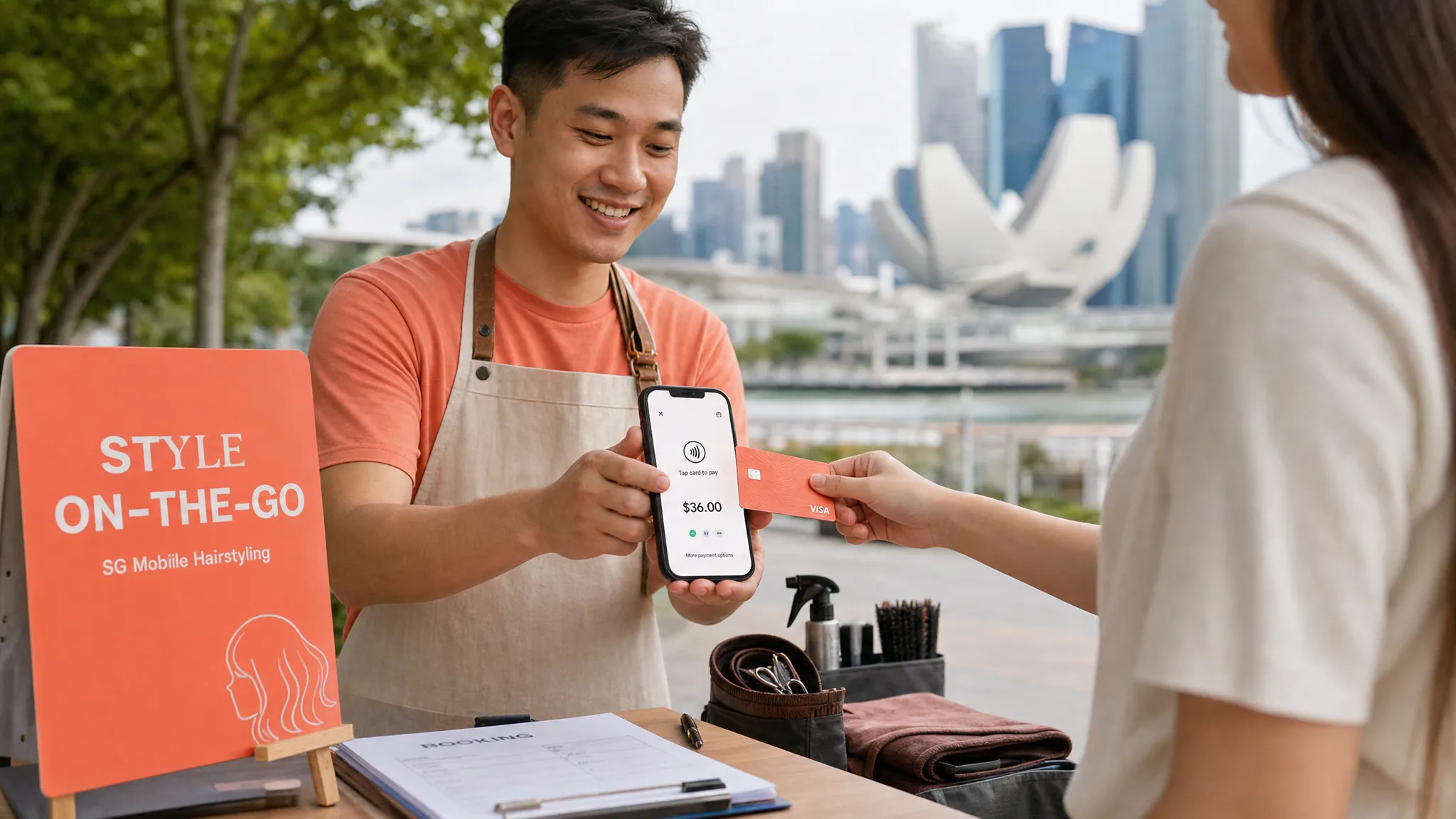
Choosing the best payment terminal for small business in Singapore used to mean comparing countertop machines, rental contracts, setup fees, and paper application forms. In 2026, that is no longer the only route.
For many micro and small businesses, the best “terminal” is now the phone already in your pocket. Tap to Phone and Tap to Pay on iPhone apps let you accept contactless cards and mobile wallets without buying a card reader, syncing Bluetooth hardware, or committing to a full POS system.
That does not mean every business should choose the same option. A café selling S$5 coffees has different needs from a pop-up skincare brand, private tutor, furniture wholesaler, mobile beautician, or airport transfer operator serving tourists. The right choice depends on where you sell, your average transaction size, your customer mix, and whether you need a full POS or simply card acceptance.
This guide breaks down the main payment terminal options in Singapore and explains which setup makes the most sense for small businesses.
The short answer: what is the best payment terminal for small businesses?
For most Singapore micro and small businesses that only need to accept in-person card payments, a Tap to Phone app is the simplest and most cost-effective choice.
That is because it removes three common pain points:
No terminal rental or hardware purchase
No Bluetooth reader to pair, charge, or troubleshoot
No oversized POS software if you only need card payments
Among Tap to Phone options, nashi is best suited for small businesses that want a lightweight, card-only payment terminal on Android or iPhone. It is built for in-person card acceptance, not inventory management, e-commerce, BNPL, or a full payment suite.
If you need a complete retail POS with stock keeping, SKUs, staff permissions, and cashier workflows, a full POS provider may be a better fit. If you sell mainly online, an e-commerce-first payment gateway may make more sense. But if you just want to accept Visa, Mastercard, Amex, Apple Pay, and other contactless card-based payments in person, a phone-based terminal is often the cleanest option.
What counts as a payment terminal in Singapore today?
A payment terminal is any tool that lets your business accept card or contactless payments at checkout. In Singapore, this usually falls into four categories.
Terminal type | How it works | Best for | Main trade-off |
|---|---|---|---|
Countertop terminal | A physical card machine sits at your counter | Fixed retail stores, clinics, high-volume counters | Monthly fees, contracts, hardware setup |
Portable card reader | A Bluetooth reader connects to a phone or tablet | Mobile sellers that still want separate hardware | Pairing issues, charging, extra device to manage |
Tap to Phone app | Your Android phone or iPhone becomes the terminal | Pop-ups, mobile services, small shops, sole proprietors | Not a full POS or inventory system |
Full POS system | POS software plus payment hardware | Retailers and F&B operators needing inventory, staff, or order management | More expensive and heavier to set up |
The key shift is that a payment terminal for small business no longer has to be a separate machine. If your phone supports NFC and your provider supports Tap to Phone, your device can accept contactless payments directly.
Best payment terminal options in Singapore by use case
There is no single best provider for every business. The best payment terminal is the one that matches your sales environment and does not make you pay for features you will not use.
Business type | Best-fit terminal style | Why |
|---|---|---|
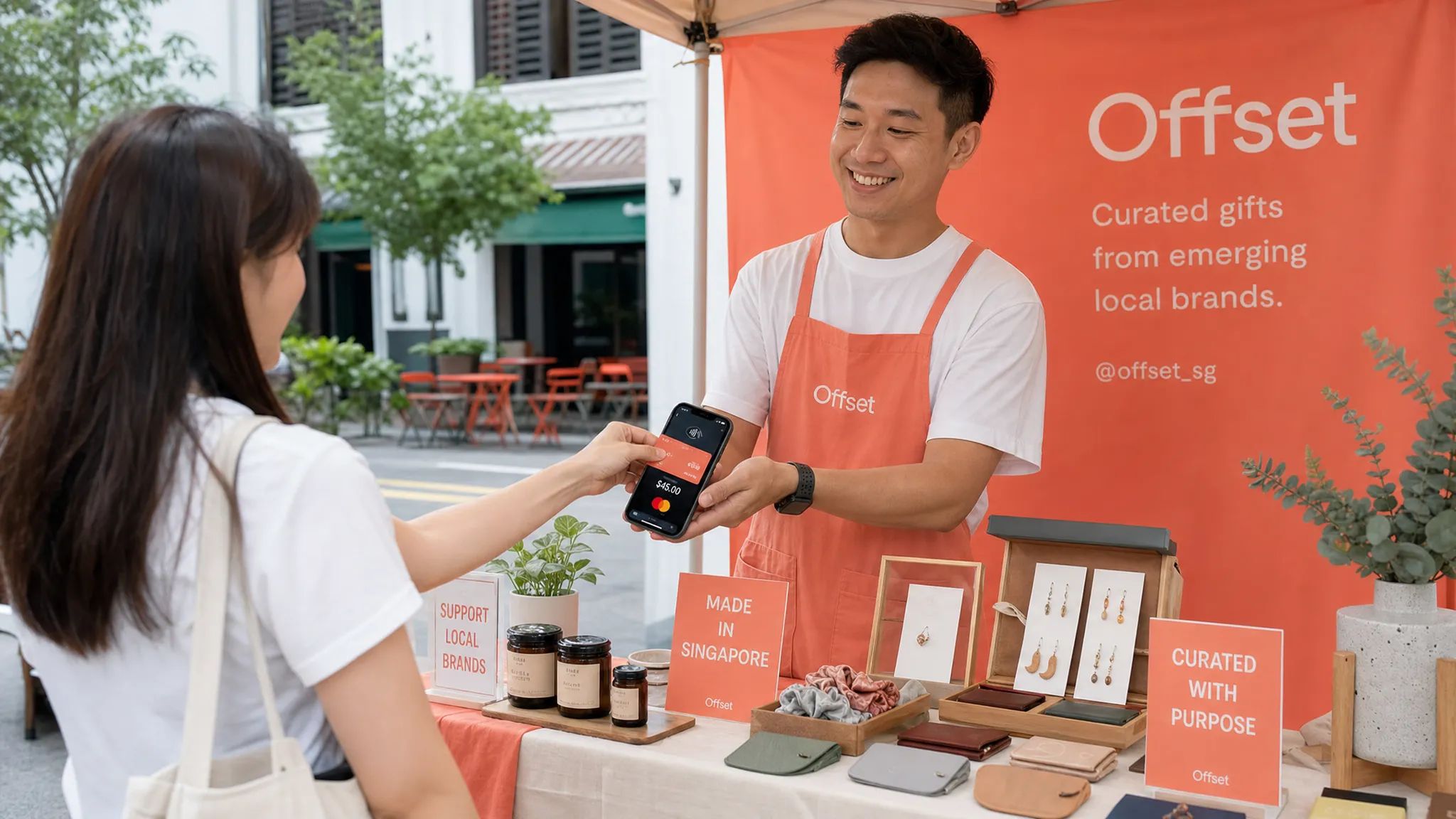
Pop-ups, fairs, market stalls | Tap to Phone app | Quick setup, no hardware, easy to carry |
Mobile services such as plumbers, AC servicing, beauty, cleaning | Tap to Phone app | Accept payment at the customer’s location |
Small retail shops | Tap to Phone or simple terminal | Good if you need card acceptance without full POS complexity |
Tourist-facing businesses | Terminal that accepts international cards and wallets | PayNow alone will not work for many visitors |
F&B with low-value transactions | PayNow, QR, or a low-cost POS mix | Fixed card fees can hurt margins on small tickets |
Retailers with inventory and cashier workflows | Full POS system | Stock control and reporting may matter more than simplicity |
Wholesalers and higher-ticket sellers | Tap to Phone or custom-priced card acceptance | Card convenience matters more when transaction values are higher |
For example, a skincare brand selling at weekend pop-ups does not necessarily need a large POS terminal. A private tutor collecting S$300 for a term package may not need inventory software. A furniture wholesaler taking deposits at a showroom or site visit may care more about accepting cards reliably than managing SKUs at checkout.
Businesses with bulky goods, temporary storage, or mobile selling environments face a similar operational reality to companies sourcing shipping containers for sale: the payment setup should work wherever the customer, stock, or sales conversation happens, not only at a fixed counter.
Why Tap to Phone is often the best starting point
Tap to Phone, sometimes called SoftPOS, turns a smartphone into a contactless card terminal. The customer taps their contactless card or mobile wallet on the merchant’s phone, and the payment is processed through the app.
For Singapore small businesses, this is especially useful because many merchants already use their phones for operations: WhatsApp enquiries, PayNow confirmations, booking messages, delivery updates, and customer follow-ups. Adding card acceptance to the same device is a natural next step.
The biggest advantage is total cost of ownership. Traditional terminals may involve hardware rental, setup time, maintenance fees, and replacement issues. A Tap to Phone app avoids the upfront hardware decision entirely.
With nashi, businesses can accept contactless card payments on Android and iOS, including Tap to Pay on iPhone for iPhone XS and newer. nashi accepts Visa, Mastercard, Amex, and Apple Pay on iPhone, with automatic payouts direct to the merchant’s bank account in 2 business days. Full and partial refunds can also be issued through the app.
Just as importantly, nashi is intentionally not a full POS suite. That is a strength if you are a small business owner who does not want to learn a complex system simply to accept card payments.
Comparing popular payment terminal choices in Singapore
Here is a practical view of common options small businesses consider in Singapore.
Provider or option | Hardware needed | Typical fit | What to check before choosing |
|---|---|---|---|
nashi | No extra hardware, Android or iPhone | Micro and small businesses wanting simple in-person card acceptance | Pricing for your segment, card mix, device compatibility |
HitPay | Phone-based or hardware-assisted options | Businesses that also want online payments, links, or broader tools | Whether you need the wider feature set, support experience, fee structure |
Qashier | POS hardware and software | Retail and F&B businesses needing POS workflows | Hardware cost, subscriptions, inventory needs |
NETS or bank terminals | Physical terminals or bank-linked devices | Established fixed-location stores | Monthly fees, paperwork, contract terms, setup timeline |
Stripe | Terminal or integrated payment setup | Businesses with developer resources or online-first operations | Total fees, integration work, in-person workflow |
Grab | App and ecosystem-based acceptance | Merchants already active in the Grab ecosystem | Supported card types, GST on fees, settlement and reporting |
Pricing changes often, so always confirm rates directly with each provider before signing up. The most important comparison is not the headline percentage alone. You should also check fixed transaction fees, international card rates, Amex rates, GST on fees, payout timing, refunds, and whether hardware or monthly subscriptions are required.
What nashi does well for small businesses
nashi is designed for a specific customer: the Singapore micro or small business that wants to accept cards in person without buying a terminal or adopting a full POS system.
That focus matters. Many small businesses do not need e-commerce tools, invoicing modules, inventory dashboards, or complex omnichannel payment flows. They need to enter an amount, ask the customer to tap, receive confirmation, and get paid.
nashi’s strengths include fast digital onboarding, no additional card terminal hardware, no monthly subscription fees, no annual contracts, and direct human support. Onboarding is done through the app and typically requires the latest ACRA business profile, IDs of majority shareholders, and a bank statement. Approval is typically within 1 business day.
nashi is PCI-DSS compliant and powered by Adyen’s payment infrastructure. It also offers a free trial of up to S$1,000 in fee-free transactions, which helps businesses test card acceptance before fully committing.
On pricing, nashi publishes list pricing and can discuss segment-led pricing depending on the business type, maturity, and card acceptance needs. Selected segments may qualify for sharper rates, especially businesses new to card acceptance, wholesalers, transport providers, and education centres. This human-led pricing approach can be useful for small businesses that do not fit neatly into a one-size-fits-all fee table.
When a traditional terminal still makes sense
A Tap to Phone app is not always the right choice. Traditional terminals and full POS systems can still make sense in several situations.
If you run a high-volume retail counter with multiple cashiers, a dedicated terminal may be easier for staff rotation. If your business needs kitchen tickets, table management, barcode scanning, stock control, or multi-outlet reporting, a full POS system may be worth the extra cost. If you are a larger merchant with negotiated bank rates, a bank terminal may be part of a broader payments relationship.
The question is whether those features are necessary now. Many early-stage businesses overbuy payment infrastructure because they assume a “proper” business must have a physical card machine. In reality, if you are still testing markets, attending pop-ups, selling by appointment, or serving customers on-site, a phone-based terminal may be more practical.
A good rule of thumb: start with the lightest setup that solves your checkout problem. Upgrade only when your operations genuinely require it.
How to compare terminal fees properly
When choosing the best payment terminal for small business use, look beyond the advertised transaction rate. The effective cost depends on your average order value and card mix.
A provider charging 2.5% with no fixed fee may be cheaper for very small transactions than a provider charging a lower percentage plus a fixed S$0.30 fee. But for higher-value transactions, the lower percentage can matter more.
Fee component | Why it matters | What to ask |
|---|---|---|
Percentage fee | The main charge on each transaction | Is the rate different for local and international cards? |
Fixed fee | A flat charge per transaction | Does it make low-value transactions expensive? |
Monthly fee | Ongoing cost even if you do not sell | Is there a subscription or terminal rental? |
Hardware cost | Upfront or replacement expense | Do you need to buy or rent a device? |
GST on fees | Adds to the real cost | Is GST included or added separately? |
Settlement timing | Affects cash flow | When do funds reach your bank account? |
Refund fee policy | Matters for service changes and cancellations | Can you issue full and partial refunds easily? |
For low-value sales such as S$5 coffees, PayNow may remain the better option because it is usually free through your bank. For higher-value services, retail baskets, tourists, and customers who prefer credit card rewards, cards can be well worth offering.
The best setup for many Singapore merchants is not “PayNow or cards”. It is both. Keep PayNow for local customers who prefer bank transfer, and add card acceptance for customers who prefer tapping a card or mobile wallet.
Why PayNow alone is not enough for every business
PayNow is excellent for Singapore businesses. It is familiar, widely used, and usually free through banking providers. For local customers, especially on lower-value transactions, it can be hard to beat.
But PayNow has limits. International visitors generally cannot use it because they do not have Singapore bank accounts. Some customers prefer cards for rewards, security, expense claims, or credit terms. Higher-value transactions can also feel smoother when the customer can tap a card instead of manually transferring funds and waiting for confirmation.
This is why a card terminal complements PayNow rather than replacing it. You can display your PayNow QR code and still accept cards through a phone-based terminal. Customers choose what works for them, and you avoid losing sales when PayNow is not suitable.
A practical checklist before choosing a payment terminal
Before you commit to any provider, answer these questions:
Do you need card acceptance only, or a full POS with inventory and reporting?
Will you sell from a fixed counter, on the move, at events, or all three?
What is your typical transaction size?
Do you serve tourists, expats, or international customers?
Do you need Amex or international card acceptance?
How quickly do you need to start accepting payments?
Are there monthly fees, setup charges, or hardware costs?
Can you issue refunds easily from the app or dashboard?
If your answers point to simple, mobile, in-person card acceptance, Tap to Phone is likely the best starting point. If your answers point to stock management, cashier controls, staff permissions, and detailed reporting, evaluate full POS systems instead.
Recommended choice by business type
For pop-ups, markets, and fairs, nashi is a strong fit because you can accept cards without transporting a terminal or relying on a Bluetooth reader. This is useful when setup space is limited and every extra device is one more thing to charge, pack, and troubleshoot.
For mobile service providers such as air-conditioning contractors, plumbers, pet groomers, private drivers, cleaners, and beauty professionals, a phone-based terminal helps you collect payment at the customer’s location. You do not need to ask customers to find cash or force them into PayNow if they prefer card.
For tuition centres, tutors, coaches, physiotherapists, osteopaths, counsellors, and wellness practitioners, card acceptance can make higher-value payments feel more professional and convenient. It is especially helpful when customers want receipts, rewards points, or a familiar card checkout experience.
For small retailers and boutique brands, Tap to Phone works well if you do not need complex inventory at checkout. If you are selling fragrance, skincare, apparel, gifts, or curated products at both a small shop and pop-ups, hardware-free card acceptance keeps the setup flexible.
For cafés and low-ticket F&B, be careful. Card fees can eat into margins on small transactions, especially where fixed per-transaction fees apply. You may still want cards for customer convenience, but PayNow, cash, or an F&B-optimised POS mix may be better for very small average orders.
Frequently Asked Questions
What is the best payment terminal for small business in Singapore? For many micro and small businesses, the best option is a Tap to Phone app because it allows card acceptance without extra hardware, monthly rental, or a full POS setup. nashi is a strong fit if you want simple in-person card payments on Android or iPhone.
Do I need a physical card machine to accept card payments? No. With Tap to Phone or Tap to Pay on iPhone, a compatible smartphone can act as the payment terminal. Customers tap their contactless card or mobile wallet on your phone.
Is Tap to Phone suitable for pop-ups and mobile businesses? Yes. It is especially useful for pop-ups, fairs, service contractors, tutors, personal trainers, private drivers, and other businesses that accept payments away from a fixed counter.
Should I replace PayNow with card payments? No. For most Singapore small businesses, the best approach is to offer both. PayNow is excellent for local bank transfers, while cards help you serve tourists, international customers, and customers who prefer credit card rewards or mobile wallets.
When should I choose a full POS instead of a Tap to Phone terminal? Choose a full POS if you need inventory management, barcode scanning, cashier permissions, table management, kitchen tickets, or detailed multi-outlet reporting. If you only need card acceptance, a Tap to Phone app is usually simpler.
How fast can a small business start using nashi? nashi onboarding is digital and completed through the app. Businesses typically need their latest ACRA business profile, IDs of majority shareholders, and a bank statement. Approval is typically within 1 business day.
Ready to accept card payments without a card machine?
If you are a Singapore small business looking for a simple payment terminal, nashi lets you turn your Android phone or iPhone into a contactless card terminal. There is no additional hardware, no monthly subscription fee, and no annual contract.
You can accept in-person card payments, issue full or partial refunds through the app, and receive automatic payouts to your bank account in 2 business days.
Try nashi and see how easy it is to add card acceptance alongside PayNow, without the complexity of a full POS system.


