
nashi Team
5 min read

For many small businesses in Singapore, card acceptance used to mean renting a terminal, waiting for approval, paying monthly fees, or carrying a separate Bluetooth reader. That is no longer the only option. Today, you can use a compatible smartphone as a contactless card payment device, so customers can tap their card or mobile wallet directly on your phone.
This matters if you sell at pop-ups, visit customers at home, run classes, provide mobile services, or serve tourists who cannot use PayNow. It also helps for higher-value transactions where customers prefer cards for rewards, instalment planning, security, or convenience.
Below is a practical guide to how to take card payments on your phone in Singapore, what you need before getting started, how the payment flow works, and what to check before choosing a provider.
What does it mean to take card payments on your phone?
Taking card payments on your phone means using an app that turns your NFC-enabled smartphone into a contactless payment terminal. This category is often called Tap to Phone, Tap to Pay on iPhone, or SoftPOS.
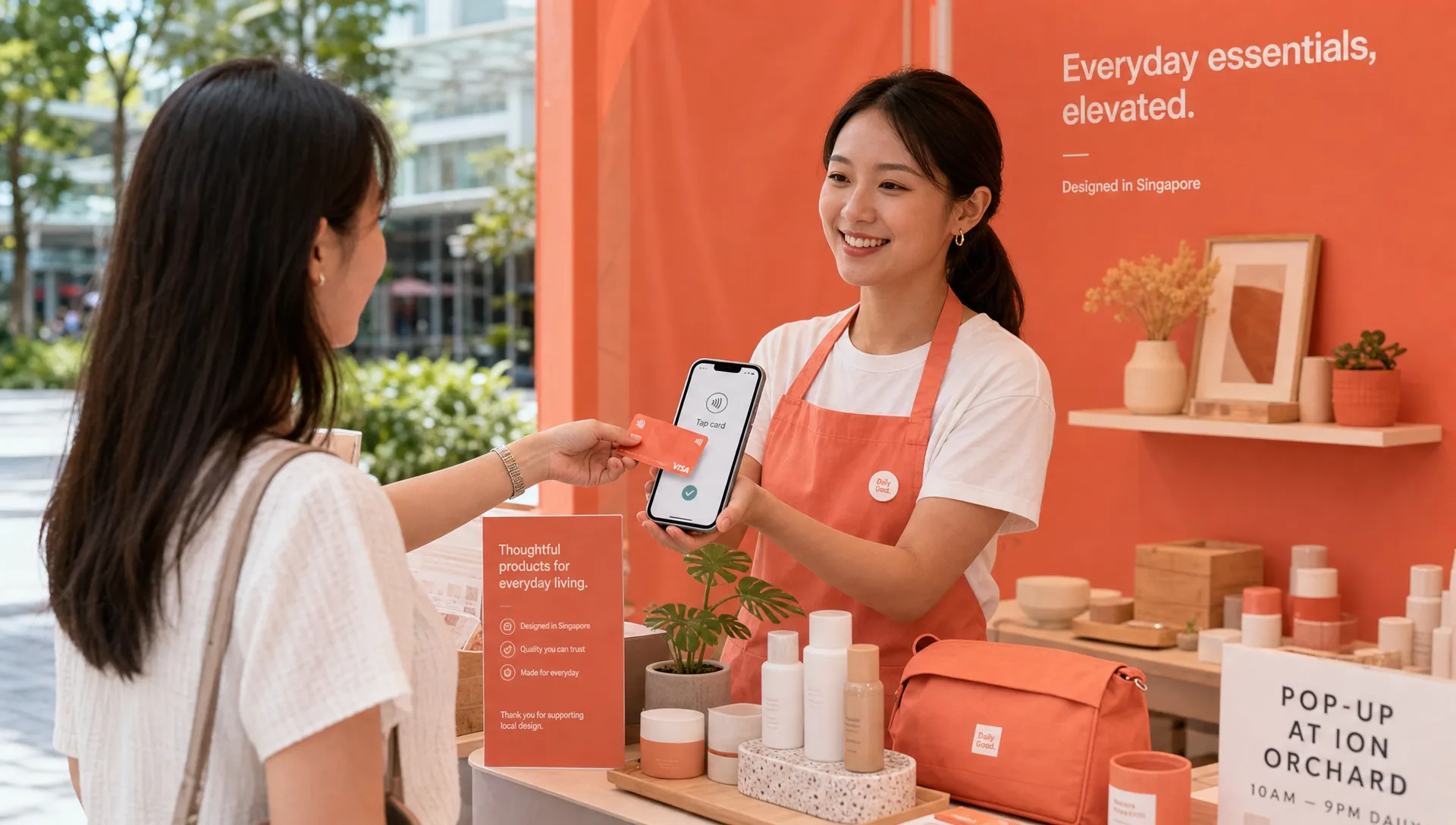
Instead of plugging in a card reader or syncing a Bluetooth terminal, you open the app, enter the amount, and ask the customer to tap their Visa, Mastercard, Amex, Apple Pay, or other supported wallet on your phone. The transaction is processed securely through the payment provider, and you receive confirmation in the app.
This is different from sending a payment link or asking for a bank transfer. The customer is making an in-person contactless card payment, similar to tapping at a retail checkout counter, but the merchant device is your phone.
For Singapore merchants, this is especially useful because many small businesses already use their phones for PayNow QR, messages, bookings, and customer communication. Tap-to-phone card acceptance simply adds another in-person payment option to a device you already carry.
Who should consider phone-based card payments?
Phone-based card acceptance is not only for retail shops. It is often most useful for businesses that move around, sell intermittently, or do not want the cost and admin of a traditional card terminal.
It can work well for:
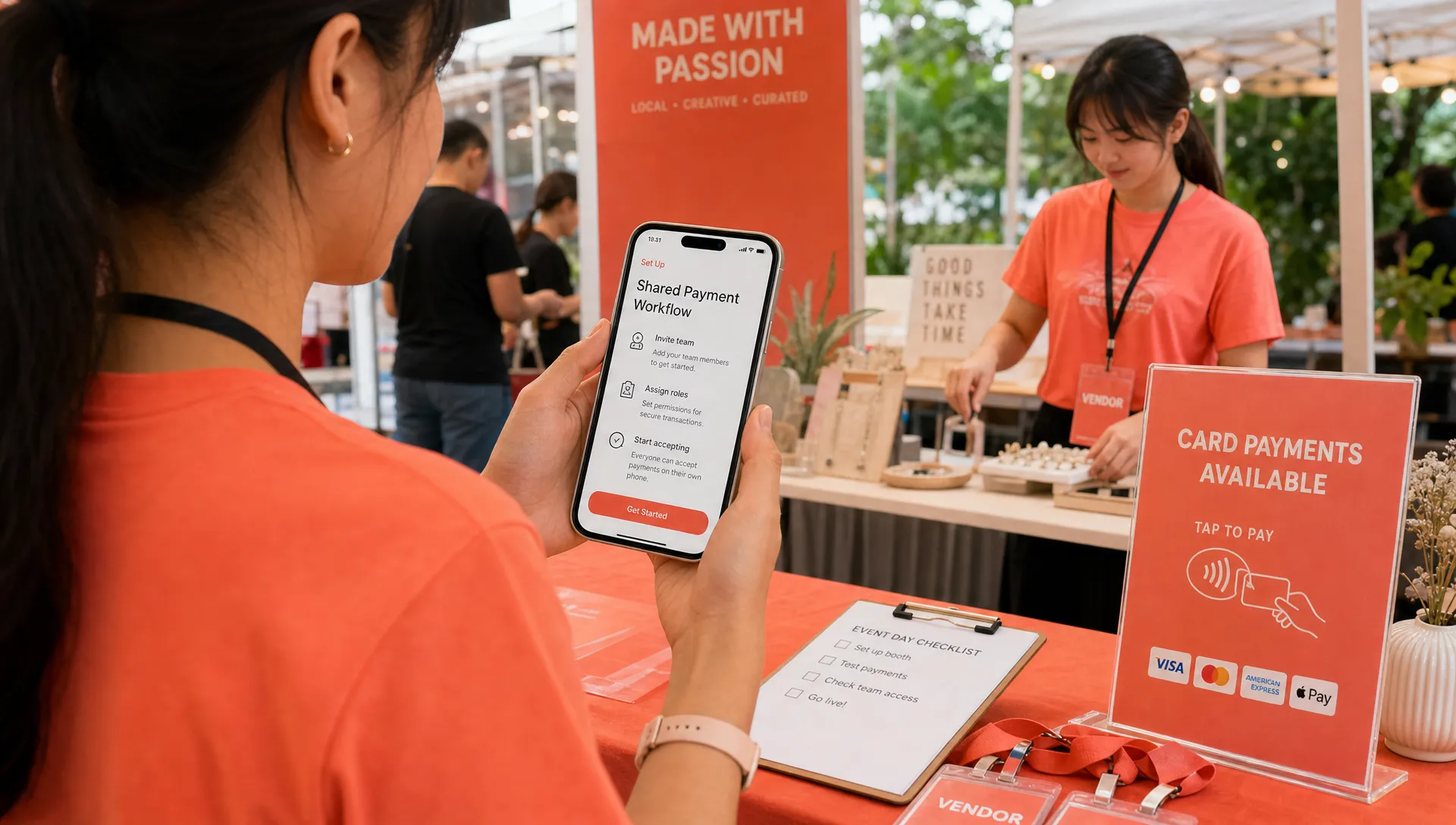
Pop-up vendors, market stalls, fairs, and event sellers
Mobile beauty providers, makeup artists, nail technicians, and hair stylists
Personal trainers, golf instructors, private tutors, and tuition centres
Air-con servicing businesses, plumbers, repair contractors, and upholstery cleaners
Private drivers, transport providers, airport transfer businesses, and tourism-facing services
Wholesalers or showroom-based businesses taking deposits or larger payments in person
Small shops that want card acceptance without a bulky countertop setup
The common thread is simple: the customer is physically present, but the business may not have a fixed cashier counter.
It may be less suitable if your business has very high transaction volume, complex inventory workflows, or needs a full POS system with SKU management, table ordering, staff roles, and kitchen routing. A tap-to-phone app is best when your core need is accepting card payments in person, not running an entire retail or F&B operating system.
What you need before you start
To take card payments on your phone in Singapore, you generally need a few basics in place.
Requirement | What to check |
|---|---|
Compatible phone | An NFC-enabled Android phone or a supported iPhone. For Tap to Pay on iPhone, iPhone XS and newer models are generally required. |
Internet connection | WiFi or mobile data so the transaction can be authorised. |
Business details | For Singapore businesses, expect to provide your latest ACRA business profile, identification for relevant owners or shareholders, and a bank statement. |
Business bank account | Settlement usually goes directly into your nominated bank account. |
Approved payment app | Use a provider that supports in-person contactless card acceptance in Singapore. |
Security compliance | Choose a provider that follows card network and PCI security requirements. |
If you are using an iPhone, you may want to read more about how Tap to Pay on iPhone works for Singapore small businesses, especially if you are deciding whether an iPhone can replace a traditional terminal for your use case.
How to take card payments on your phone, step by step
The exact flow depends on your provider, but the process is usually straightforward.
Choose a tap-to-phone provider: Compare supported devices, card types, transaction fees, payout timelines, refund options, customer support, and whether the provider is built for your business size.
Download the app: Install the payment app on your Android phone or iPhone.
Complete business onboarding: Submit the required business and verification documents digitally. For Singapore businesses, this often includes your ACRA profile, IDs for majority shareholders or business owners, and a bank statement.
Wait for approval: Some providers can approve accounts quickly, while others may take longer depending on their checks and documentation process.
Enter the charge amount: Open the app, type in the amount you want to charge, and prepare the device for contactless payment.
Ask the customer to tap: The customer taps their contactless card or mobile wallet on the NFC area of your phone, following the app’s on-screen instructions.
Confirm the transaction: The app shows whether the payment has been approved. Always wait for the confirmation before ending the sale.
Track settlement and refunds: Review your transactions, reconcile payouts, and issue full or partial refunds where your provider supports this.
The checkout experience is usually quick. The main adjustment is teaching customers where to tap, since the contactless area can differ slightly by phone model.
How card payments fit alongside PayNow in Singapore
PayNow is widely used in Singapore because it is simple, familiar, and usually free when used directly through your bank. Many small businesses moved from cash to PayNow during the COVID period and never added card acceptance because terminals felt expensive or complicated.
But PayNow and card payments solve different problems.
PayNow is excellent when the customer has a Singapore bank account, is comfortable scanning a QR code, and is happy to transfer funds directly. Card payments are stronger when the customer is a tourist, prefers rewards points, wants to use a company card, does not want to reveal bank details, or is making a higher-value purchase.
For example, an air-con servicing business may still accept PayNow for routine jobs, but offer card payments for a larger installation. A pop-up skincare brand may display both PayNow and card options, so local customers can choose while tourists can still pay easily.
If you are comparing the broader payment landscape, this guide to mobile payment methods in Singapore explains how PayNow, contactless cards, and wallets each fit into a merchant’s checkout setup.
What fees should you look at?
When comparing ways to take card payments on your phone, avoid looking only at the headline transaction rate. The total cost can depend on monthly fees, setup fees, card type, GST treatment, international card pricing, hardware costs, and payout timing.
Here is a simple way to think about the main cost categories.
Cost factor | Why it matters |
|---|---|
Transaction percentage | The fee charged as a percentage of each payment. Domestic Visa and Mastercard rates may differ from Amex or international cards. |
Fixed transaction fee | Some providers add a small fixed fee per transaction, which matters more for lower-value payments. |
Setup fee | Some providers charge to open or configure the account. Others do not. |
Monthly fee | Traditional terminals or legacy solutions may include monthly rental or subscription fees. |
Hardware cost | Phone-based acceptance can avoid buying or renting a card reader or terminal. |
Settlement timing | Faster, predictable payouts help small businesses manage cash flow. |
Refund cost and workflow | Check whether full and partial refunds are supported and how they are handled. |
For a business taking occasional higher-value payments, avoiding fixed monthly costs may be more important than shaving a tiny percentage off every transaction. For a business processing many small transactions, the fixed per-transaction fee becomes more important.
As a rule of thumb, think about your average transaction value and frequency. A mobile physiotherapist charging $180 per session has a very different payment profile from a coffee kiosk selling $5 drinks all day.
Phone app vs card reader vs traditional terminal
If you are deciding between a phone payment app, a Bluetooth card reader, and a traditional terminal, the best choice depends on how and where you sell.
Option | Best for | Trade-offs |
|---|---|---|
Tap-to-phone app | Mobile businesses, pop-ups, small shops, occasional events, businesses avoiding hardware | Requires a compatible phone and internet connection. Not a full POS system. |
Bluetooth card reader | Businesses that want a separate payment device but still need mobility | Extra hardware to buy, charge, carry, pair, update, and troubleshoot. |
Traditional terminal | Fixed-location businesses with steady in-store card volume | Can involve rental, setup, paperwork, contracts, or less flexibility for mobile selling. |
A phone-based setup is usually the lightest option. There is no separate reader to sync, no dongle to lose, and no terminal to keep charged. For many micro and small businesses, that simplicity is the point.
If you are still weighing hardware options, this comparison of a mobile payment terminal vs card reader in Singapore may help clarify which setup fits your business model.
Security and compliance: what merchants should know
Card payments involve sensitive payment credentials, so security matters. A legitimate tap-to-phone provider should use approved payment infrastructure, comply with relevant card network requirements, and follow PCI standards for handling cardholder data.
The PCI Security Standards Council maintains global standards for protecting payment card data. As a merchant, you do not need to become a payments security expert, but you should choose a provider that takes compliance seriously and does not ask you to handle card data manually.
Good habits also help:
Keep your phone’s operating system and payment app updated.
Use a strong passcode or biometric lock on your device.
Avoid jailbroken or rooted phones for payment acceptance.
Use trusted WiFi or mobile data connections.
Confirm the payment result in the app before handing over goods or leaving the job site.
Do not photograph, write down, or manually store customer card details.
For customers, tapping on a merchant’s phone may be new, so clear communication helps. A simple explanation such as “You can tap your card on my phone, it works like a contactless terminal” is often enough.
Practical tips for Singapore small businesses
Once you are set up, the biggest wins come from making the payment experience feel normal and trustworthy.
Display a small “Cards accepted” sign at your booth, counter, or service setup so customers know they do not need cash. If you serve tourists, make card acceptance visible early, not only at the moment of payment. This can reduce hesitation and make your business feel more professional.
For mobile services, mention card payment availability before the appointment or in your invoice message. For example, an upholstery cleaner could tell a customer, “You can pay by PayNow or card when the job is complete.” This prevents awkward payment conversations at the door.
For pop-ups and fairs, test your mobile data connection before the event starts. Bring a power bank if you expect a long day. If several staff members will take payments, make sure each person knows the tap location on the phone and the confirmation flow.
For higher-value transactions, offer cards proactively. Customers buying a skincare set, tuition package, personal training bundle, or home service package may prefer paying by credit card for rewards, cash flow, or company reimbursement.
How nashi helps you accept cards on your phone
nashi is built for micro and small businesses in Singapore that want a simple way to accept in-person card payments without extra hardware. The app turns a compatible smartphone into a contactless payment device, so customers can tap their card or mobile wallet on your phone.
With nashi, there is no card terminal to rent, no Bluetooth reader to pair, and no monthly subscription fee. Onboarding is digital through the app, and businesses typically provide their latest ACRA business profile, IDs of majority shareholders, and a bank statement as part of verification. Approved merchants can accept Visa, Mastercard, and Amex, with automatic payouts to their bank account in 2 business days. Full or partial refunds can also be issued through the app.
nashi is intentionally focused on card acceptance, not inventory management, e-commerce, or POS complexity. That makes it a practical fit for businesses that simply want to take card payments on their phone and continue using PayNow where it makes sense.
Frequently Asked Questions
Can I take card payments on my phone without a card reader? Yes. With a tap-to-phone or Tap to Pay on iPhone app, your compatible smartphone can act as the contactless payment device. You do not need a separate Bluetooth card reader or terminal.
Do customers need to download an app to pay me? No. For card payments, the customer usually taps their contactless card or mobile wallet on your phone. The merchant needs the payment acceptance app, not the customer.
Can tourists pay this way in Singapore? Yes, if their card or mobile wallet is supported by your provider and the transaction is approved by their issuer. This is one reason card acceptance is useful for businesses serving visitors who cannot use PayNow.
Is PayNow still worth offering if I accept cards? Yes. Many Singapore businesses should offer both. PayNow is useful for local bank transfers, while cards are useful for tourists, higher-value purchases, rewards-driven customers, and clients who prefer not to use bank transfer.
How fast do I receive funds from phone-based card payments? Settlement timing depends on your provider. With nashi, payouts are automatically settled to your bank account in 2 business days.
What phones can be used to accept card payments? You generally need an NFC-enabled Android phone or a supported iPhone. For Tap to Pay on iPhone, iPhone XS and newer models are typically required.
Start accepting card payments from your phone
If you are a Singapore small business owner who wants card acceptance without a terminal, nashi gives you a simple way to get started. Use your existing Android phone or iPhone, complete onboarding in the app, and accept in-person contactless card payments wherever your business takes you.
Visit nashi to learn how your phone can become your card payment terminal.


