
nashi Team
5 min read

Are you a small business owner in Singapore feeling stuck with your current payment setup? HitPay is a popular choice, but it’s not the only player in the game. The right payment processor can make the difference between a seamless sale and a frustrated customer.
Finding the perfect fit means looking beyond the default options. You need a solution that matches your specific workflow. This could be accepting payments on the go, integrating with existing software, or simply getting lower fees.
This guide analyzes the best payment solutions for Singaporean SMEs. We've done the heavy lifting so you can make a smarter choice without reading endless marketing pages. We cover pricing, onboarding speed, and hardware needs to identify the payment system that helps your business grow.
1. nashi
Best for: Sole proprietors and micro-businesses needing a simple, hardware-free way to accept in-person contactless card payments.
nashi is a minimalist alternative for micro-merchants who find traditional terminals too complex. It is a mobile-first Tap-to-Phone app that turns any NFC-enabled smartphone into a payment terminal, eliminating the need for separate card readers. This makes it one of the most streamlined HitPay alternatives.
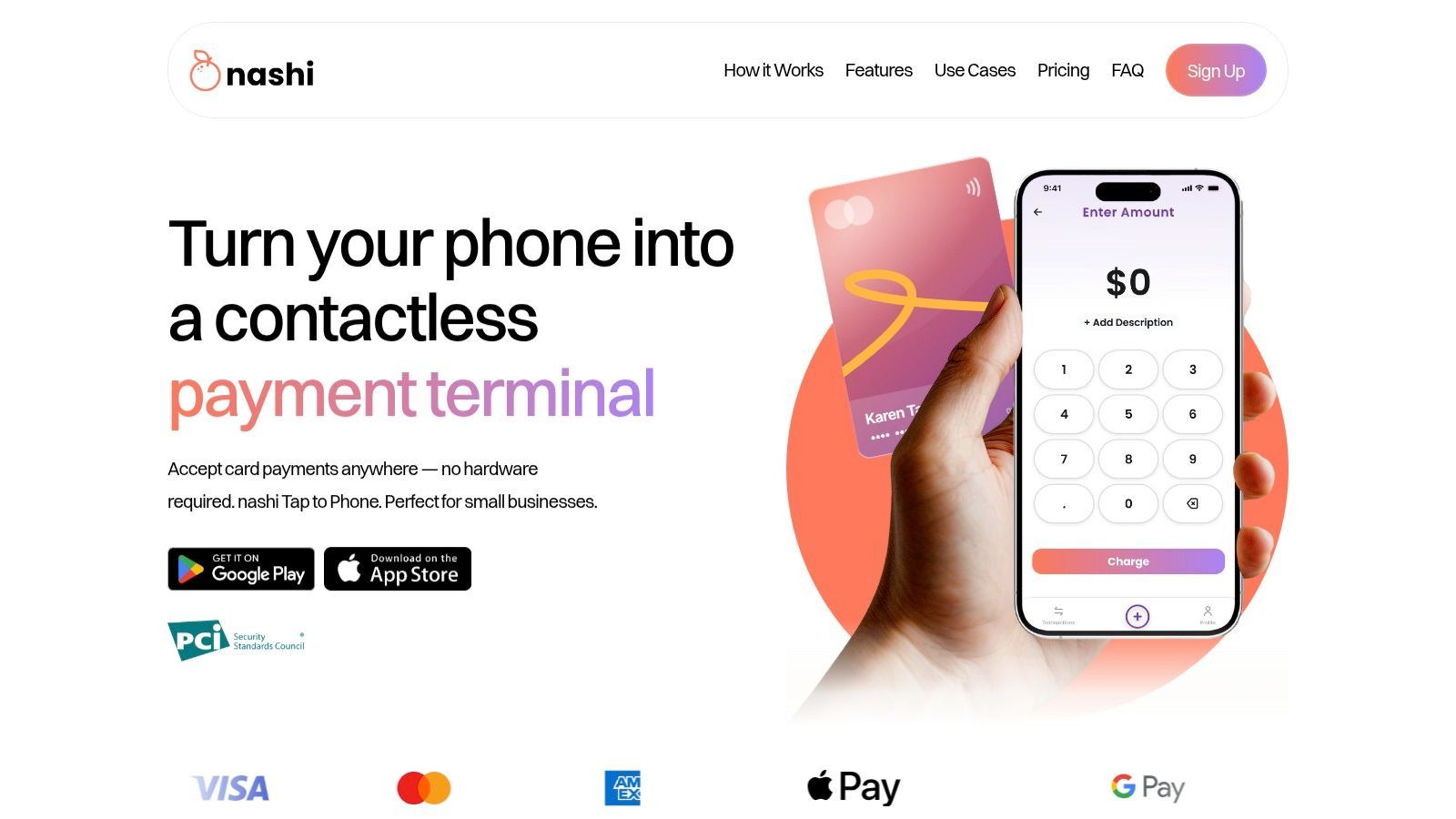
The platform’s strength lies in its simplicity. nashi is designed to do one thing well: accept in-person Visa, Mastercard, and PayNow QR payments quickly, with minimal friction.
Why nashi Stands Out
nashi is purpose-built for the smallest businesses. Digital onboarding is fast, often completed within one business day with no paperwork. Once approved, you can start accepting payments almost immediately.
Transactions typically process in around three seconds. Funds settle automatically into your bank account in two business days, this speed is a game-changer for businesses at events, pop-ups, and mobile sellers.
nashi uses a transparent pricing model with no monthly fees or long-term contracts. A risk-free trial offers 0% fees on the first S$1,000 in transactions. You can learn more about nashi and its features on their website.
Key Features & Considerations
Feature | Details |
|---|---|
Payment Acceptance | Tap-to-Phone / Tap to Pay on iPhone (Visa, Mastercard, AMEX), PayNow QR |
Hardware Required | None. Requires a modern NFC-enabled smartphone. |
Onboarding Speed | Extremely fast, typically around 1 business day. |
Pricing Model | Pay-per-transaction. No monthly fees. Introductory rate of 1.99% +S$0.30, standard 2.7% + % +0.50. |
Settlement | Automatic to your designated bank account in 2 business days. |
Primary Use Case | In-person payments for mobile sellers, (AC Contractors, Plumber Cleaners) pop up events and small retailers. |
Pros
Truly Hardware-Free: Your smartphone is the terminal.
Rapid Onboarding & Payouts: Get started in a day and receive your money automatically.
Micro-Business Friendly: Simple UX and pricing for low-volume sellers.
Secure & Reliable: Built on enterprise-grade payment rails (Adyen) and PCI-DSS compliant.
Cons
Focused Functionality: Not a POS system; lacks inventory management or e-commerce integrations.
Device Dependent: Requires a compatible NFC-enabled smartphone.
Higher Fees for Certain Cards: AMEX and international cards have a higher transaction rate.
Website: https://www.trynashi.com/
2. Stripe
Stripe is a global payments powerhouse and a great HitPay alternative. It’s ideal for businesses that prioritize developer tools and a vast integration ecosystem. It also supports Tap to Pay on compatible iPhones and Android devices, eliminating extra hardware.
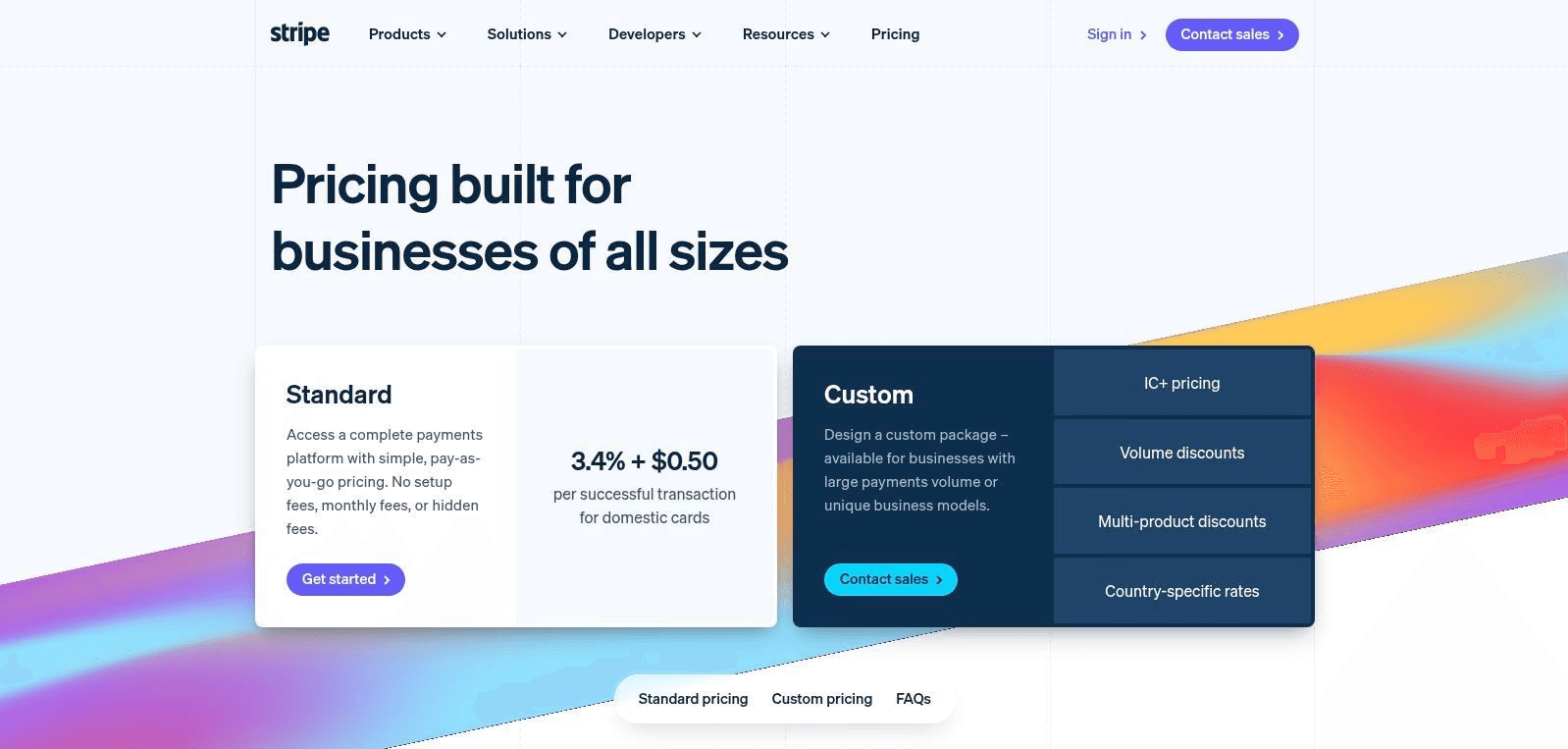
The platform's extensible APIs allow for deep customisation. It integrates easily with systems like Shopify, WooCommerce, or custom-built apps. While standard rates can be high for low-margin businesses, its transparent, pay-as-you-go pricing offers flexibility.
Stripe’s dashboard provides powerful tools for managing payouts, disputes, and sales data. This gives you a comprehensive command centre for your business finances.
Who Stripe Is Best For
Stripe is best suited for tech-savvy startups, online businesses, and scaling companies that need advanced integrations alongside occasional in-person payments.
Website: https://stripe.com/en-sg/pricing
3. Adyen
Adyen is an enterprise-grade payments platform designed for global scale. It supports online and in-person payments, including Tap to Pay on iPhone in Singapore. This makes it a sophisticated choice for merchants needing robust, reliable payment rails.
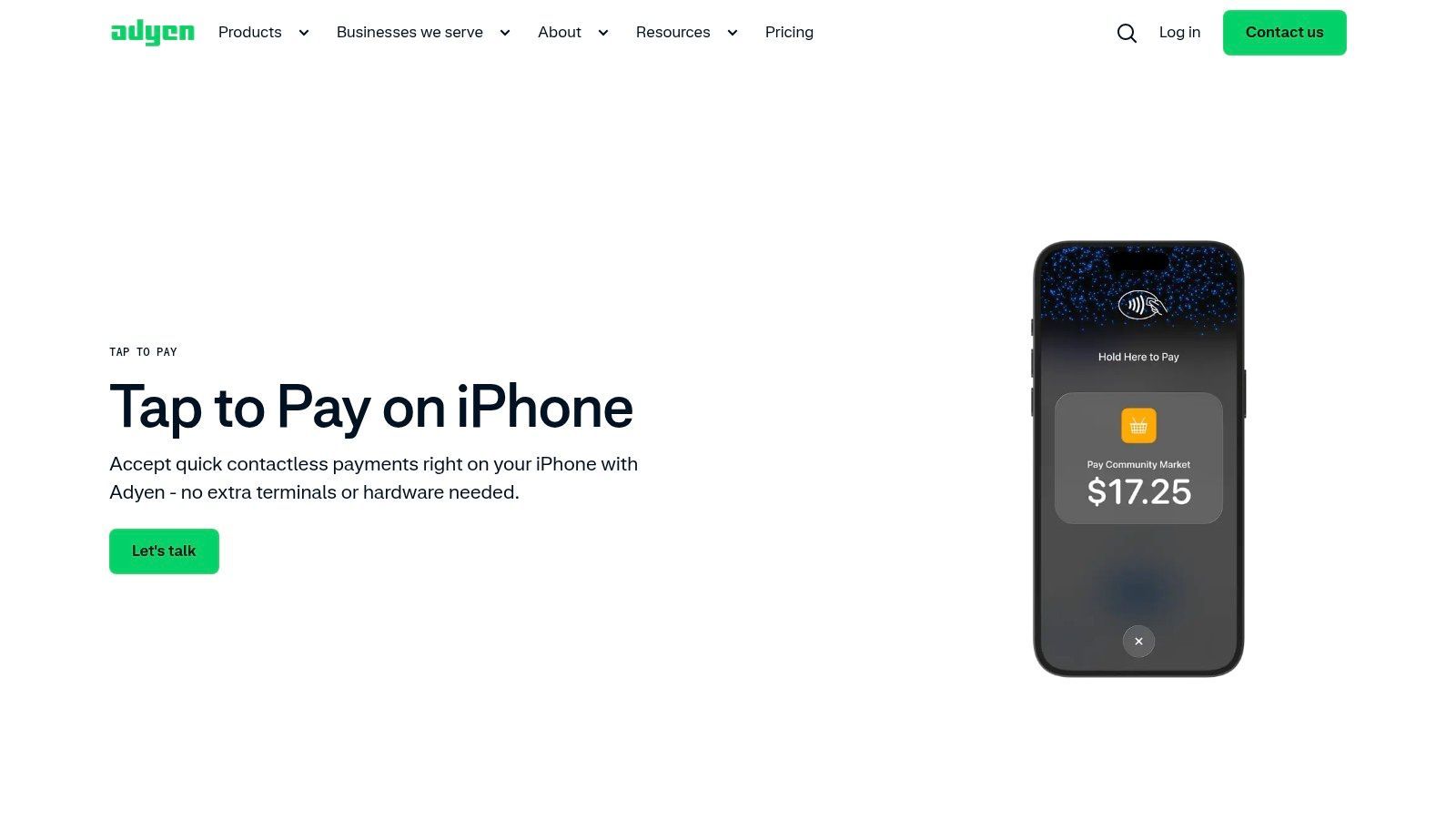
Adyen's strength is its unified commerce approach and advanced tools. As a global acquirer, it can improve authorisation rates and streamline cross-border transactions. Its Interchange++ (IC++) pricing model offers transparency for high-volume businesses.
However, Adyen's sales-led signup process may be too complex for micro-businesses. Getting specific Singapore pricing requires contacting their sales team and minimum payment volumes. This makes it less accessible for those who prefer a self-service setup.
Who Adyen Is Best For
Adyen is best for established businesses and enterprises that want to optimise payments across multiple markets.
Website: https://www.adyen.com/en_SG/devices/tap-to-pay-on-iphone
4. Fiuu
Fiuu (formerly Razer Merchant Services) is a strong option for businesses expanding across Southeast Asia. Its Fiuu Virtual Terminal iOS app enables Tap to Pay on iPhone. This allows merchants to accept card payments instantly without extra hardware.
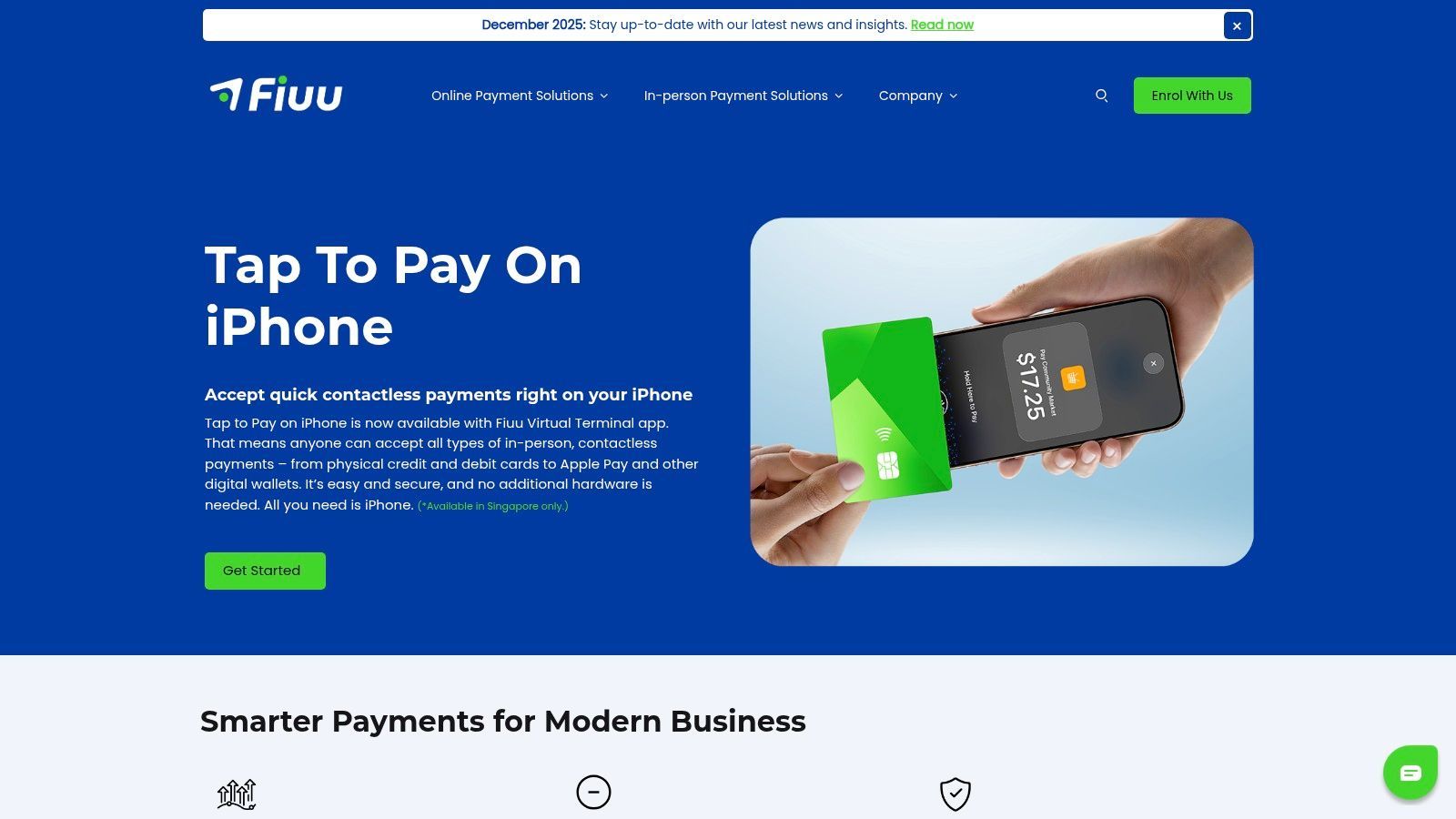
Fiuu supports a vast array of payment methods crucial for SEA, including cards and local digital wallets. This broad coverage makes it an excellent one-stop integration. The platform also provides clear documentation on MAS/GST treatment for its fees in Singapore.
Pricing isn't publicly listed in detail. You'll need to contact their sales team for specific merchant discount rates (MDR). This approach is less ideal for startups that prefer transparent pricing.
Who Fiuu Is Best For
Fiuu is ideal for e-commerce businesses targeting customers across Southeast Asia. It's also great for Singapore-based mobile vendors who need a simple Tap to Pay on iPhone solution. Get our detailed analysis of Fiuu here.
Website: https://fiuu.com/
5. FOMO Pay
FOMO Pay is a major MAS-licensed payment institution in Singapore. It excels in unifying payment methods, from credit cards to mobile wallets and SGQR. Their FOMO SoftPOS solution enables merchants to accept contactless card payments on an Android device without a terminal.
Onboarding can take up to 14 working days, and pricing requires discussion with their sales team.
Who FOMO Pay Is Best For
FOMO Pay is best for established SMEs and growing businesses that require a scalable payment infrastructure. It’s an excellent option for merchants who want to offer a wide array of QR payment options.
Website: https://www.fomopay.com/
6. Grab Merchant
For merchants in the Grab ecosystem, this is a strong HitPay alternative. Grab Merchant now includes Tap to Pay on iPhone directly within its iOS app. This allows sellers to accept contactless payments without extra hardware.
The primary appeal is convenience. Instead of juggling a separate payment app and the Grab Merchant portal, everything happens in one place. Activating the feature is quick for eligible merchants with an iPhone XS or later.
This feature is currently limited to iOS devices. Merchants will need to check within the app for specific Merchant Discount Rates (MDRs) and payout schedules. For those deeply embedded in Grab's network, the seamless integration is a draw.
Who Grab Merchant Is Best For
Grab Merchant with Tap to Pay on iPhone is perfect for F&B businesses and pop-up vendors already using the Grab platform. It's the ultimate tool for merchants who want to consolidate operations into a single, familiar app.
Website: https://www.grab.com/sg/merchant/
7. Qashier
Qashier is a compelling alternative for retail and F&B merchants seeking an all-in-one solution. It integrates its QashierPay payment terminals with a powerful suite of POS software. This creates a unified system for managing sales, inventory, and payments from one device.
Qashier’s strength is its transparent Singapore Dollar pricing for hardware and software plans. This clarity allows businesses to budget effectively. The terminals accept a broad range of payments, including cards, PayNow QR, and local e-wallets.
While it's a hardware-centric model, its add-on modules provide a clear growth path. These include kitchen display systems and loyalty programmes. Some software plans have transaction limits, so it's important to choose the right tier.
Who Qashier Is Best For
Qashier is ideal for brick-and-mortar retail and F&B businesses that need a dedicated, integrated POS and payment terminal. It's suited for cafes and shops that value an all-in-one system.
Website: https://qashier.com/sg/
How to Choose the Right HitPay Alternative
Before you commit, revisit these critical questions to guide your selection. This is a strategic decision that impacts your customer experience and cash flow.
What is your primary sales environment? A mobile vendor may need a SoftPOS solution like nashi. A fixed retail shop might prefer a dedicated terminal from Qashier.
How fast do you need to start? If you need to accept payments tomorrow, prioritize platforms with rapid digital onboarding.
What is your transaction volume? For intermittent sellers, a pay-per-transaction model is crucial. High-volume businesses might benefit from custom pricing from larger players.
What are your true costs? Look beyond the sticker price. Factor in terminal rentals, monthly subscriptions, and hidden charges.
Modern HitPay alternatives give Singapore SMEs more flexibility than ever. From smartphone-only solutions to full POS systems, the right choice depends on how — and where — you sell. Modern HitPay alternatives let you accept payments anywhere, anytime, using your smartphone.
Embrace this flexibility. Test a solution with a free plan to see how it feels. Your final choice should feel like a partner that simplifies operations and helps you get paid faster.
Frequently Asked Questions
What is the cheapest HitPay alternative for low-volume sellers?
For intermittent sellers, pay-per-transaction platforms like nashi or GrabMerchant are often the most cost-effective. They use a pay-per-transaction model with no monthly subscription fees, so you only pay when you make a sale. This avoids fixed costs during slower periods.
Can I accept card payments without buying a terminal?
Yes. Tap-to-Phone and SoftPOS solutions turn compatible smartphones into payment terminals. nashi, Stripe, and Grab Merchant (on iPhone) all offer this feature, allowing you to accept contactless card payments without any extra hardware.
How fast can I start accepting payments?
Onboarding speed varies. Digital-first platforms like nashi and Stripe often approve applications within one business day. Bank-backed solutions or those requiring more complex verification, like FOMO Pay, may take longer, sometimes up to two weeks.
Do I need a POS system?
If you only need to accept payments, a simple app like nashi is sufficient. If you need to manage inventory, track sales analytics, and handle staff accounts, an integrated POS system like Qashier is a better fit.
Ready to embrace simplicity and speed without the clunky hardware? nashi offers one of the most straightforward Tap to Pay on iPhone experiences, making it a leading choice among HitPay alternatives for mobile businesses. Get started with nashi in minutes and turn your iPhone into a powerful payment terminal today.


